Storage buyers guide

Best hard drives for NAS in 2026

Independent picks from Hard Drive Prices Editorial Team. We compare specs, real-world fit, and street prices so you can choose a drive without wading through spec sheets alone.

Last updated April 10, 2026.

Introduction

The best hard drives for NAS in 2026 are purpose-built 3.5 inch models that stay predictable in RAID and multi-bay vibration: NAS firmware tuning, rotational vibration sensors on higher bay counts, and CMR recording for parity pools. Desktop drives can work in a pinch, but NAS and enterprise lines are built for 24/7 spin, concurrent small reads, and RAID-friendly error recovery timeouts.

Methodology

We prioritize CMR (conventional magnetic recording) NAS lines with explicit multi-bay vibration tolerance, RAID-friendly error recovery behavior, and workload ratings that match always-on file serving. We then weigh value (price per TB on the default capacity we track), warranty and rescue options where applicable, and real-world shopper signals from large retailer rating pools. Enterprise drives are included only when maximum capacity or sustained throughput is the primary goal, not quiet home use.

If you are buying today, match the drive family to bay count and annual rewrite workload, then lock in CMR and a capacity that keeps at least one backup tier offline or on a second device. The picks below are the lines we track on Hard Drive Prices because they show up constantly in real NAS builds and have clear spec sheets for RAID, noise, and endurance.

How we picked these drives

Our methodology is simple and repeatable: we start with vendor workload statements and recording technology, we require transparent multi-bay guidance where the manufacturer publishes it, and we prefer lines with widely available capacity steps so you can grow a pool without mixing odd firmware SKUs. When two drives are close, we favor the option with clearer rescue or warranty paths and stable street pricing.

Our picks

Ranked for how they balance price, capacity, and the workload they are built for. Open any pick for full specs and alternate retailers.

#1Best overall
Seagate IronWolf NAS Internal Hard Drive (3.5 inch), 16 TB — Best overall editorial pick #1, product photo for shoppers comparing hard drives

Seagate IronWolf NAS Internal Hard Drive (3.5 inch)

The IronWolf line is the default recommendation for many Synology, QNAP, and TrueNAS builds because it balances CMR NAS tuning with health reporting that matches what most owners expect from a 24/7 file server.

interface
SATA 6 Gb/s
form factor
3.5 inch
rpm
7200
model
ST16000VN001
#2Best for heavy workloads
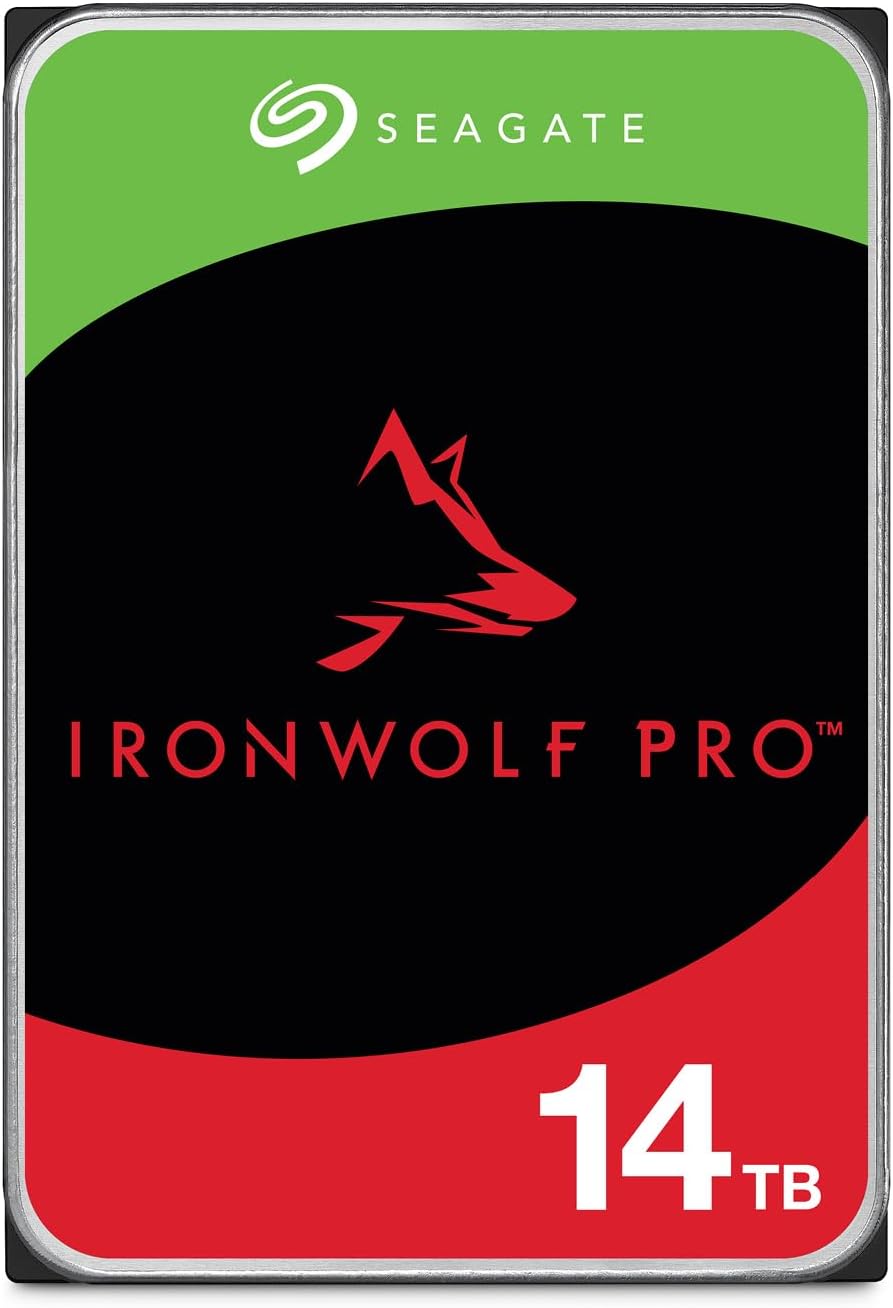
Seagate IronWolf Pro NAS Internal Hard Drive (3.5 inch), 12 TB — Best for heavy workloads editorial pick #2, product photo for shoppers comparing hard drives

Seagate IronWolf Pro NAS Internal Hard Drive (3.5 inch)

IronWolf Pro steps up workload ratings and warranty positioning for busier shares, larger pools, and teams that hit the disk harder than a typical home media server.

interface
SATA 6 Gb/s
form factor
3.5 inch
rpm
7200
series
IronWolf Pro
#4Best for multi-bay NAS
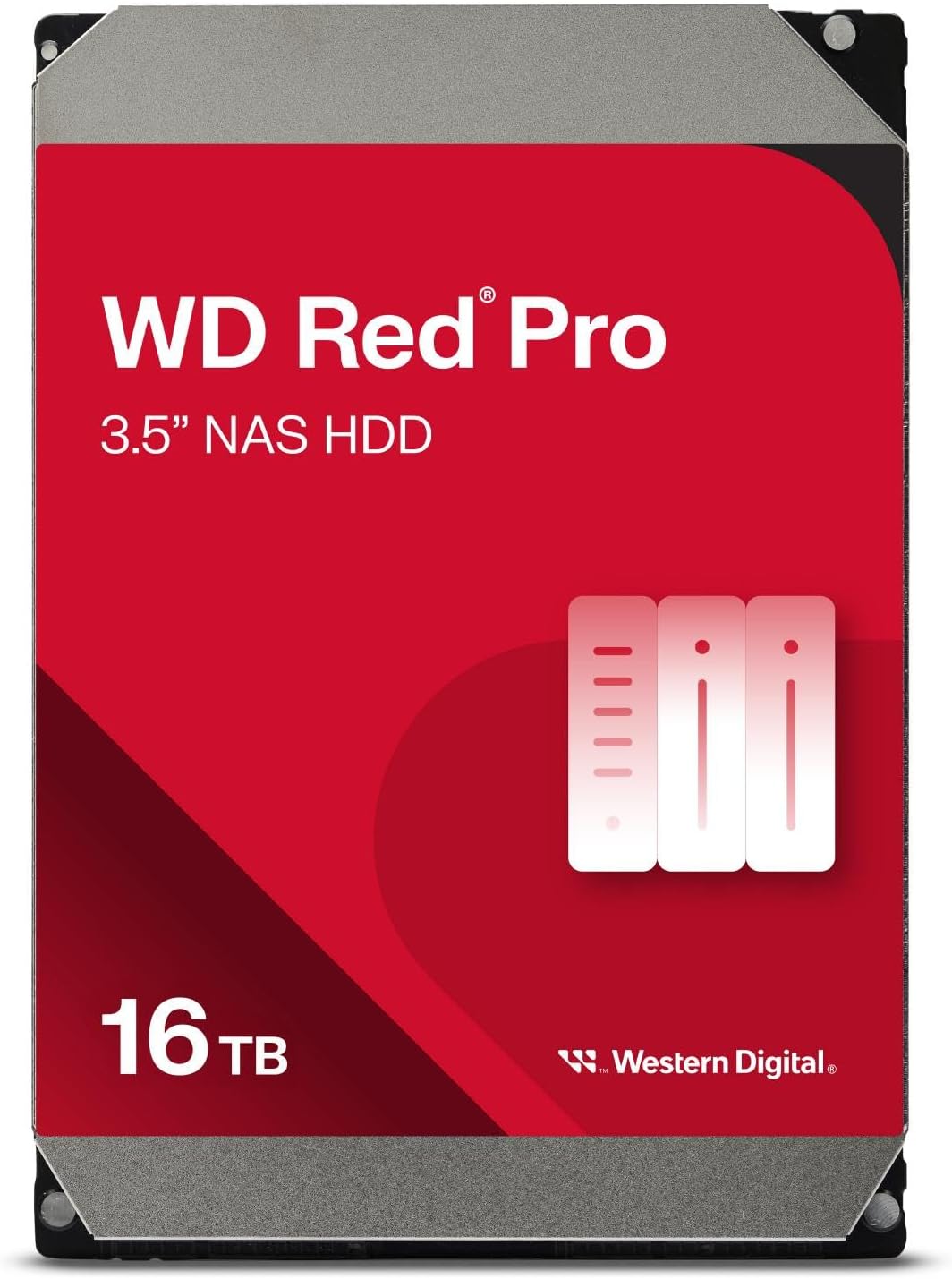
Western Digital WD Red Pro NAS Internal Hard Drive (3.5 inch), 16 TB — Best for multi-bay NAS editorial pick #4, product photo for shoppers comparing hard drives
  • Amazon4.1
  • Staples3.9

Western Digital WD Red Pro NAS Internal Hard Drive (3.5 inch)

Red Pro targets denser racks and tougher vibration environments. If you are stacking many spindles or running a hotter closet rack, this is the WD family with the pro-grade story.

interface
SATA 6 Gb/s
form factor
3.5 inch
rpm
7200
series
WD Red Pro
#5Best for maximum capacity
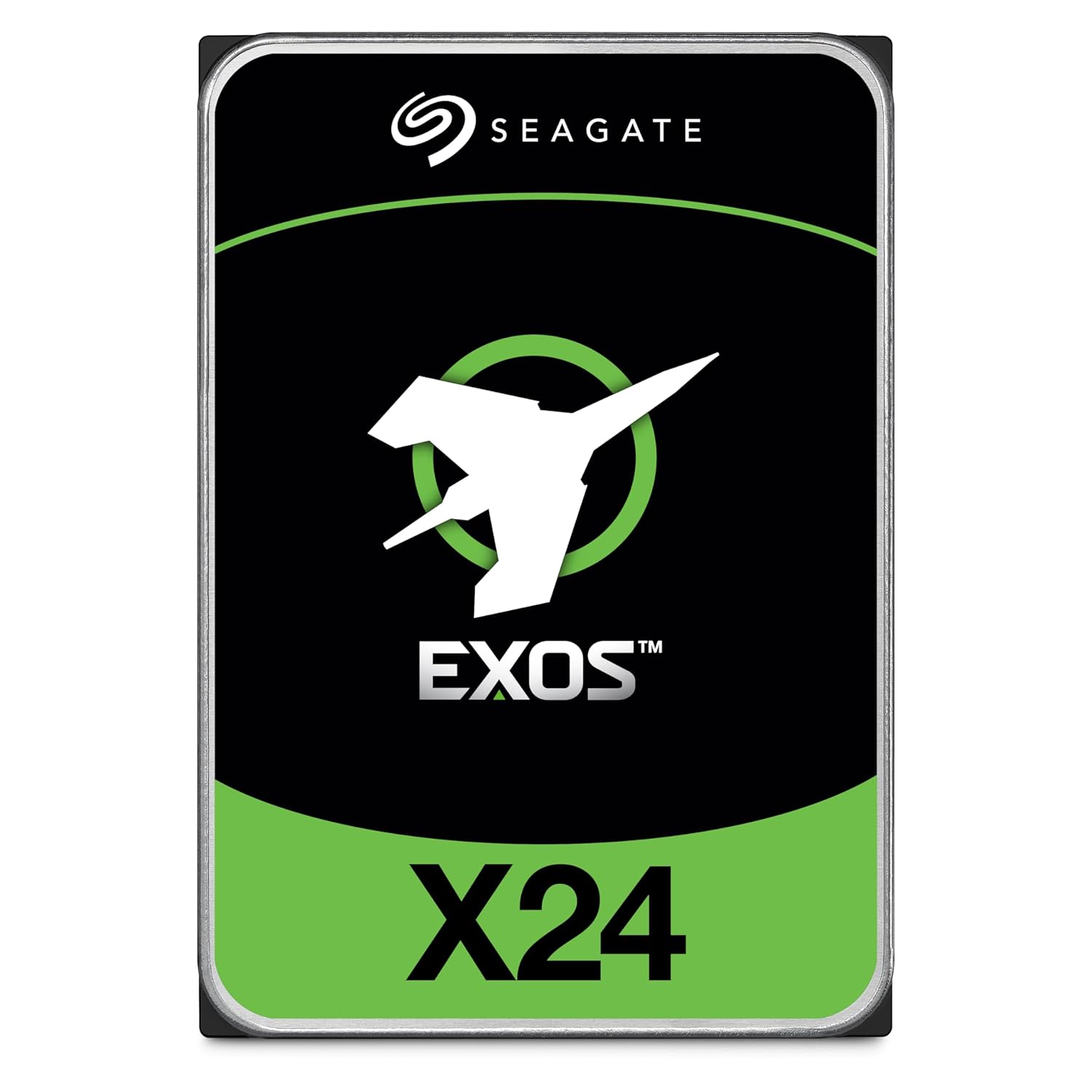
Seagate Exos X24 Enterprise Internal Hard Drive (3.5 inch), 24 TB — Best for maximum capacity editorial pick #5, product photo for shoppers comparing hard drives

Seagate Exos X24 Enterprise Internal Hard Drive (3.5 inch)

Exos X24 is helium enterprise storage for operators who want top capacity per slot and can handle enterprise thermals and acoustics. Treat it as a datacenter-style pick, not a silent bedroom NAS default.

interface
SATA 6 Gb/s or SAS 12 Gb/s depending on part number
form factor
3.5 inch
rpm
7200
series
Exos X24

Bottom line

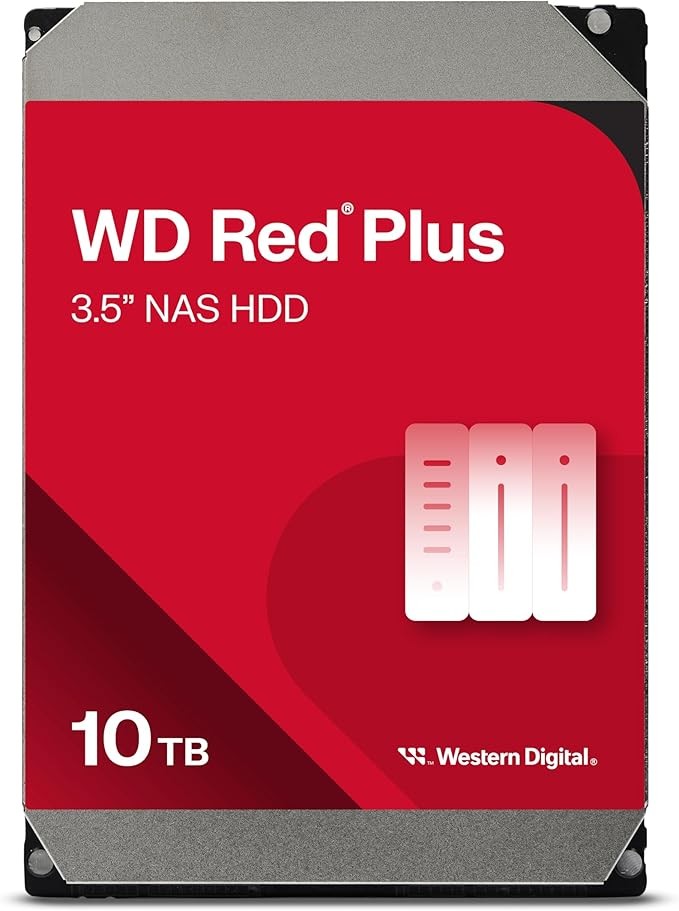
Pick the IronWolf line when you want a balanced Seagate NAS stack with health tooling that matches many consumer NAS boxes. Step up to IronWolf Pro when you are running heavier multi-user shares, larger RAID groups, or longer warranties at higher annual workloads. WD Red Plus is the value anchor for classic CMR NAS builds, while Red Pro is the Western Digital answer to dense racks and tougher vibration environments.

Seagate Exos X24 is the outlier on purpose: it is an enterprise class helium platform for maximum capacity and sustained throughput when you accept enterprise acoustics and pricing. Pair it with good cooling and a UPS, and keep a migration plan because top capacities turn over quickly.

When you are ready to compare live context and per-variant pricing, open each product page above and use the capacity buttons to match your NAS vendor's compatibility list. If you want a wider market view, start from the home comparison table and filter by capacity and price per TB.

FAQ

What makes a hard drive "NAS grade"?

NAS drives are tuned for always-on operation, multi-bay vibration, and RAID-friendly error recovery timeouts. They also publish workload ratings (TB per year) that help you match a disk to how much data you write, not just how big the volume is.

Why is CMR important for NAS and RAID?

CMR writes data on traditional tracks. Many SMR drives pause and rewrite internally under sustained random write loads, which can look like latency spikes or timeouts to a RAID controller. For parity RAID and busy multi-user shares, CMR is the safer default unless you know the array is SMR-aware.

IronWolf vs IronWolf Pro: which should I buy?

IronWolf targets SMB and prosumer NAS units with strong bay counts and moderate to busy workloads. IronWolf Pro adds higher workload ratings, longer warranties on many SKUs, and positioning for heavier multi-user environments and larger RAID sets. Match the spec sheet workload number to how you use the box.

Is it okay to use an enterprise drive like Exos in a NAS?

Yes, when your priority is maximum capacity, sustained throughput, or datacenter-style endurance. Enterprise drives can run warmer or louder than NAS-branded models, so plan airflow and placement. Always confirm compatibility with your NAS vendor because some units optimize acoustic profiles around specific drive families.

How many bays need rotational vibration (RV) sensors?

Many vendors highlight RV sensors for multi-bay chassis because disks can shake each other and raise latency. If you run more than a couple of spindles side by side, prefer lines that explicitly call out RV compensation or pro-grade multi-bay ratings rather than assuming a desktop drive will stay smooth at full fan speed.

Should I fill every bay on day one?

Not unless your backup and power story is ready. Adding disks in matched sets can simplify RAID planning, but expanding pools later is common. Buy the capacity you need for the next 12 to 18 months, keep cold backups separate, and leave headroom for scrubbing and rebuild time.