Storage buyers guide

The 6 best Xbox storage drives in 2026 (Expansion Cards and USB)

Independent picks from Hard Drive Prices Editorial Team. We compare specs, real-world fit, and street prices so you can choose a drive without wading through spec sheets alone.

Last updated April 15, 2026.

Introduction

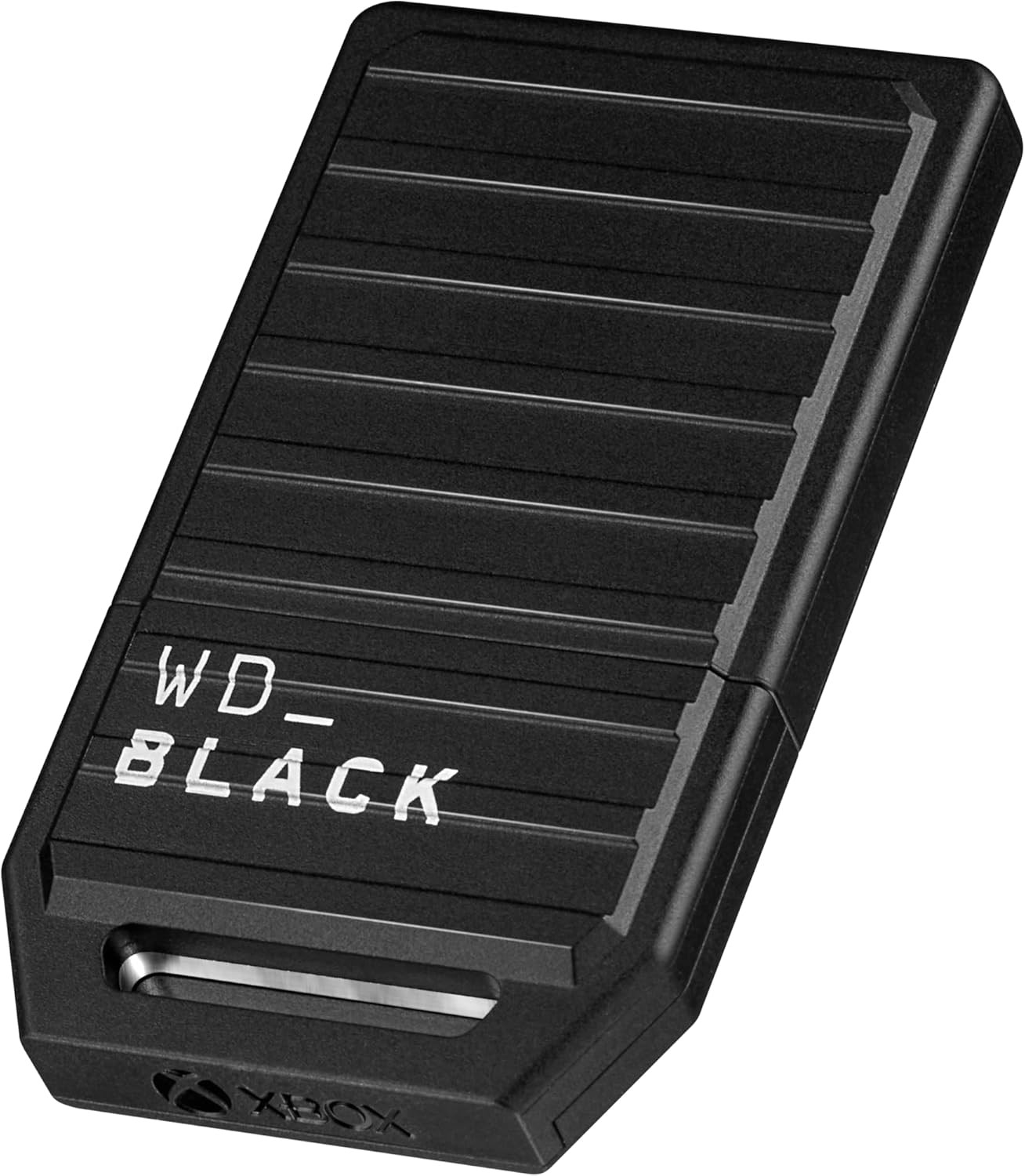
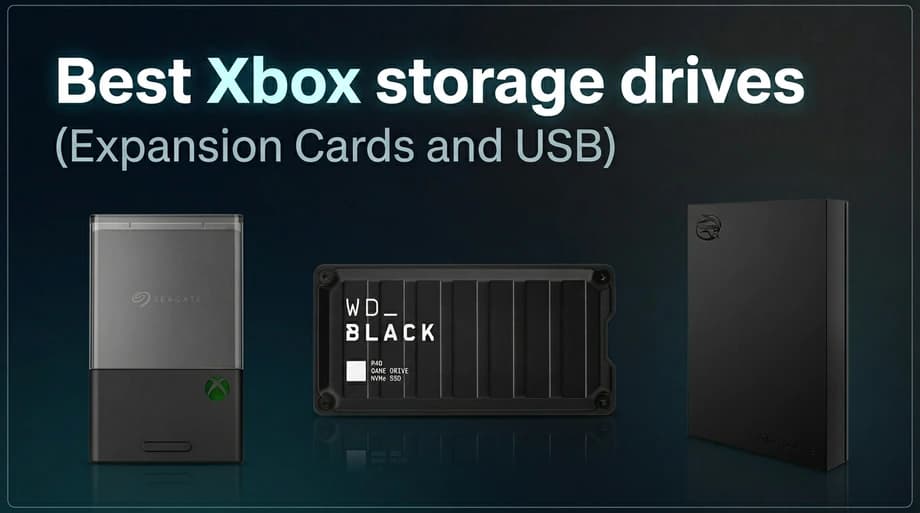
Best Xbox storage drives (Expansion Cards and USB): Seagate Xbox Storage Expansion Card, WD_BLACK P40 Game Drive SSD, and Seagate portable external drive

For Xbox Series X|S in 2026, the "best" storage depends on whether you need native play space for optimised next-gen games or affordable USB space for archives and last-gen play. Official Xbox Expansion Cards (Seagate and WD_BLACK) are still the way to add SSD-class space that behaves like the internal drive. USB 3.0 external HDDs and SSDs remain essential for big libraries, Game Pass rotation, and moving installs, even though they do not replace the internal SSD for most Series X|S titles.

Methodology

We separate two buyer problems that get mixed up in generic "best external drive" lists: expanding native play space for Xbox Series X|S optimised titles (licensed Expansion Cards), versus cheap bulk storage and fast USB archives for backwards compatible games and cold storage. We require clear USB 3.0 or faster positioning for external picks, realistic capacity steps you can actually buy, and lines we track on Hard Drive Prices so pricing and variants stay honest. We then rank value within each class (card vs USB HDD vs USB SSD), and we call out the non-negotiable platform rule: USB cannot replace internal or card storage for playing most next-gen optimised installs.

Two kinds of Xbox storage (and why both exist)

Series X|S consoles split storage into two ideas: devices that can run optimised next-gen games, and devices that are best for keeping games ready to move, plus playing most Xbox One and earlier titles from USB.

Xbox Expansion Card
  • Plugs into the console's dedicated expansion port (not USB).
  • Built to match the internal SSD experience so you can install and play Xbox Series X|S optimised titles from the card.
  • Costs more per gigabyte than USB HDDs because it is effectively console-grade NVMe storage in a licensed module.
USB external drive (HDD or SSD)
  • Must be USB 3.0 or faster. Works for storage, backups, and shuffling installs.
  • Xbox One, Xbox 360, and original Xbox games can usually run from USB. Optimised Series X|S titles generally need to live on the internal SSD or an Expansion Card to play, but you can keep them on USB and move them when you are ready.
  • USB SSDs load last-gen games faster than USB HDDs; HDDs win on cheap bulk terabytes.

If you only read one section, make it the comparison table below: it lines up two Expansion Cards and four USB drives so you can see what runs where before you spend money.

Xbox Velocity Architecture and why USB is not a drop-in substitute

Series X|S consoles use a fast internal NVMe SSD and features like hardware decompression and Sampler Feedback Streaming as part of the Xbox Velocity Architecture. In practical terms, that means many optimised for Xbox Series X|S games expect storage that can keep up with how the console streams assets. Microsoft addresses extra native play space through licensed Expansion Cards that plug into the dedicated port on the console, not through arbitrary USB drives.

USB drives still matter. They are ideal for Xbox One and earlier games you want to run from external storage, and for keeping large installs parked until you are ready to move them to the internal SSD or a card. Think of USB storage as library shelving, and the internal SSD plus optional Expansion Card as the place games live when you are actively playing them in the next-gen format.

Expansion Card vs USB: what each can do

Expansion Card (Seagate or WD_BLACK C50) - Install and play most Xbox Series X|S optimised titles from the card, similar to internal storage. - Premium price per GB, because it is proprietary high-bandwidth storage, not a generic USB stick.

USB external HDD or SSD (USB 3.0 or faster) - Play many Xbox One / Xbox 360 / original Xbox titles from the drive, subject to platform rules. - Store Series X|S games to free space, then move them to internal or Expansion Card to play. - HDDs win on cost per TB. SSDs cut transfer times and load times for titles that can run from USB.

Buying guide: what actually matters on the label

USB generation naming is messy. Retail boxes may say USB 3.0, USB 3.1 Gen 1, or USB 3.2 Gen 1: for many products those point to the same 5 Gbps class. USB 3.x Gen 2 style wording usually maps to 10 Gbps devices and cables, which helps future-proof large transfers if your ports and cable match end to end.

Do not chase the wrong problem. A faster USB SSD shortens transfers and helps older games. It does not turn USB into internal-class storage for optimised Series X|S play.

Power and cables. Use the cable that came with the drive when possible, plug directly into the console when troubleshooting, and remember bus-powered drives can be picky about hubs.

How much capacity do you need?

Series S owners feel tight space first. Series X owners hit limits once a few large installs stack up. Planning beats guessing:

- Casual rotation (Game Pass sampler): a 1 TB USB plus internal storage often works if you delete what you are not playing. - Keep several big installs ready: plan for multiple terabytes of USB storage, or add an Expansion Card so next-gen titles can stay installed natively. - Reference sizes (vary by edition and content): flagship shooters and open-world racers often land in the tens to low hundreds of GB per title when all modes or maps are installed. Treat numbers as order-of-magnitude, then add 20–40% headroom for updates.

Setup, moves, and saves

Formatting: when the Xbox formats an external drive, it is being prepared for Xbox storage, not shared Windows use on the same partition layout.

Moving games: you can move or copy games between internal, Expansion Card, and USB storage in the system storage UI. Transfers are usually far faster than redownloading.

Saves: for most modern titles, progress is synced separately from installs. Deleting a game to reclaim space does not automatically delete cloud saves, but always verify per title if you are offline for long stretches.

Console compatibility: Xbox Series X|S supports Expansion Cards and USB 3.0+ external storage. Xbox One consoles do not use Expansion Cards; USB rules are still USB 3.0 for external game storage.

Common mistakes (we still see these in support threads)

Buying USB 2.0 gear for games. It is fine for tiny backups, not for moving 100 GB installs.

Expecting USB to run optimised Series X|S titles. That is what internal storage and Expansion Cards are for.

Ignoring cable and port reality. A mismatched cable can leave a 10 Gbps drive running at a slower link speed.

Buying a drive for "both PC and Xbox" without planning partitions. Expect to dedicate drives per device or accept reformatting.

How we picked these six drives

We include both licensed Expansion Cards because they are the only practical way to add native play space outside the factory SSD. We then add two USB HDDs for bulk cold storage at different price points, and two USB SSDs for faster transfers and snappier last-gen loads. Every pick links to a live product page on Hard Drive Prices so you can compare SKU-level pricing and specs.

If you are also building network-attached storage for a home server, our best hard drives for NAS guide covers RAID and vibration in a way Xbox USB shopping usually skips.
Head-to-head comparison

Six drives across two categories: official Xbox Expansion Cards (native play for optimised titles) and USB drives (archive, last-gen play, and shuffle storage). Figures come from the default variant we track; open each product for every SKU and live pricing.

Compare Xbox storage expansion and USB drive picks
CriteriaSeagate Storage Expansion Card for Xbox Series X|S (NVMe SSD)Western Digital WD_BLACK C50 Xbox Storage Expansion Card (Officially Licensed for Xbox Series X|S)Seagate FireCuda Gaming External Hard Drive (USB 3.2)Toshiba Canvio Basics Portable External Hard Drive, USB 3.0 (2.5 inch)Samsung T7 Portable SSD (USB 3.2 Gen 2)Western Digital WD_BLACK P40 Game Drive SSD (Portable External)
Storage typeXbox Expansion CardXbox Expansion CardUSB external HDDUSB external HDDUSB external SSDUSB external SSD
Plays Xbox Series X|S optimised titles from this deviceYes (same class as internal SSD)Yes (same class as internal SSD)No (store or move; play from internal or card)No (store or move; play from internal or card)No (store or move; play from internal or card)No (store or move; play from internal or card)
Capacities tracked1–4 TB0.5–2 TB1–5 TB1–4 TB0.5–4 TB1–2 TB
InterfaceNVMe (Xbox storage expansion slot)Xbox Expansion SlotUSB 3.2 Gen 1See product pageUSB 3.2 Gen 2 (10 Gbps)USB 3.2 Gen 2x2
Price (default variant)$199.00$149.99$120.54$162.99$321.78$229.00
Best forNative Series X|S play, extra fast tierNative Series X|S play, WD optionBig USB archive, RGB desk setupsBudget USB bulk storageFast USB SSD for last-gen and cold storageRugged USB SSD, high throughput

Our picks

Ranked for how they balance price, capacity, and the workload they are built for. Open any pick for full specs and alternate retailers.

#1Best Expansion Card (overall)
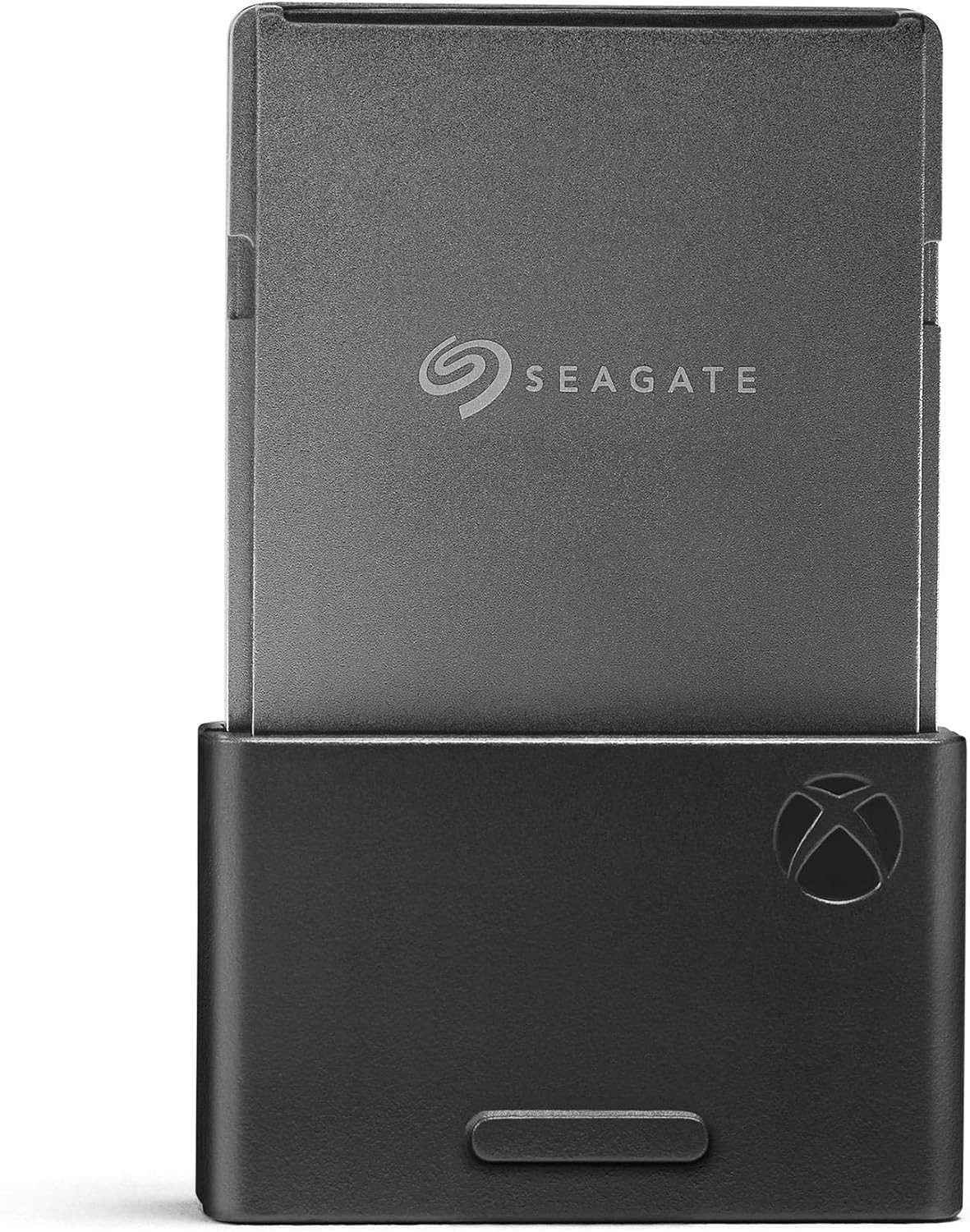
Seagate Storage Expansion Card for Xbox Series X|S (NVMe SSD), 1 TB — Best Expansion Card (overall) editorial pick #1, product photo for shoppers comparing hard drives
  • Amazon4.8

Seagate Storage Expansion Card for Xbox Series X|S (NVMe SSD)

The Seagate Storage Expansion Card is the reference licensed option for adding true internal-class space for Xbox Series X|S games, with straightforward plug-in installation and the same native play story as the factory SSD when titles support running from expanded storage.

interface
NVMe (Xbox storage expansion slot)
form factor
Xbox expansion card
series
Storage Expansion Card for Xbox Series X|S
media type
NVMe SSD

Also available at

#2Best Expansion Card (WD alternative)
Western Digital WD_BLACK C50 Xbox Storage Expansion Card (Officially Licensed for Xbox Series X|S), 1 TB — Best Expansion Card (WD alternative) editorial pick #2, product photo for shoppers comparing hard drives
  • Amazon4.8

Western Digital WD_BLACK C50 Xbox Storage Expansion Card (Officially Licensed for Xbox Series X|S)

WD_BLACK C50 gives shoppers a second licensed Expansion Card path with the same core idea: run compatible optimised titles from the expansion port when you need more room than the internal SSD alone.

interface
Xbox Expansion Slot
form factor
Xbox Expansion Slot
model
WDBMPH0010BNC-WCSN
series
WD_BLACK C50
#3Best USB HDD (performance styling)
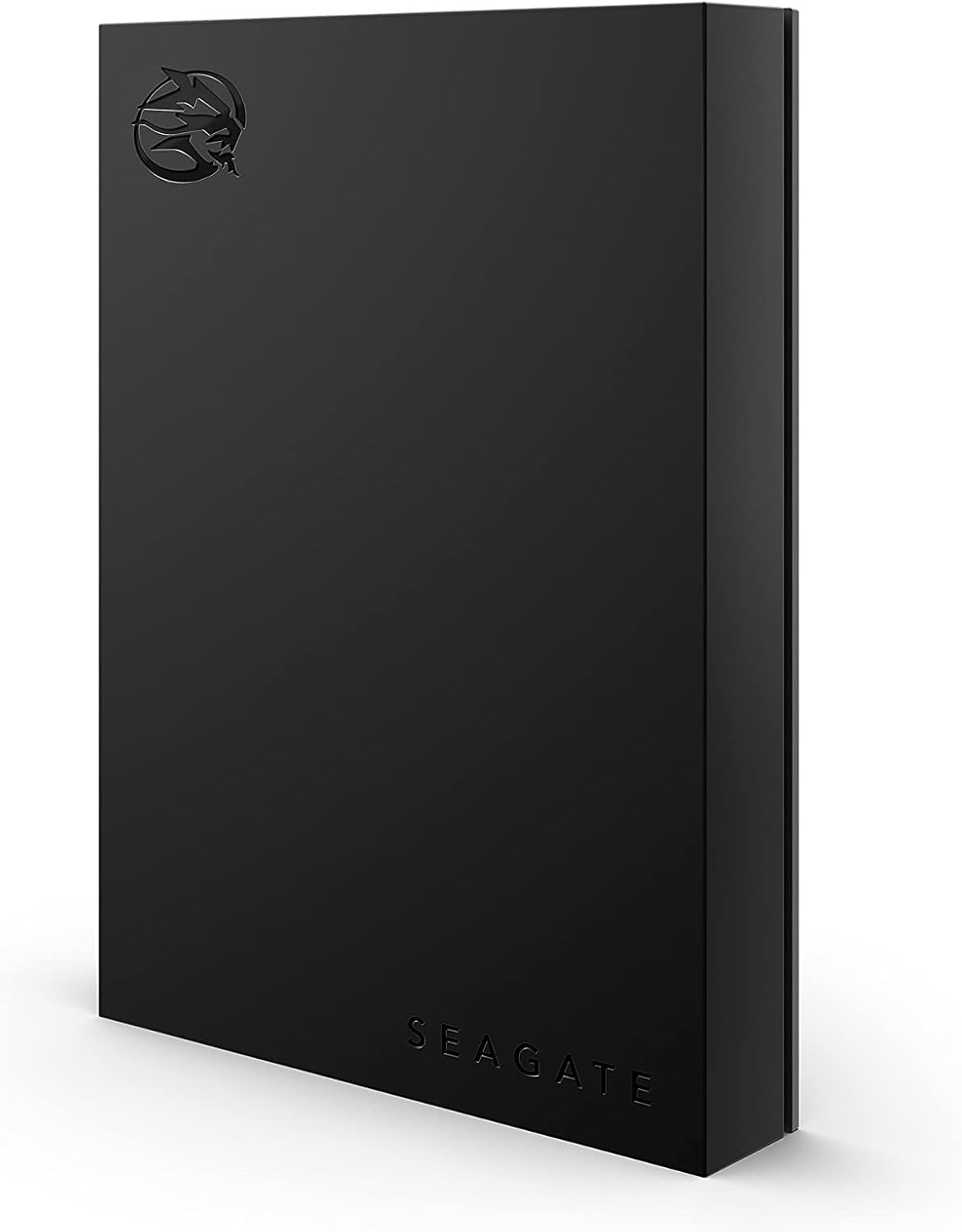
Seagate FireCuda Gaming External Hard Drive (USB 3.2), 2 TB — Best USB HDD (performance styling) editorial pick #3, product photo for shoppers comparing hard drives
  • Amazon4.3

Seagate FireCuda Gaming External Hard Drive (USB 3.2)

Seagate FireCuda Gaming external HDDs target players who want big USB capacity with gamer-friendly design and LED flair, a strong fit for archiving installs and running last-gen titles from USB while you keep next-gen blockbusters on internal or card storage.

interface
USB 3.2 Gen 1
form factor
2.5 inch portable external
rpm
5400
series
FireCuda Gaming
#4Best USB HDD (value)
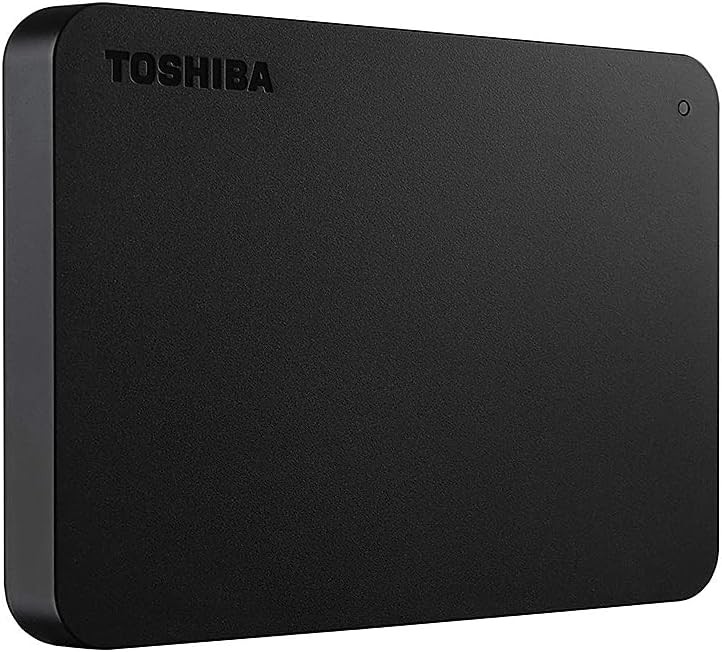
Toshiba Canvio Basics Portable External Hard Drive, USB 3.0 (2.5 inch), 2 TB — Best USB HDD (value) editorial pick #4, product photo for shoppers comparing hard drives
  • Amazon4.7

Toshiba Canvio Basics Portable External Hard Drive, USB 3.0 (2.5 inch)

Toshiba Canvio Basics is the simple, compact USB HDD line we reach for when the goal is straightforward terabytes per dollar for cold storage and Game Pass rotation, without paying for SSD speed you may not need for parked installs.

weight g
149
height mm
14

Also available at

#5Best USB SSD (all-rounder)
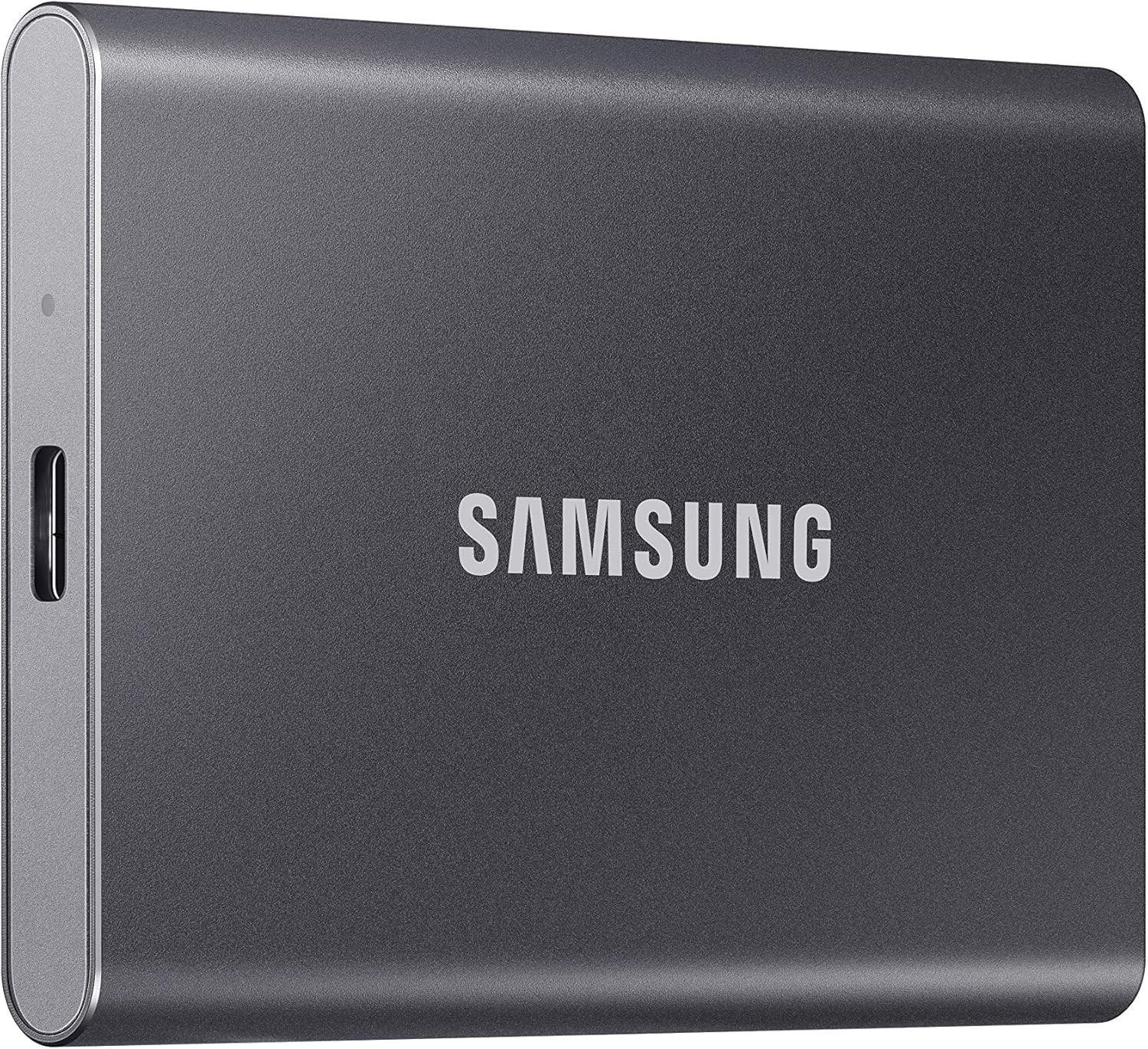
Samsung T7 Portable SSD (USB 3.2 Gen 2), 2 TB — Best USB SSD (all-rounder) editorial pick #5, product photo for shoppers comparing hard drives
  • Amazon4.7

Samsung T7 Portable SSD (USB 3.2 Gen 2)

Samsung T7 remains a go-to portable USB SSD for owners who want metal build quality, strong transfer speeds for shuffling installs, and snappy loads for titles that can run from external SSD storage.

interface
USB 3.2 Gen 2 (10 Gbps)
form factor
Portable
model
MU-PC2T0T
series
T7
#6Best USB SSD (rugged gaming focus)
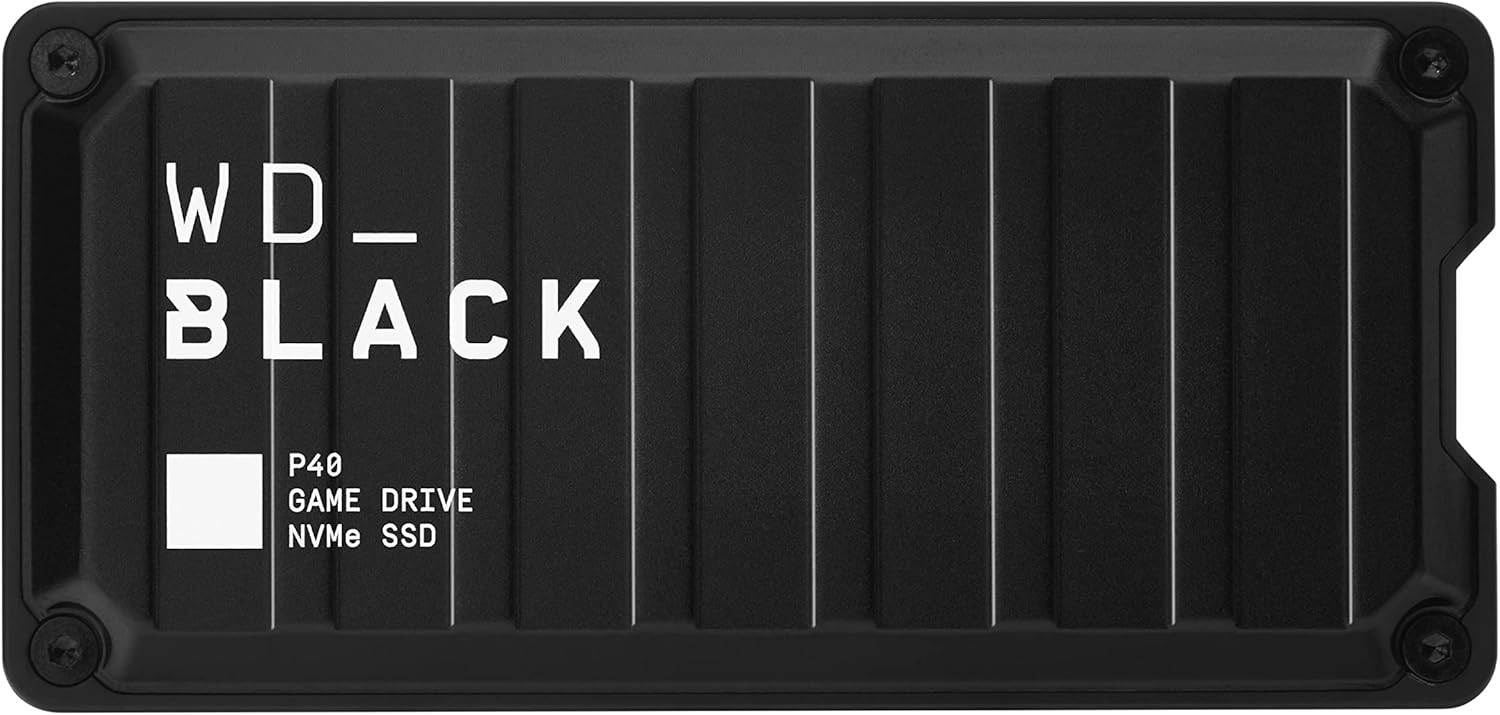
Western Digital WD_BLACK P40 Game Drive SSD (Portable External), 1 TB — Best USB SSD (rugged gaming focus) editorial pick #6, product photo for shoppers comparing hard drives
  • Amazon4.6

Western Digital WD_BLACK P40 Game Drive SSD (Portable External)

WD_BLACK P40 focuses on portable USB SSD throughput and a rugged gaming aesthetic, a strong match for frequent moves between drives and consoles when you want external solid-state speed outside the Expansion Card ecosystem.

interface
USB 3.2 Gen 2x2
form factor
Portable external SSD
series
WD_BLACK P40
weight g
78.5

Also available at

Bottom line

Start with the job to be done. If you are tired of shuffling optimised Series X|S titles, budget for an Expansion Card first, then use USB to archive what you are not playing this month. If you mostly need cheap terabytes for Xbox One era games and cold storage, a USB HDD is still hard to beat. If you move games weekly and want less waiting, a USB SSD is the rational middle ground.

None of these picks fix download bandwidth or router Wi-Fi limits, so plan wired networking when you are restoring huge libraries. When you are ready to compare live street prices, open each product page above and flip capacities to match what your library actually needs.

For a wider view of the market, start from the home comparison table and filter by brand and price per TB. If you want a console-tagged catalog view first, browse the Xbox hard drives collection before drilling into individual models.

FAQ

Can I play Xbox Series X|S optimised games from a USB external drive?

Generally, no. Optimised for Xbox Series X|S titles are intended to run from the internal SSD or a licensed Xbox Expansion Card. USB drives are excellent for storing those games until you move them, and for playing many prior-generation games from external storage.

What is the difference between the Seagate Expansion Card and the WD_BLACK C50?

Both are licensed Expansion Cards that fit the Xbox expansion port and are designed to behave like internal storage for compatible experiences. Choose based on capacity steps, price at the size you need, warranty comfort, and which brand major U.S. retailers stock reliably.

Is a USB SSD worth it on Xbox if it cannot run next-gen optimised titles?

Often, yes, if you move games often or you play many Xbox One and earlier titles from USB. SSDs usually cut transfer times versus HDDs and can feel snappier on games that are allowed to run from external storage.

Why are Expansion Cards more expensive per gigabyte than USB drives?

They use a proprietary high-bandwidth interface and packaged NVMe-class hardware tuned for the console, not a mass-market USB bridge. You are paying for native play compatibility and performance in a specific form factor.

Does USB 3.1 or USB 3.2 on the box guarantee faster Xbox loads?

Not by the label alone. Many "USB 3.x" names describe the connector and link speed class, while real-world speeds depend on the drive, cable, and port. For Xbox, verify USB SuperSpeed support and prefer quality cables. Real improvement for last-gen play usually comes from SSD vs HDD, not from modest link differences alone.

Can I use the same external drive on Xbox and PC interchangeably?

Usually not on one partition without reformatting. Xbox prepares external storage for console use. If you need both ecosystems, plan separate drives or accept wiping and reformatting when you switch roles.

What happens to my save data if I delete a game?

For many titles, saves are handled separately from installs and may sync to the cloud when you are online. Do not assume for every game. If you are offline for a long time, confirm how your specific games handle local and cloud saves before deleting.

How many games fit on a 1 TB Expansion Card?

It depends entirely on the mix of titles. A few large optimisations can consume most of a terabyte, while a library of smaller games stretches further. Use installed-size numbers in your library, not marketing averages.

Will any USB-C drive work with Xbox Series X|S?

Many work with the correct USB-A or USB-C port on the console and a compatible cable, but the requirement is USB 3.0 performance class or faster, not the connector shape alone. If a drive ships with USB-C only, you may need a certified adapter strategy that matches the console ports you plan to use.

Is an external HDD too slow for Xbox?

It is slow for transfers and loads compared to SSDs, but it remains a practical way to store Xbox One era games and to keep Series X|S installs parked until you move them. Match expectations to the workload: HDDs are about cheap space, not instant loads.