
Storage buyers guide

Best external SSD for video editing in 2026

Independent picks from Hard Drive Prices Editorial Team. We compare specs, real-world fit, and street prices so you can choose a drive without wading through spec sheets alone.

Last updated May 11, 2026.

Introduction

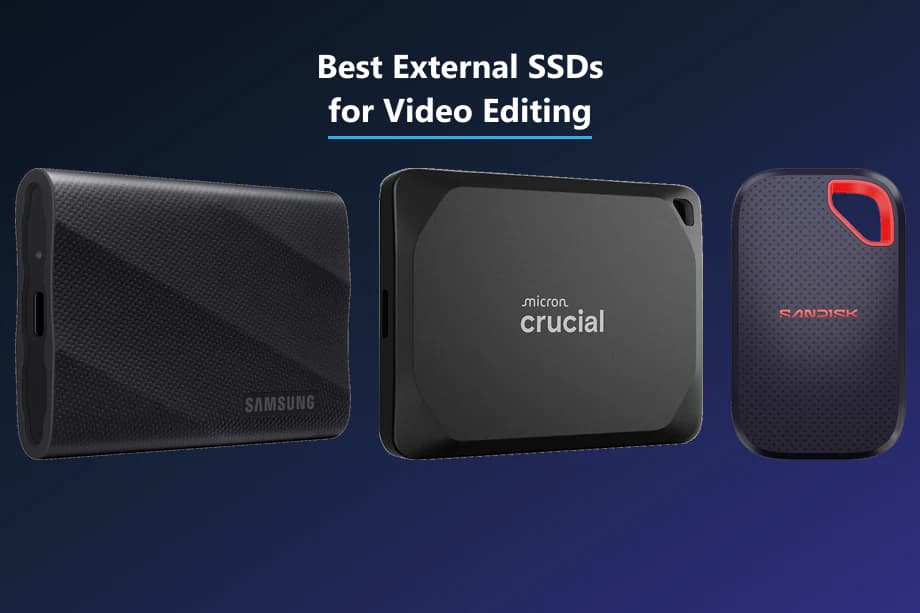
Best external SSDs for video editing: Samsung T9, Crucial X10, and SanDisk Extreme Portable SSD V3

The best external SSD for video editing on most US laptops in 2026 is a USB-C portable SSD with strong sequential reads, honest write headroom, and enough free space left for cache. If your machine supports USB 3.2 Gen 2x2, models like the Samsung T9 and Crucial X10 Pro can stretch their legs. If you only have 10 Gb/s USB, a rugged Gen 2 drive like the Samsung T7 Shield or SanDisk Extreme V3 is often the smarter spend.

Methodology

We start with portable SSDs we already track on Hard Drive Prices so you get live variants, USD pricing on Amazon.com, and spec fields we can verify instead of mystery gray-market SKUs. We then score each pick for what editors actually do: sustained reads for scrubbing, sustained writes for cache and proxy builds, thermal realism on laptops, and field durability when a drive leaves the desk. We still read warranty footnotes because Rescue tiers, TBW limits, and regional kit contents change over time. When you need multi-terabyte cold storage after the project wraps, pair these fast shuttles with spinning-disk archives from our long-term HDD guide.

Video editing is not generic file backup. It is scrubbing, multicam playback, proxy regeneration, cache writes, and export temp all hitting the same volume while you are already low on sleep. A good editing SSD is predictable more than it is flashy.

We wrote this guide for United States readers: buy buttons point to Amazon.com, prices are discussed in USD, and we assume you want practical answers for Premiere Pro, DaVinci Resolve, and Final Cut Pro without mixing in regional plug bundles.

If you are new here, Hard Drive Prices is a comparison site first. Use this article to shortlist, then open each product page for every capacity we track. When the project is done and you need affordable cold storage, jump to our external hard drives for long-term storage picks for HDD shelves that make sense next to a fast shuttle SSD.

Quick picks

One-line cheat sheet for US shoppers comparing portable SSDs for editing. Jump to the full pick for specs, pros and cons, and an Amazon.com buy button.

Our picks

Ranked for how they balance speed, durability, and what editors actually do with external volumes on US laptops and desktops. Open any pick for full specs. Buy buttons use Amazon.com (United States) listings.

#1Best overall for editors with a 2x2 path
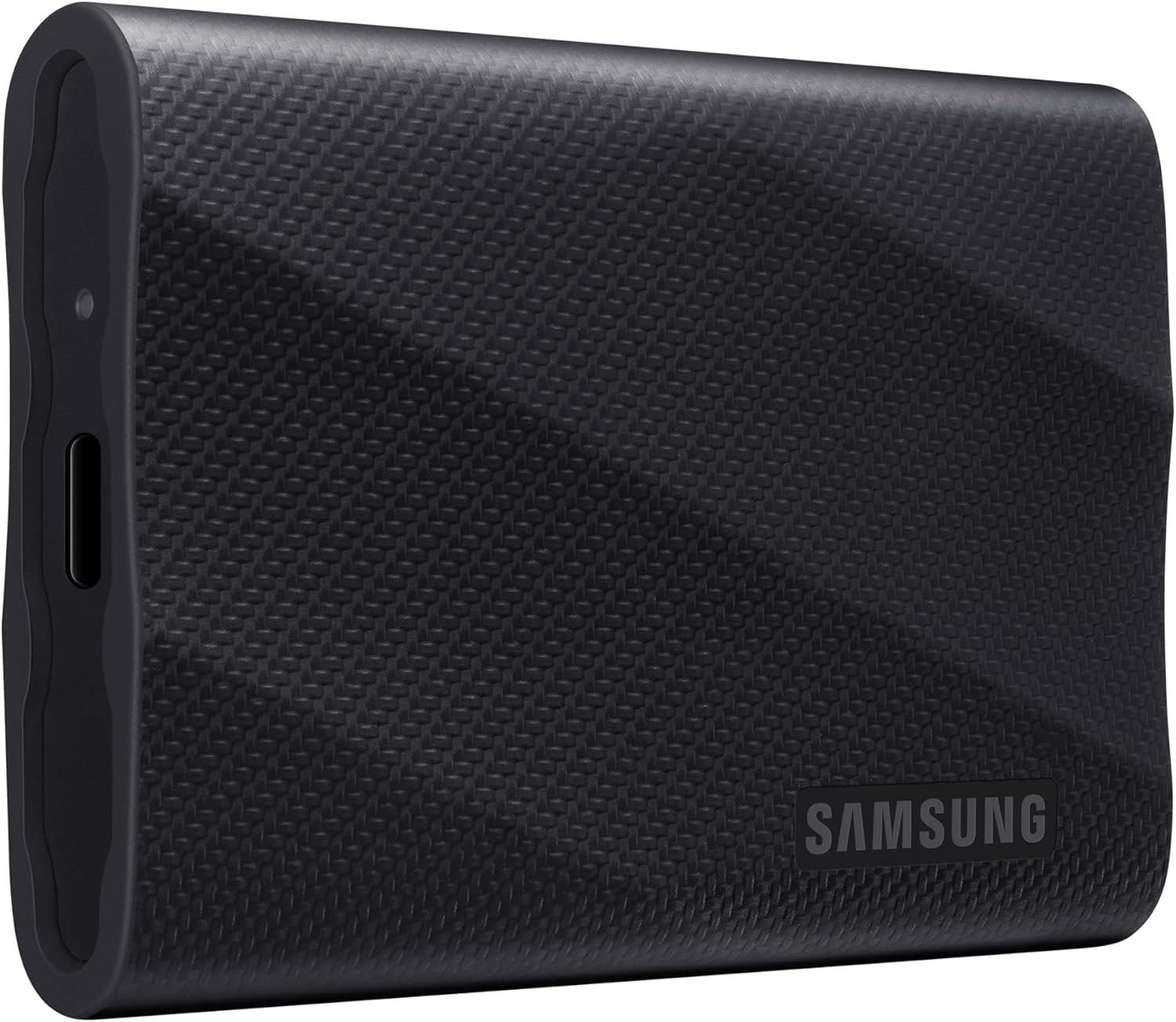
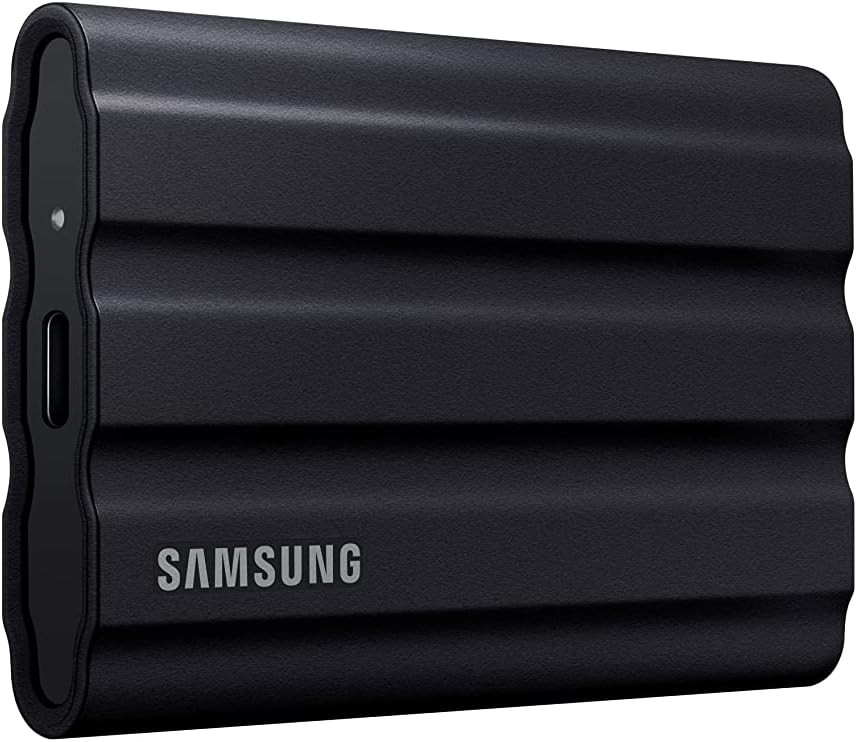
Samsung T9 Portable SSD (USB 3.2 Gen 2x2), 1 TB — Best overall for editors with a 2x2 path editorial pick #1, product photo for shoppers comparing hard drives
  • Amazon4.7

Samsung T9 Portable SSD (USB 3.2 Gen 2x2)

Samsung T9 is the flagship pocket SSD line for editors who can use USB 3.2 Gen 2x2 and want high sequential ceilings, a metal-forward enclosure story, and a five-year warranty class on retail listings.

Who it suits best Wedding and corporate editors who cut 4K timelines on fast Windows laptops, plus DIT-adjacent roles that move huge folders between suites and need a drive that still feels premium on a desk.

Real-world editing performance Gen 2x2 hosts can see strong sequential copies for big camera folders and ProRes-like sources. On a 10 Gb/s-only chain, expect healthy Gen 2-class behavior instead of magic numbers. Cache-heavy Resolve sessions still benefit from fast writes, but thermals and free space matter as much as the box spec.

Honest limits You still need a compatible port, cable, and OS stack. Apple Silicon Macs vary by port generation, so verify your exact machine before you assume 20 Gb/s. Very heavy RAW online edits may still prefer internal NVMe or a RAID tower for long sustained loads.

Pros

  • High sequential read and write targets when the full chain supports USB 3.2 Gen 2x2
  • Five-year limited warranty class on retail listings we track
  • AES-256 hardware encryption story for sensitive client projects when Samsung software fits your workflow

Cons

  • Premium pricing per terabyte versus Gen 2-only drives on sale days
  • Real-world speed drops if any link in the cable and port path downgrades to 10 Gb/s
  • Not a substitute for RAID or NAS when multiple editors hit the same media at once
interface
USB 3.2 Gen 2x2
max sequential read mbps
2000
max sequential write mbps
2000
warranty years
5
#2Best write-heavy value for proxies and big copies
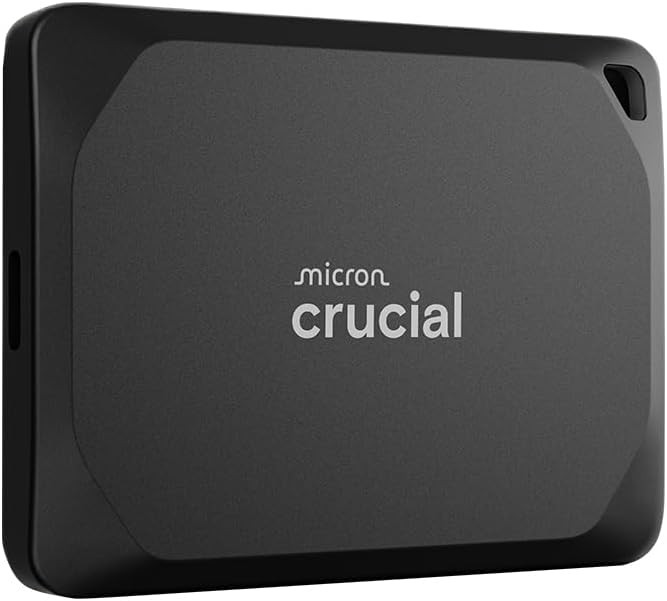
Crucial X10 Pro Portable SSD (USB 3.2 Gen 2x2, USB-C), 2 TB — Best write-heavy value for proxies and big copies editorial pick #2, product photo for shoppers comparing hard drives
  • Amazon4.1

Crucial X10 Pro Portable SSD (USB 3.2 Gen 2x2, USB-C)

Crucial X10 Pro targets editors who push big sequential copies and cache writes, with a USB 3.2 Gen 2x2 interface story and IP55 dust and water resistance on the spec sheet we store.

Who it suits best Assistant editors, DITs, and small post houses that regenerate proxies nightly and want a single pocket drive that still feels quick during big batch copies.

Real-world editing performance When your host supports 20 Gb/s USB, the X10 Pro is built to stretch for read and write heavy tasks. Resolve cache and Premiere preview generation are the kinds of workloads that show the difference between a good Gen 2 drive and a strong Gen 2x2 drive. Multicam and debayer still depend on CPU and GPU, but a quick shuttle cuts waiting.

Honest limits IP55 helps with splashes and dust, but it is not a dive case. TBW warranty limits still exist on paper, so heavy writers should skim Crucial support language for their SKU.

Pros

  • IP55 rating on the product record we publish, helpful for dusty venues and light rain
  • High sequential write target alongside read on the spec sheet
  • Five-year limited warranty class on retail documentation we mirror

Cons

  • Needs a true Gen 2x2 port path to justify the upgrade over cheaper Gen 2 drives
  • Heavier sustained loads still throttle with heat on thin laptops
  • Encryption depends on host software support for Crucial password tools where applicable
interface
USB 3.2 Gen 2x2 (20 Gb/s), USB-C
sequential read mbps
2100
sequential write mbps
2000
dust water rating
IP55
#3Best rugged pocket drive with a strong read story
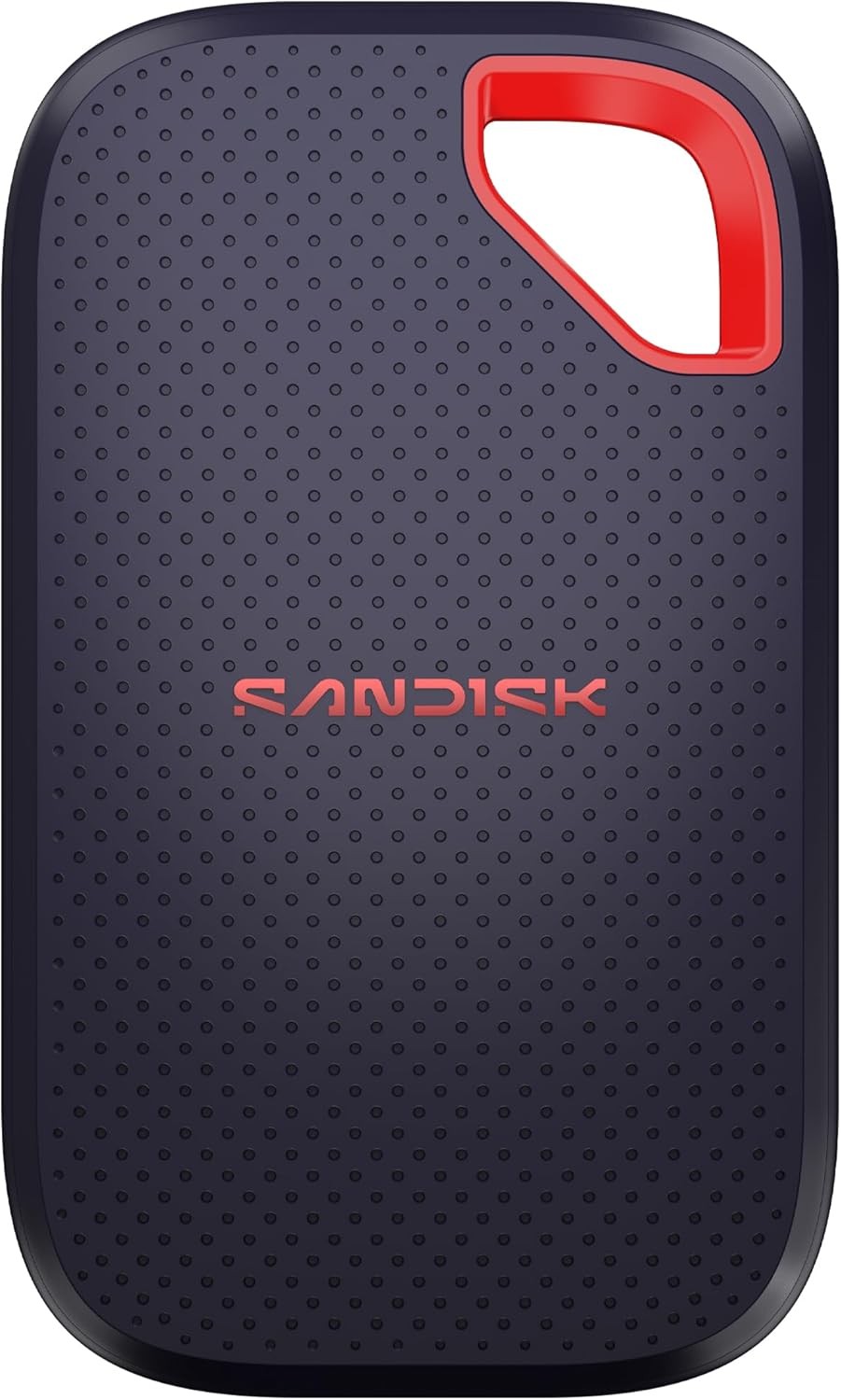
SanDisk Extreme Portable SSD V3 (USB-C), 1 TB — Best rugged pocket drive with a strong read story editorial pick #3, product photo for shoppers comparing hard drives
  • Amazon4.6

SanDisk Extreme Portable SSD V3 (USB-C)

SanDisk Extreme Portable SSD V3 is the field-first pocket pick for editors who want IP65, a light chassis, and up to 2000 MB/s read claims on larger capacities with USB 3.2 Gen 2x2 support.

Who it suits best Run-and-gun documentary crews, travel YouTubers, and one-person bands who toss a drive into a backpack and still expect it to survive dust and drizzle.

Real-world editing performance Read-heavy tasks like scrubbing proxies and playing back lighter timelines feel snappy on a good host. Write-heavy exports still depend on how full the disk is and how warm the enclosure runs. Treat SanDisk's read-first marketing as a ceiling, not a floor, especially when writes are not published as a single headline number on our sheet.

Honest limits Amazon ratings can look thin early in a product cycle, so read recent US reviews before you buy. AES encryption still needs SanDisk's software install path, which some locked-down corporate laptops dislike.

Pros

  • IP65 ingress rating on the record we store, a meaningful field story
  • Very light chassis in the spec sheet we track for travel kits
  • Five-year limited warranty class on SanDisk consumer documentation we mirror

Cons

  • Write behavior is not summarized as one clean number on our spec sheet
  • Newer SKUs can have fewer Amazon reviews until the market catches up
  • Like all pocket SSDs, real speed still depends on cables and port generation
interface
USB-C (USB 3.2 Gen 2x2, 20 Gb/s)
read speed mbps
2000
ip rating
IP65
drop protection m
3
#4Best rugged IP65 pick on common USB 3.2 Gen 2
Samsung T7 Shield Portable SSD (USB 3.2 Gen 2), 1 TB — Best rugged IP65 pick on common USB 3.2 Gen 2 editorial pick #4, product photo for shoppers comparing hard drives
  • Amazon4.7

Samsung T7 Shield Portable SSD (USB 3.2 Gen 2)

Samsung T7 Shield pairs IP65 dust and water resistance with roughly 1050 MB/s class sequential claims on USB 3.2 Gen 2, which is the realistic everyday port many US editors already have.

Who it suits best Outdoor shooters, school sports videographers, and indie crews who need a rubberized Samsung story without assuming Gen 2x2 everywhere on set.

Real-world editing performance For 4K Long-GOP mirrorless footage and well-built proxies, Gen 2 bandwidth is often plenty. The Shield line shines when the environment is messy and you still need stable reads for review stations on location. Heavy RAW grades may still push you toward proxies or faster storage tiers.

Honest limits It costs more than plastic slim drives when on sale cycles swing. Rubber sleeves can pick up lint and pet hair in bags, which is minor but real.

Pros

  • IP65 rating on the record we store, a strong field durability story
  • AES-256 hardware encryption option with Samsung software on supported hosts
  • Widely recognized enclosure that rental houses and clients already trust

Cons

  • Sequential ceilings are lower than Gen 2x2 drives when your host can actually use 20 Gb/s
  • Heavier sustained writes still need free space and airflow on hot days
  • Not the cheapest per terabyte when a plastic Gen 2 drive goes on deep discount
interface
USB 3.2 Gen 2
sequential read mbps
1050
sequential write mbps
1000
ip rating
IP65
#5Best everyday Mac and PC shuttle with adapter convenience
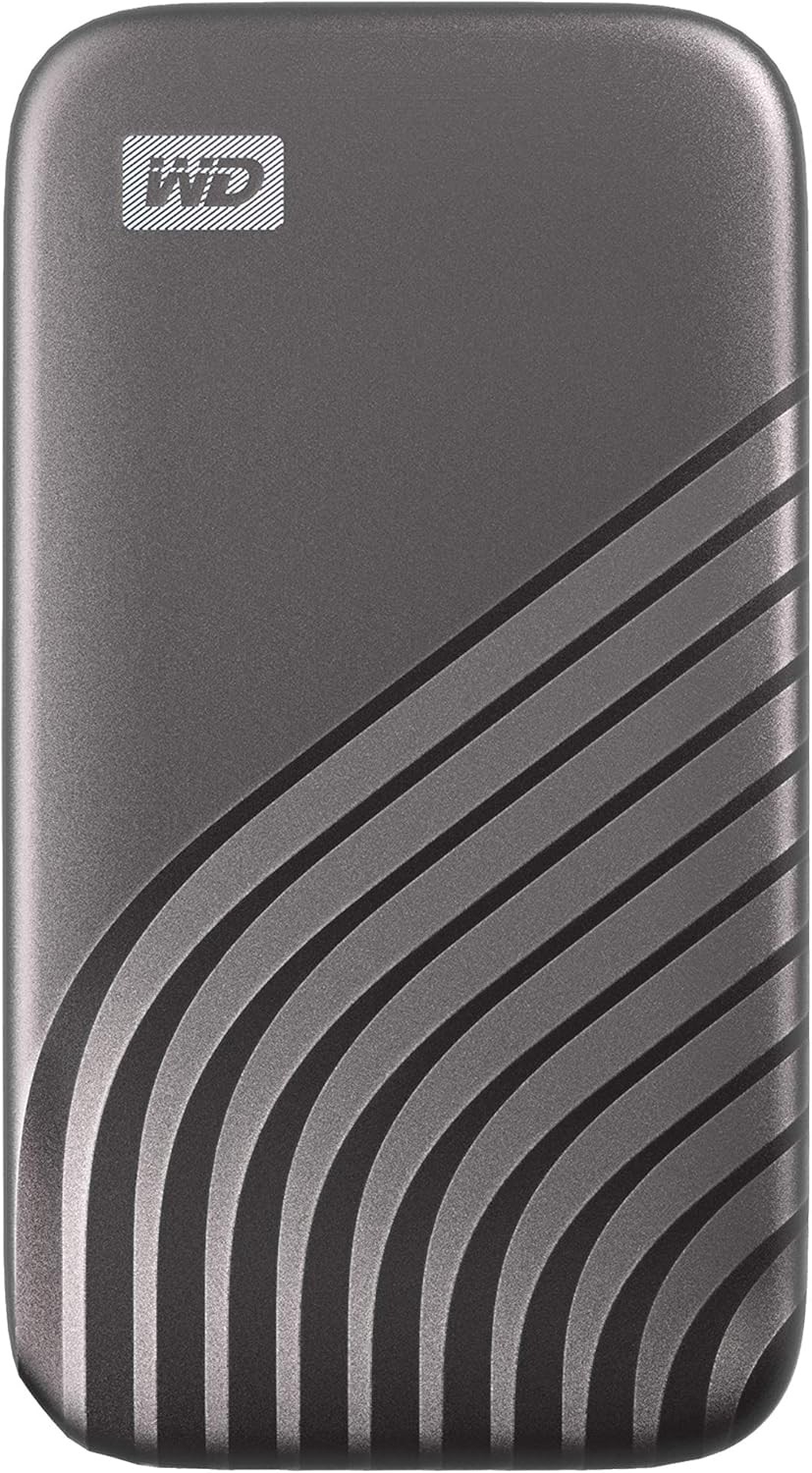
Western Digital My Passport SSD Portable External Solid State Drive (USB-C), 1 TB — Best everyday Mac and PC shuttle with adapter convenience editorial pick #5, product photo for shoppers comparing hard drives
  • Amazon4.5

Western Digital My Passport SSD Portable External Solid State Drive (USB-C)

Western Digital My Passport SSD is the balanced pick for editors who want USB 3.2 Gen 2 performance, optional AES hardware encryption through WD software, and a USB-A adapter in the retail story we track.

Who it suits best Freelancers who cut at home on a desktop, on a MacBook at a coffee shop, and occasionally on a producer's older laptop with only USB-A ports.

Real-world editing performance Roughly 1050 MB/s read and 1000 MB/s write claims sit in a healthy Gen 2 window for many 4K projects with proxies. Final Cut and Premiere both benefit from predictable USB storage when libraries and cache are pointed at the right volumes. Big RAW online edits still deserve internal NVMe or tower storage.

Honest limits WD software for encryption is powerful but not everyone wants another utility. Check that your IT policy allows it before you standardize a fleet.

Pros

  • USB-A adapter included in the retail story we track, handy for mixed studios
  • 256-bit AES hardware encryption option with WD software on supported hosts
  • Five-year limited warranty class on Western Digital listings we mirror

Cons

  • Not a Gen 2x2 headline chaser when you already have 20 Gb/s everywhere
  • Drop rating is good but not the highest rubber bumper story on the market
  • Software encryption workflows add onboarding steps for new assistants
interface
USB 3.2 Gen 2 (USB-C; USB-A adapter included)
read speed mbps
1050
write speed mbps
1000
drop resistance ft
6.5
#6Best compact budget pick for proxies and travel
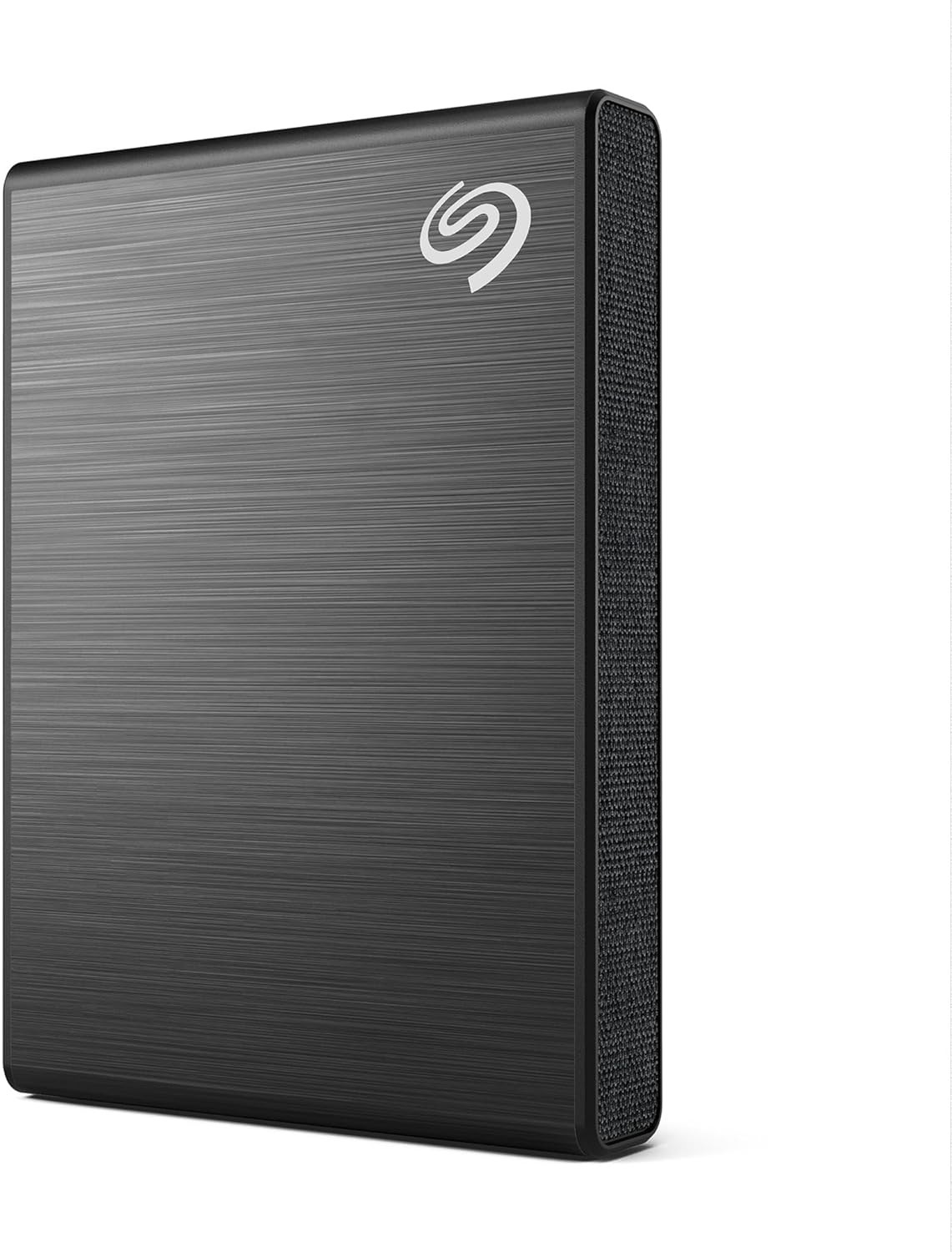
Seagate One Touch SSD Portable External Solid State Drive (USB-C), 1 TB — Best compact budget pick for proxies and travel editorial pick #6, product photo for shoppers comparing hard drives
  • Amazon4.6

Seagate One Touch SSD Portable External Solid State Drive (USB-C)

Seagate One Touch SSD is the compact USB-C portable that prioritizes size and straightforward Gen 2 performance for editors who want a pocketable shuttle without paying flagship dollars.

Who it suits best Students, solo creators, and wedding shooters who already transcode to edit-friendly codecs and need a small drive that rides in a jeans pocket.

Real-world editing performance Seagate publishes a strong read ceiling on our sheet for the line we track. That is plenty for many 1080p and 4K proxy timelines, especially on laptops. If you live in multicam BRAW or high data rate RAW, plan proxies or step up a tier.

Honest limits Rescue data recovery and warranty language varies by retail kit, so read the exact Amazon.com listing for your region and model. Seagate's marketing moves fast, so confirm bundle contents at checkout.

Pros

  • Very small footprint in the spec sheet we store for tight kits
  • Straightforward USB-C Gen 2 story that matches most US laptops
  • Often lands at friendly USD prices during seasonal sales

Cons

  • Not the fastest pick here when you need Gen 2x2 ceilings
  • Write claims are not as clearly separated on our sheet as read claims
  • Plastic slim enclosures still need cable strain relief on carts
interface
USB-C (USB 3.2 Gen 2, USB 3.0 compatible)
read speed mbps
1030
weight g
45
dimensions mm
70 x 50 x 10.6
#7Best ultralight pocket shuttle
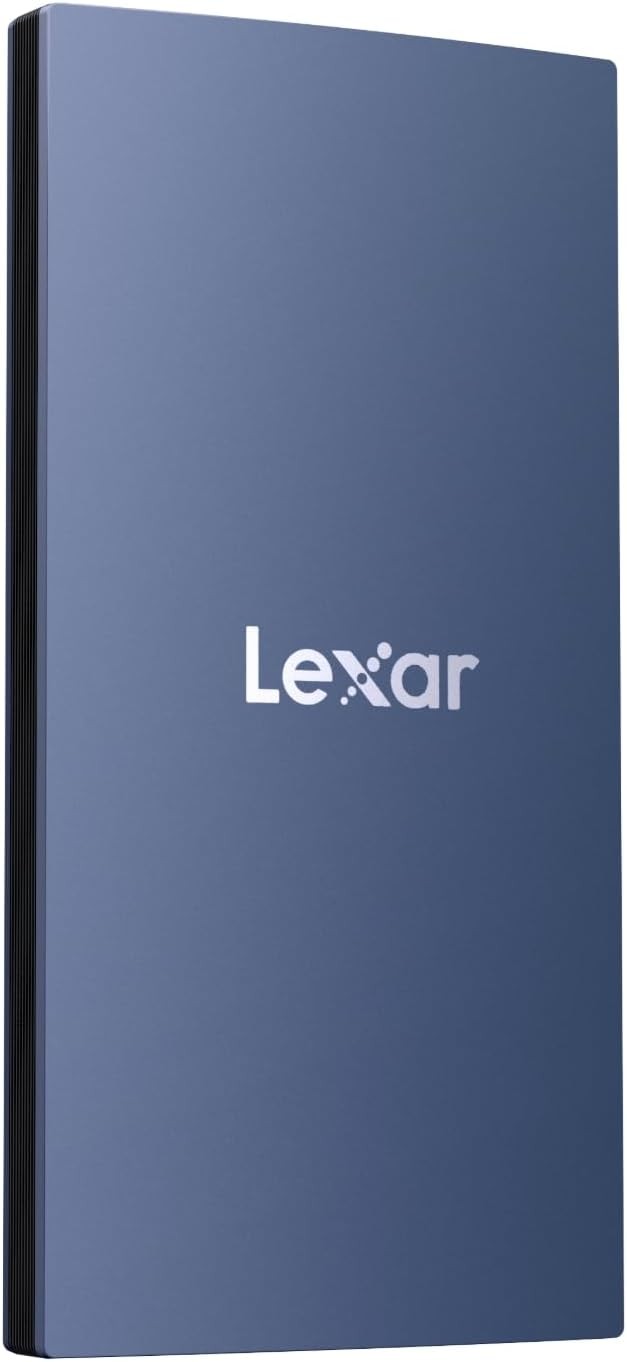
Lexar ES3 Portable External SSD (USB 3.2 Gen 2), 1 TB — Best ultralight pocket shuttle editorial pick #7, product photo for shoppers comparing hard drives
  • Amazon4.6

Lexar ES3 Portable External SSD (USB 3.2 Gen 2)

Lexar ES3 is the weight-first portable SSD for editors who want a USB 3.2 Gen 2 bus in a tiny shell with a three-year warranty class on the listings we track.

Who it suits best Travel editors, drone shooters, and mobile journalists who already know their proxy strategy and want the lightest possible drive in a tech pouch.

Real-world editing performance Lexar does not publish sequential read and write ceilings on the product record we store today, so treat performance like a typical good Gen 2 portable and verify with your own Blackmagic Disk Speed Test run after purchase. That is enough for many proxy edits and dailies review, not always enough for maximum quality RAW online without proxies.

Honest limits Fewer headline benchmarks on our page means you must lean on your own quick test. Always keep a second copy of anything that cannot be reshot.

Pros

  • Extremely light in the spec sheet we track, easy to carry all day
  • Simple USB-C Gen 2 story without juggling exotic cables
  • Drop protection and a three-year warranty class appear on the listings we mirror

Cons

  • No sequential MB/s claims on our stored spec sheet today
  • Smaller brand mindshare than Samsung or SanDisk for some rental clients
  • Not the pick for maximum quality RAW online without a strong proxy plan
interface
USB 3.2 Gen 2
weight grams
42
warranty years
3
interface
USB 3.2 Gen 2

Buying guide: external SSDs for real edit bays

This section is written for editors who already know what a timeline is, but still get surprised by dropped frames, slow proxy builds, and weird disk errors on location. Numbers below are practical planning anchors, not guarantees. Always check your camera data sheet and your delivery spec before you buy.

How much speed do you actually need?

Video editing is mostly sequential reads while you scrub, plus bursts of writes for cache, render temp, and exports. Think in megabytes per second (MB/s), not just the USB logo on the cable.

Rough external SSD throughput needs by codec family and typical edit behavior
Source typeWhat to plan forPractical SSD target
H.264 / H.265 Long-GOP 1080pBitrates often sit in the tens of Mb/s. Editing is usually fine with modest external bandwidth if you are not stacking dozens of streams.A stable USB 3.2 Gen 2 class drive with hundreds of MB/s reads is plenty for many laptop edits.
H.265 4K consumer Long-GOPDecoding cost rises with resolution, but disk throughput is still often not the first bottleneck unless you multicam heavily.Aim for sustained reads well above your camera bitrate once you convert Mb/s to MB/s. Gen 2 external SSDs are a common sweet spot.
ProRes 422 / HQ (typical post paths)Data rates climb quickly at 4K and beyond. Multicam and compound clips punish slow disks first.Prefer a drive with strong sequential reads and comfortable write headroom for cache. USB 3.2 Gen 2x2 can help when the laptop port and cable actually support it end to end.
Blackmagic RAW and similar camera RAWConstant quality modes vary by scene complexity. Debayer work hits the GPU, but disk still matters for full resolution playback and cache.Treat headline read claims as a ceiling, not a floor. Fast externals help, but internal NVMe or a RAID tower still wins for heavy RAW online editing.
REDCODE and other compressed cinema RAWR3D and similar formats can span a wide bitrate range by ratio choice. Proxy workflows are normal for a reason.If you stay on RAW originals, prioritize a balanced machine: fast cache disk, enough RAM, and a realistic playback resolution.

Rule of thumb: convert megabits per second to megabytes per second by dividing by eight. If your source is 200 Mb/s on average, that is roughly 25 MB/s before overhead. Add headroom for seeks, audio, stills, and effects.

USB-C versus Thunderbolt for editors

Thunderbolt can carry PCIe tunneling and more display bandwidth. Many portable SSDs on this list are still USB protocol drives over a USB-C connector. That is not a bad thing. It means your real-world speed is dominated by the USB generation, the controller inside the enclosure, thermals, and whether you are on a 10 Gb/s or 20 Gb/s path.

  • USB 3.2 Gen 2 (10 Gb/s signaling) is the common baseline on many US laptops. Good Gen 2 portable SSDs land in the ballpark of roughly 900 to 1,050 MB/s class reads in vendor marketing, then lower in mixed workloads.
  • USB 3.2 Gen 2x2 (20 Gb/s signaling) helps drives like the Samsung T9 and Crucial X10 Pro breathe, but only if your computer port, cable, and OS path support it. If any link falls back to Gen 2, you still have a fast drive, just not the top advertised ceiling.
  • Thunderbolt NVMe enclosures are a different product family than most pocket-size USB SSDs. If you need PCIe NVMe sustained performance in a rack or cart, compare those kits separately.

How to use an external SSD as a scratch disk

A scratch disk is simply the place your app puts working files: peak files, conformed audio, cache, and sometimes renders. Put it on a volume with enough free space and stable speed.

  1. Adobe Premiere Pro. Open Preferences, then Media Cache, and move the Media Cache and Media Cache Database to your external volume. In Project Settings, also consider where preview files should live for heavy sequences.
  2. DaVinci Resolve. Open Preferences, then Media Storage, and add your external SSD as a cache location. Keep render cache and optimized media on fast storage when you are doing heavy grading on RAW.
  3. Final Cut Pro. Set the library storage location for generated optimized and proxy media to the external. Keep libraries on fast storage when you are mobile, and remember backups still need their own plan.

Mac versus PC: formatting your drive correctly

The best filesystem is the one your edit machines can read reliably on day one and day three hundred.

  • exFAT is the usual shuttle choice when one drive must move between macOS and Windows. Fewer permission surprises on mixed sets. Keep backups anyway, because no filesystem replaces a copy strategy.
  • APFS is a strong default for Mac-only kits, especially on SSDs. Time Machine has its own rules, so do not confuse a scratch SSD with a backup volume without planning.
  • NTFS is common for Windows-first studios. macOS can read NTFS with extra tooling, but native write support is not the seamless default most editors want on a shuttle drive.
  • Mac OS Extended (HFS+) still appears on older archives. It is fine for legacy restores, but most new portable SSDs on modern Macs should prefer APFS unless you have a compatibility reason.

The 20 percent rule and drive health

NAND-based SSDs slow down when they run low on free blocks because the controller has fewer places to stage writes. That matters for editors because cache, peak files, and render temp all write constantly.

Durability ratings explained for shooters

IP ratings describe dust and water ingress protection on a tested design. The first digit is solids, the second digit is liquids. IP55 and IP65 are common on rugged portables. They are not a license to swim with your drive, but they do help with dust, drizzle, and messy bags.

  • Drop claims are usually height onto a specified surface, not a guarantee against torsion, vibration, or stepping on the cable.
  • Cables and ports are often the weak link in the field. Carry a short certified cable and strain-relief your connections on carts.

Single drive versus a two-drive workflow

One tiny SSD can do a weekend wedding. A professional kit still benefits from separating roles: one volume for active project and cache, another for camera originals and a nightly clone.

  • Working drive holds the edit-friendly proxies, project files, and scratch. Speed matters most here.
  • Protection copy can be a second portable SSD, a desktop RAID, or cold storage HDDs. For multi-terabyte archives, HDDs still win dollars per TB, which is why we also publish external HDD picks for long-term storage.
  • NAS editors who finish at a desk should still read NAS hard drive guidance before they trust a single bay with client footage.

When you want live US pricing across more models, jump back to the home comparison table on Hard Drive Prices.

Head-to-head comparison

Figures come from vendor claims stored on Hard Drive Prices. Real edit performance depends on host ports, cables, thermals, and whether you are on USB 3.2 Gen 2 or Gen 2x2. Open each product page for capacities, live USD pricing, and full specs.

Compare seven Amazon.com US portable SSD picks for video editing
CriteriaSamsung T9 Portable SSD (USB 3.2 Gen 2x2)Crucial X10 Pro Portable SSD (USB 3.2 Gen 2x2, USB-C)SanDisk Extreme Portable SSD V3 (USB-C)Samsung T7 Shield Portable SSD (USB 3.2 Gen 2)Western Digital My Passport SSD Portable External Solid State Drive (USB-C)Seagate One Touch SSD Portable External Solid State Drive (USB-C)Lexar ES3 Portable External SSD (USB 3.2 Gen 2)
Interface (as listed)USB 3.2 Gen 2x2USB 3.2 Gen 2x2 (20 Gb/s), USB-CUSB-C (USB 3.2 Gen 2x2, 20 Gb/s)USB 3.2 Gen 2USB 3.2 Gen 2 (USB-C; USB-A adapter included)USB-C (USB 3.2 Gen 2, USB 3.0 compatible)USB 3.2 Gen 2
Max read (vendor claim)Up to 2000 MB/s (vendor claim)Up to 2100 MB/s (vendor claim)Up to 2000 MB/s (vendor claim)Up to 1050 MB/s (vendor claim)Up to 1050 MB/s (vendor claim)Up to 1030 MB/s (vendor claim)Not on our spec sheet (USB 3.2 Gen 2; check Lexar and Amazon listings)
Max write (vendor claim or notes)Up to 2000 MB/s (vendor claim)Up to 2000 MB/s (vendor claim)Not a single headline number on our sheet (writes sit below read; varies by capacity tier)Up to 1000 MB/s (vendor claim)Up to 1000 MB/s (vendor claim)Not listed separately on our sheet (Gen 2 class; confirm on-page SKUs)Not on our spec sheet (typical Gen 2 portable behavior expected)
Capacities tracked1–4 TB1–4 TB1–4 TB1–4 TB0.5–4 TB1–2 TB1–2 TB
Durability (IP / drop)Drop: Up to 9.8 ft (per Samsung product highlights)IP55IP65 · Drop: 3IP65 · Drop: 9.8Drop: 6.5See product pageDrop: 2
Approx. from (USD on Amazon.com)$287.97$184.31$259.99$287.99$214.89$229.00$164.99
Best for (editorial)Fast 4K and heavier timelines when the host supports USB 3.2 Gen 2x2High sequential writes for big copies, proxies, and cache-heavy editsRugged location work with IP65 and a slim 2x2 read story on supported portsWet and dusty sets on common USB 3.2 Gen 2 laptops and mirrorless kitsMac-friendly shuttle with bundled USB-A adapter optionCompact budget Gen 2 drive for proxies and lighter 4K timelinesUltralight pocket shuttle when weight matters more than headline benchmarks

Bottom line

If you want the simplest premium choice for a USB 3.2 Gen 2x2 Windows laptop or a desktop with a real 20 Gb/s path, start with the Samsung T9 or Crucial X10 Pro and buy one tier larger than your gut says. If you live on a 10 Gb/s MacBook Pro port most of the time, the Samsung T7 Shield and SanDisk Extreme V3 still give you honest speed with better dust and water stories for bags and carts.

Western Digital My Passport SSD is the easy recommendation for editors who bounce between Mac and PC and want the USB-A adapter convenience without a dongle hunt. Seagate One Touch SSD is the compact value play when you mostly edit proxies and need a small brick that disappears in a jacket pocket. Lexar ES3 is the weight-first shuttle when you already know your bitrate limits.

None of these models replace backups. They buy you time on set and smoother timelines in the suite. Keep a second drive for clones when it matters, skim our best hard drives for NAS guide if you finish on a server, and keep comparing live SKUs from the home comparison table.

FAQ

What read speed do I need for editing 4K video from an external SSD?

Plan for sustained throughput above your camera bitrate once you convert megabits per second to megabytes per second, then add headroom for audio, thumbnails, effects, and multicam. Many 4K Long-GOP edits work fine on a good USB 3.2 Gen 2 portable SSD, while heavy RAW or high data rate ProRes benefits from faster drives and smarter proxy workflows.

Can I use an external SSD as a scratch disk in DaVinci Resolve?

Yes. In Resolve preferences under Media Storage, add the external volume as a cache location for optimized media, render cache, and gallery stills as needed. Keep plenty of free space so writes stay predictable during long sessions.

Is the Samsung T9 faster than the Samsung T7 Shield for video editing?

On paper the T9 targets higher sequential speeds when both the drive and host support USB 3.2 Gen 2x2. On a 10 Gb/s USB port, both families usually land in a similar real-world window, so the T9 premium mostly pays off when your chain supports 20 Gb/s end to end or when you want the newer enclosure story.

Do I need Thunderbolt for 4K video editing, or is USB 3.2 enough?

Many editors finish 4K projects on USB 3.2 Gen 2 every day, especially with proxies and realistic timelines. Thunderbolt NVMe enclosures are a different class of product for heavier IO. Start with your measured bitrate needs, then buy the interface that matches, not the sticker that sounds fastest.

What is the best external SSD for editing on a MacBook Pro?

Most current MacBook Pro models expose fast USB-C ports, but not every port is a 20 Gb/s USB 3.2 Gen 2x2 path. Western Digital My Passport SSD is a strong default for editors who also touch Windows machines because of the bundled adapter story. Samsung T7 Shield is a smart field pick when IP65 matters more than chasing the highest sequential ceiling.

How do I format an external SSD for both Mac and Windows?

exFAT is the common shuttle choice for cross-platform read and write without extra drivers. APFS is great for Mac-only SSDs. NTFS is fine for Windows-first studios, but macOS native write support is not the seamless default most mixed crews want on a field drive.

Is the SanDisk Extreme Portable SSD V3 worth the upgrade over V2?

If you already have a healthy V2, keep using it until capacity or ports push you forward. If you are buying fresh and your laptop supports 20 Gb/s USB, the V3 read story and updated enclosure can be worthwhile. Always compare live USD pricing on Amazon.com for the capacity you actually need.

How much SSD storage do I need for a 4K video editing project?

Size for camera originals, proxies, render outputs, and cache together, then add free-space headroom. A wedding weekend can overflow 1 TB fast once you include backups. If you are unsure, buy the next capacity tier when the dollars per TB are still reasonable.

Why should I keep about 20 percent free space on an editing SSD?

SSDs slow down when they run out of free blocks for wear leveling and write staging. Editors feel this as dropped frames during cache-heavy grades or slower exports right when a drive is nearly full. Treat 20 percent free as a practical yellow line on scratch volumes.