Storage buyers guide

The 7 best PS5 storage drives in 2026 (M.2 SSDs and USB)

Independent picks from Hard Drive Prices Editorial Team. We compare specs, real-world fit, and street prices so you can choose a drive without wading through spec sheets alone.

Last updated April 16, 2026.

Introduction

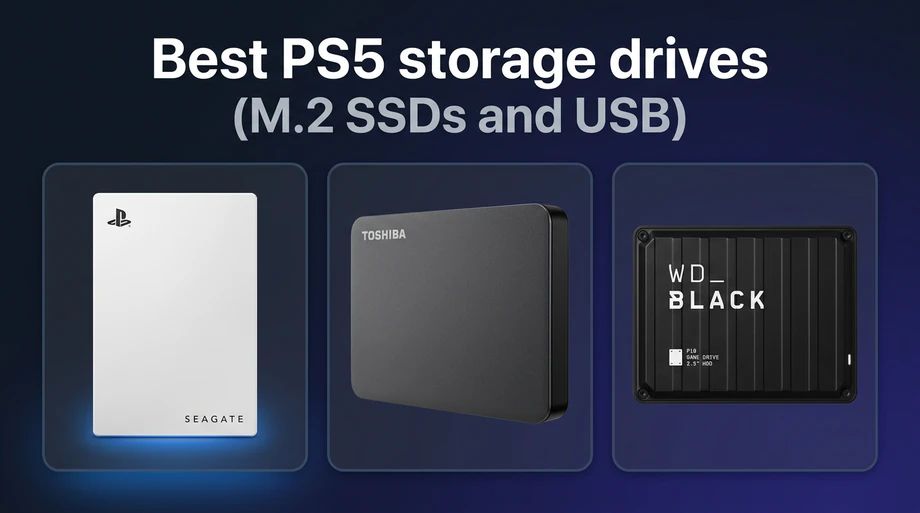
Best PS5 storage drives (M.2 SSDs and USB): Seagate Game Drive for PlayStation external HDD, Toshiba portable gaming HDD, and WD_BLACK P10 Game Drive

For PS5 in 2026, the best storage setup is usually a supported M.2 NVMe SSD for games you want ready to launch, plus USB SuperSpeed storage for archives and PS4 libraries. USB hard drives and USB SSDs cannot replace M.2 for native PS5 play, but they are still the most cost-effective way to stop redownloading 100 GB installs. Sony documents a 5,500 MB/s or faster sequential read as recommended for M.2 modules, PCIe Gen4 x4, strict 2280/2260/2242/2230/22110 length options, and a 11.25 mm total thickness ceiling including cooling.

Methodology

We split PlayStation storage into two buyer problems that generic "best external drive" articles often blur: **internal-class space** where PS5 games can live and launch (console SSD or a supported **M.2 NVMe** module), versus **USB extended storage** where PS5 titles can be parked but not played until you copy them back. We require picks we actually track on Hard Drive Prices so variants, images, and retailer links stay honest, then we rank inside each class (licensed-style M.2 kits, USB HDD value, USB SSD speed). We also sanity-check console rules against Sony's published M.2 and USB extended storage requirements rather than forum guesswork.

Three PlayStation storage ideas (and when each wins)

PS5 treats internal and M.2 SSD space differently from USB extended storage. Most upgrade anxiety comes from mixing those two jobs. Start here, then use the comparison table for numbers on each pick.

M.2 NVMe inside the PS5
  • Install and play PS5 and PS4 games from the added SSD when it meets Sony's socket, size, cooling, and interface rules.
  • PCI Express Gen4 x4 M.2 NVMe (Key M) is the supported interface class; M.2 SATA drives are not supported.
  • You need a real heat-dissipation plan (built-in heatsink or a kit). Fit is tight: total thickness including cooling must stay within Sony's published slot limits.
USB extended storage (HDD)
  • Best cost per terabyte for a big library of parked installs and PS4-era games you still rotate through.
  • PS5 games cannot be played from USB extended storage, even when the drive is an SSD. Copy them back to console or M.2 storage to launch.
  • PS4 games can install to USB extended storage and typically run from it, which is how many players free up fast SSD space.
USB extended storage (SSD)
  • Same PS5 rules as a USB HDD for which games can run where, but copies and shuffles finish faster when you move huge PS5 installs on and off the internal class SSDs.
  • Great if you swap Game Pass style libraries weekly, or if you want a pocket drive for LAN nights and travel.
  • Still subject to Sony's USB extended storage connection rules (see the compatibility matrix below).

Compatibility matrix: M.2 vs USB on PS5

Rows are what you want to do. Columns are where the data lives. This is the same mental model Sony uses in its storage guides: internal-class SSD expansion is not the same feature as USB extended storage.

PS5 storage compatibility by device type
TaskConsole SSD + formatted M.2 SSDUSB extended storage (HDD or SSD)
Play a PS5 game from this driveYes, when installed on console storage or a supported M.2 SSD.No. Store only, then copy back to console or M.2 storage to play.
Install new PS5 downloads straight to this driveYes for M.2 (set install location in Settings). Console SSD always qualifies.No for direct play installs. You can park completed installs here after download.
Play a PS4 game from this driveYes from either internal-class location.Yes for many titles when the drive is formatted as USB extended storage.
Minimum USB interface class (extended storage)Not applicable (M.2 bay).SuperSpeed USB at 5 Gbps or later. Some marketing names map to the same 5 Gbps class (for example USB 3.0, USB 3.1 Gen 1, USB 3.2 Gen 1).
USB hub in the middleNot applicable.Sony documents that extended storage is not supported through a USB hub. Plug into the console port when possible.
Practical speed ceiling on PS5 USB portsM.2 uses the PCIe expansion slot, not USB throughput.The console exposes SuperSpeed USB at 5, 10, and 20 Gbps classes, but real copies still depend on the drive, cable, and thermal behavior. Very fast USB 3.2 Gen2x2 drives may still negotiate a single-lane link on console hardware, so headline PC numbers do not always carry over one to one.

PS5 M.2 installation: what to expect (high level)

Sony publishes full steps with diagrams. This is the short version so you know what you are signing up for before you buy tools and a drive in one weekend.

  1. Power down and unplug, work on a stable surface, and discharge static on a grounded metal part before touching the M.2 module.
  2. Remove the correct outer cover for your PS5 model group (disc, digital, and slim revisions differ). Keep screws organized.
  3. Open the expansion bay cover, move the spacer to the length that matches your 2230, 2242, 2260, 2280, or 22110 module, then seat the M.2 at roughly a 30 degree angle until it clicks home.
  4. Fasten the hold-down screw without crushing the drive or letting a tall heatsink foul the bay cover. If the cover will not sit flush, your cooler is too thick.
  5. First boot formats the SSD, which wipes anything that was on the module. Plan backups before you start. After formatting, pick install targets under Settings → Storage so new downloads land where you want them.

Official reference: Sony Interactive Entertainment, "How to add an M.2 SSD to a PS5 console" and "USB extended storage on PS5 consoles" support articles (interface classes, capacity limits, hub rules, and cooling requirements).

If you only skim one block, use the compatibility matrix in the callouts above: it states, in plain language, what PS5 can do from M.2 versus USB under Sony's current guidance. Primary sources for numbers on this page are Sony Interactive Entertainment's M.2 SSD requirements for PS5 and USB extended storage on PS5 consoles support articles.

Buying guide: PS5 M.2 SSD requirements (what actually matters)

Interface and protocol. Sony specifies a PCI-Express Gen4 x4 supported M.2 NVMe SSD (Key M). M.2 SATA SSDs are not supported, so do not buy a SATA M.2 module for this bay even if the shape looks right.

Size and slot fit. Supported board lengths include 2230, 2242, 2260, 2280, and 22110, with a published total thickness limit of 11.25 mm including any heatsink (up to 8.0 mm above the PCB and 2.45 mm below, per Sony's support table). If a retail heatsink is too tall or too chunky on both sides, the expansion cover may not seat, and you risk a return cycle.

Cooling is mandatory. Sony requires effective heat dissipation (heatsink plus transfer pad, or an integrated cooler). Running bare NAND in a closed console is a bad idea even when it physically fits.

Speed expectations. Sony lists 5,500 MB/s or faster sequential read as recommended. Slower Gen4 drives may still be detected, but the console can warn about reduced read speeds, and Sony notes that not every game matches internal Ultra-High Speed SSD behavior even when headline throughput is high. Treat the recommendation as a planning line, not a flex contest.

USB extended storage (HDD or SSD). For USB extended storage, Sony documents SuperSpeed USB at 5 Gbps or later, capacities between 250 GB and 8 TB, and several SuperSpeed link classes (5, 10, and 20 Gbps naming on the console side). Some multi-lane USB marketing modes fall back to a single-lane link on PS5 hardware, so real copies may plateau below the wildest PC box numbers. USB hubs are not supported in the path for extended storage, and only one USB extended storage volume can be active at a time even though other USB devices can coexist for charging or accessories.

HDD versus SSD for PlayStation USB storage

USB HDDs still win on dollars per terabyte and are perfect for cold storage: finished single-player installs, seasonal live-service games you might return to later, and PS4-era libraries you want off the expensive silicon.

USB SSDs cost more per GB but cut copy times when you move a PS5 install between USB and internal-class storage. They also feel snappier for PS4 games Sony allows you to play from USB extended storage. They do not unlock native PS5 play from USB.

Match the drive type to how often you shuffle data. Casual players who delete rarely can lean HDD first. Competitive or Game Pass style rotators who move games weekly usually feel USB SSD money well spent.

Which player profile are you?

Casual, few simultaneous games: start with 1 TB USB extended storage or a modest M.2 add-on, then revisit when your library grows.

Large library, slow internet: favour multi-terabyte USB HDD archives plus a 1–2 TB M.2 tier for what you are actively playing. Redownloads hurt more than hardware cost for some households.

LAN parties and travel: a portable USB SSD or compact USB HDD you can throw in a bag beats opening the console shell.

PS5 M.2 installation walkthrough (anxiety reduction, not a full hardware guide)

Use Sony's illustrated steps for your model group (original, digital, slim). Expect to remove a panel, open the M.2 cover, move the spacer to match drive length, seat the module at an angle, torque the retention screw without warping the PCB, then format on first boot (which erases any existing data on that SSD). If the bay cover will not close, assume heatsink height is wrong before you blame the console.

Capacity guide: how much do you actually need?

Sony allows M.2 sizes from 250 GB up to 8 TB, and USB extended storage in the 250 GB–8 TB window as well. Real buyers usually land between 1 TB and 4 TB for M.2, and 2 TB to 5 TB for USB HDD archives.

Why 1 TB can feel tight: flagship PS5 installs commonly land in the 50–150 GB range depending on modes, language packs, and post-launch content. A few blockbusters plus captures can consume a terabyte faster than spreadsheet math suggests.

When 2 TB M.2 is the comfort zone: if you rotate between a big online shooter, an open-world game, and a sports title, 2 TB often removes weekly delete-or-download decisions.

When USB HDDs shine at 4 TB and up: parking complete libraries or PS Plus monthly queues is a HDD workload. Keep active games on M.2 or console storage.

Screenshots and clips: heavy creators should budget dozens of gigabytes unless you archive to PC regularly. Captures are easy to forget in capacity planning.

Common mistakes (support threads repeat these)

Buying PCIe 3.0 M.2 for the PS5 bay. Gen3 drives can be fine PCs, but they are the wrong tool for Sony's Gen4 requirement.

Skipping the heatsink "just to test." Sony explicitly warns against running M.2 without heat dissipation.

Expecting USB SSDs to run PS5 titles. Marketing photos show consoles next to drives, but USB extended storage cannot launch PS5 games. Copy back to console or M.2 storage first.

Using a cheap USB hub. Sony states USB extended storage cannot run through a hub. Direct-to-console wiring matters.

Confusing "extended" with "expanded". In everyday language people mix terms. On PS5, think internal-class (factory SSD + supported M.2) versus USB extended storage with different play rules.

How we picked these seven drives

We include two M.2 lines positioned for PS5 buyers (including integrated cooling stories), one fast USB SSD for frequent moves, and four USB HDDs at different price and design points so you can cover archive, PlayStation branding, and travel without pretending HDDs are NVMe.

For Xbox Series X|S storage (Expansion Card versus USB), read our separate Xbox storage best picks guide. For catalog browsing, jump to PS5 hard drives or the wider PlayStation storage hub before you open individual SKUs.

Head-to-head comparison

Seven drives across three jobs: PS5 M.2 expansion, USB hard drives for cheap archives, and a USB SSD for faster shuffles. Figures use the default variant we track; open each product for every SKU and live USD pricing (Amazon US and linked retailers).

Compare PlayStation storage picks: M.2 internal vs USB HDD and SSD
CriteriaWestern Digital WD_BLACK SN850P NVMe M.2 SSD for PlayStation 5 (with heatsink)Seagate Game Drive PS5 NVMe Internal Solid-State Drive (M.2 with heatsink)Western Digital WD_BLACK P50 Game Drive Portable SSD (USB-C)Seagate Game Drive for PlayStation Consoles External Hard Drive, USB 3.2 Gen 1 (2.5 inch)Western Digital WD_BLACK P10 Game Drive Portable External Hard Drive (USB 3.2 Gen 1)Toshiba Canvio Gaming Portable External Hard Drive (USB 3.2 Gen 1)Western Digital WD My Passport Portable Hard Drive with USB-C (2.5 inch)
Storage typeM.2 NVMe SSD (internal expansion)M.2 NVMe SSD (internal expansion)USB SSD (extended storage class)USB HDD (extended storage class)USB HDD (extended storage class)USB HDD (extended storage class)USB HDD (extended storage class)
PS5 role (what Sony allows on this class)Install and play PS5 and PS4 games (M.2 bay)Install and play PS5 and PS4 games (M.2 bay)Store PS5 games; play many PS4 games from USBStore PS5 games; play many PS4 games from USBStore PS5 games; play many PS4 games from USBStore PS5 games; play many PS4 games from USBStore PS5 games; play many PS4 games from USB
Capacities tracked1–4 TB1–2 TB1–4 TB2–5 TB2–5 TB1–4 TB2–6 TB
Interface (from spec sheet)See product pagePCIe Gen4 x4 NVMe 1.4USB 3.2 Gen 2x2 (SuperSpeed USB 20 Gb/s)USB 3.2 Gen 1USB 3.2 Gen 1USB 3.2 Gen 1USB 3.2 Gen 1
Price (default variant)$278.34$459.99$529.90$179.99$177.60$134.17$119.99
Best forOfficial-style PS5 M.2 kit with heatsink story and strong Gen4 readsSeagate PS5-branded M.2 line for buyers who want a console-first bundle storyFast USB solid-state shuttle for big PS5 install movesPlayStation-styled USB HDD archive for cold storage on a budgetWD_BLACK portable HDD tuned for a game library on the shelfToshiba gaming portable HDD for simple USB terabytesMy Passport USB-C focus for laptops and consoles in one bag

Our picks

Ranked for how they balance price, capacity, and the workload they are built for. Open any pick for full specs and alternate retailers.

#1Best PS5 M.2 SSD (heatsink-ready WD_BLACK)
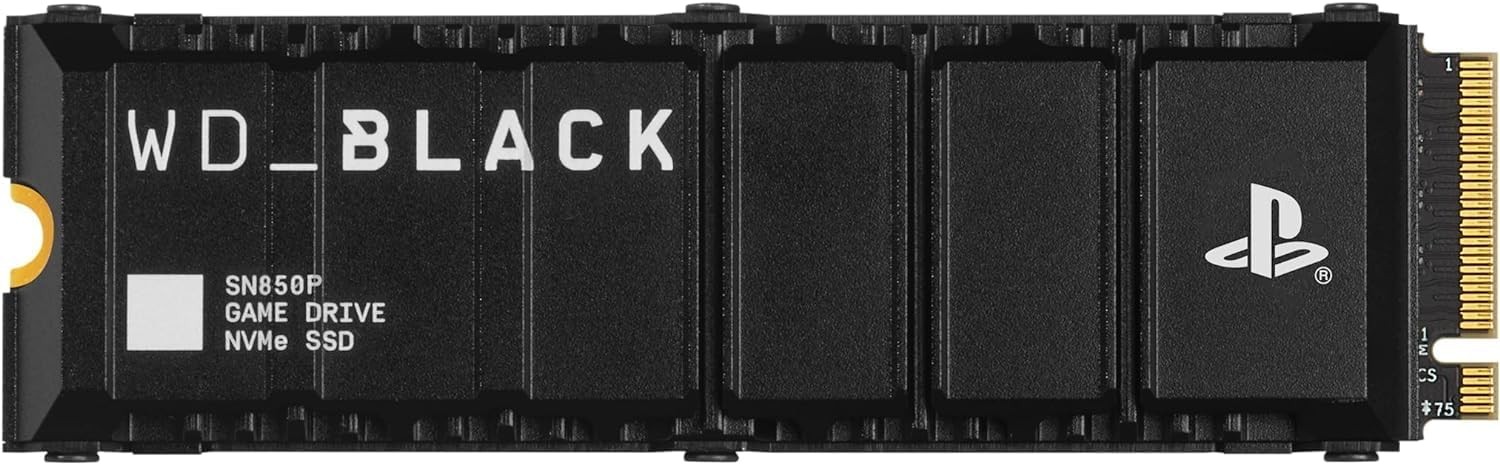
Western Digital WD_BLACK SN850P NVMe M.2 SSD for PlayStation 5 (with heatsink), 1 TB — Best PS5 M.2 SSD (heatsink-ready WD_BLACK) editorial pick #1, product photo for shoppers comparing hard drives
  • Amazon4.8

Western Digital WD_BLACK SN850P NVMe M.2 SSD for PlayStation 5 (with heatsink)

WD_BLACK SN850P is aimed squarely at PS5 buyers who want a retail PS5-oriented M.2 kit: heatsink integration in common bundles, strong PCIe Gen4 positioning, and a clear upgrade path when the console SSD is full of launch-day blockbusters.

endurance tbw
600

Also available at

#2Best PS5 M.2 SSD (Seagate console-native line)
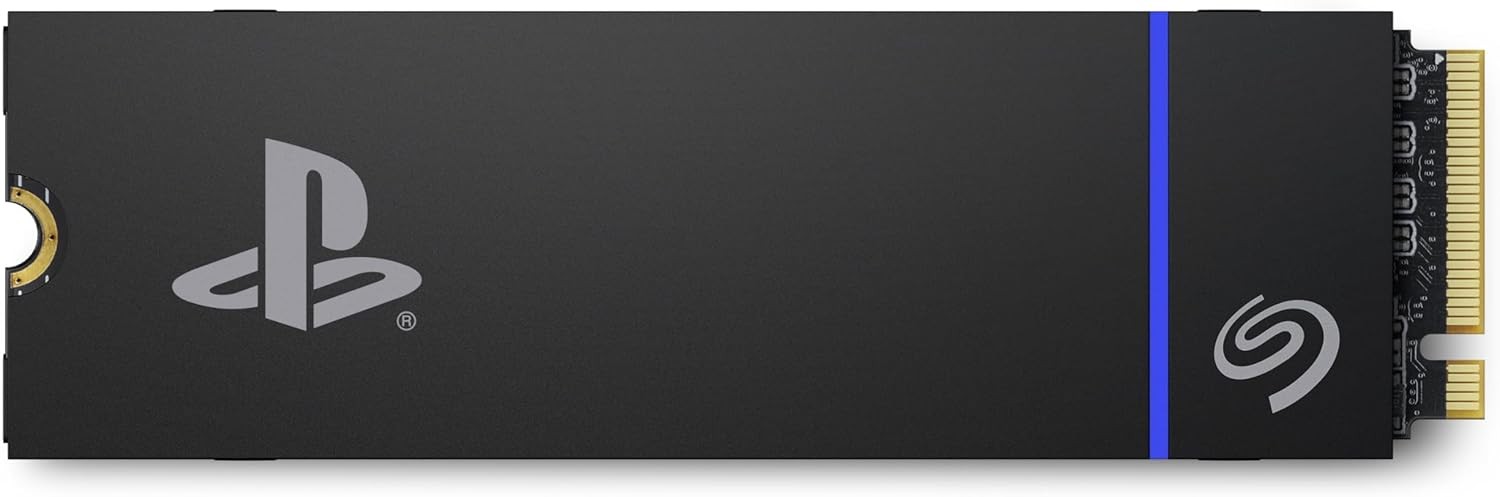
Seagate Game Drive PS5 NVMe Internal Solid-State Drive (M.2 with heatsink), 2 TB — Best PS5 M.2 SSD (Seagate console-native line) editorial pick #2, product photo for shoppers comparing hard drives
  • Amazon4.6

Seagate Game Drive PS5 NVMe Internal Solid-State Drive (M.2 with heatsink)

Seagate Game Drive PS5 NVMe SSDs give shoppers a licensed-feeling Seagate path with PS5 packaging cues and Gen4 throughput aimed at the same internal expansion job as other supported M.2 kits.

interface
PCIe Gen4 x4 NVMe 1.4
form factor
M.2 2280
series
Game Drive PS5 NVMe SSD
nand type
3D TLC
#3Best USB SSD (fast moves, rugged portable)
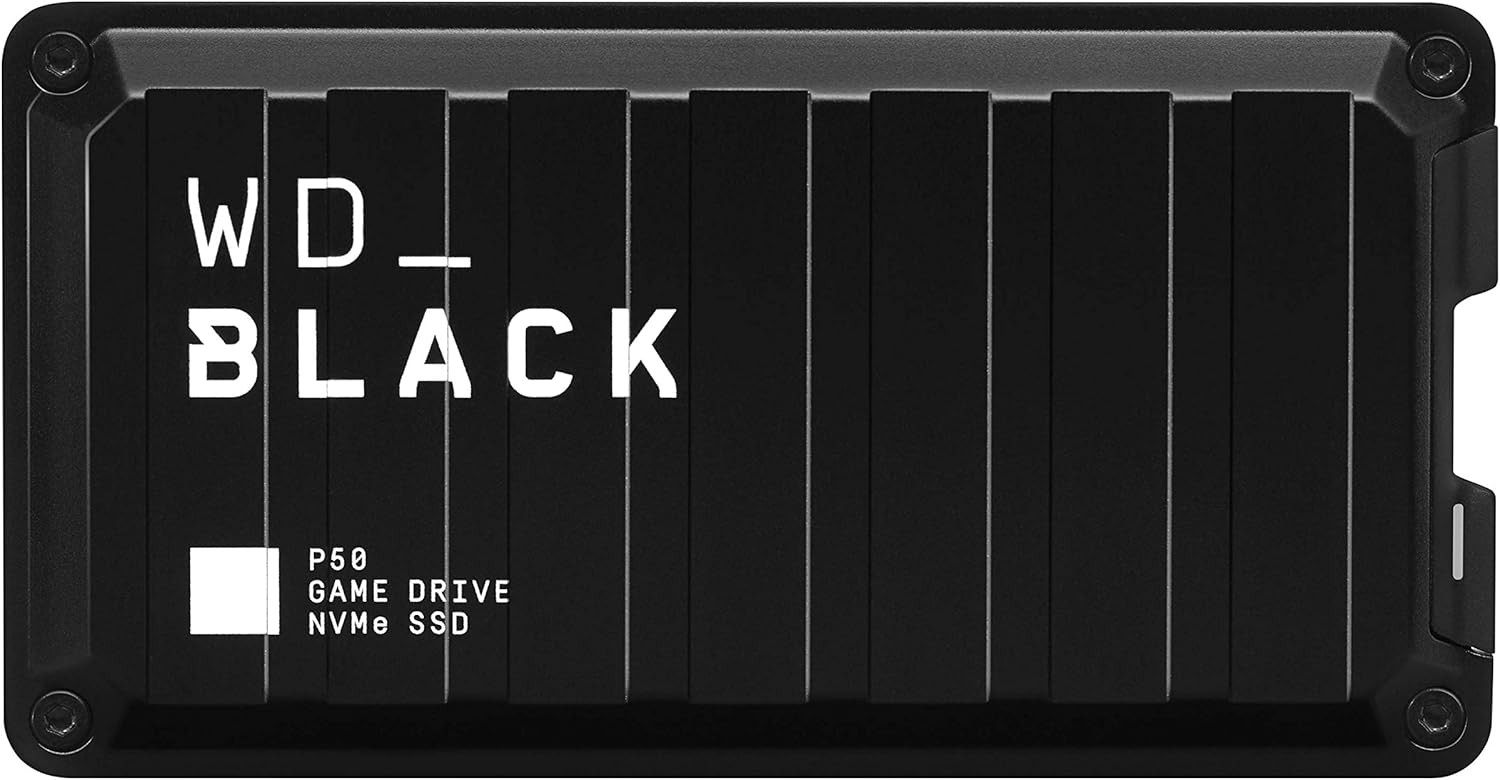
Western Digital WD_BLACK P50 Game Drive Portable SSD (USB-C), 2 TB — Best USB SSD (fast moves, rugged portable) editorial pick #3, product photo for shoppers comparing hard drives
  • Amazon4.7

Western Digital WD_BLACK P50 Game Drive Portable SSD (USB-C)

WD_BLACK P50 is the USB solid-state option in this list for owners who move massive installs often and want metal construction with desktop-class USB marketing speeds where the cable and port allow.

interface
USB 3.2 Gen 2x2 (SuperSpeed USB 20 Gb/s)
form factor
Portable external SSD
series
WD_BLACK P50 Game Drive
weight g
115
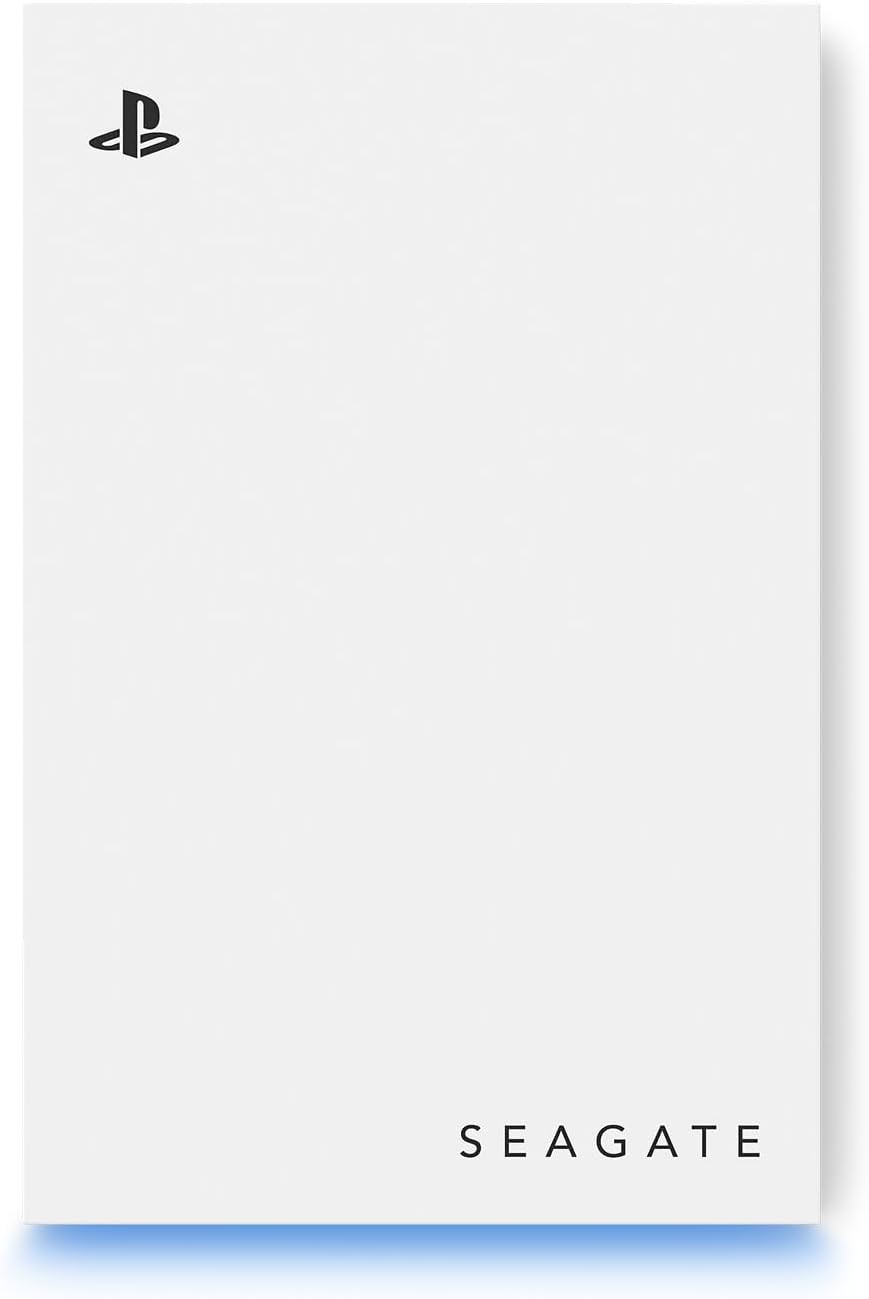
#4Best USB HDD (PlayStation-branded archive)
Seagate Game Drive for PlayStation Consoles External Hard Drive, USB 3.2 Gen 1 (2.5 inch), 5 TB — Best USB HDD (PlayStation-branded archive) editorial pick #4, product photo for shoppers comparing hard drives
  • Amazon4.5

Seagate Game Drive for PlayStation Consoles External Hard Drive, USB 3.2 Gen 1 (2.5 inch)

Seagate Game Drive for PlayStation is the straightforward USB HDD pick when you want Sony-adjacent branding, simple extended storage formatting, and cheap terabytes for parked PS5 installs plus PS4 playback.

interface
USB 3.2 Gen 1
form factor
2.5 inch
rpm
7200
series
Game Drive for PlayStation
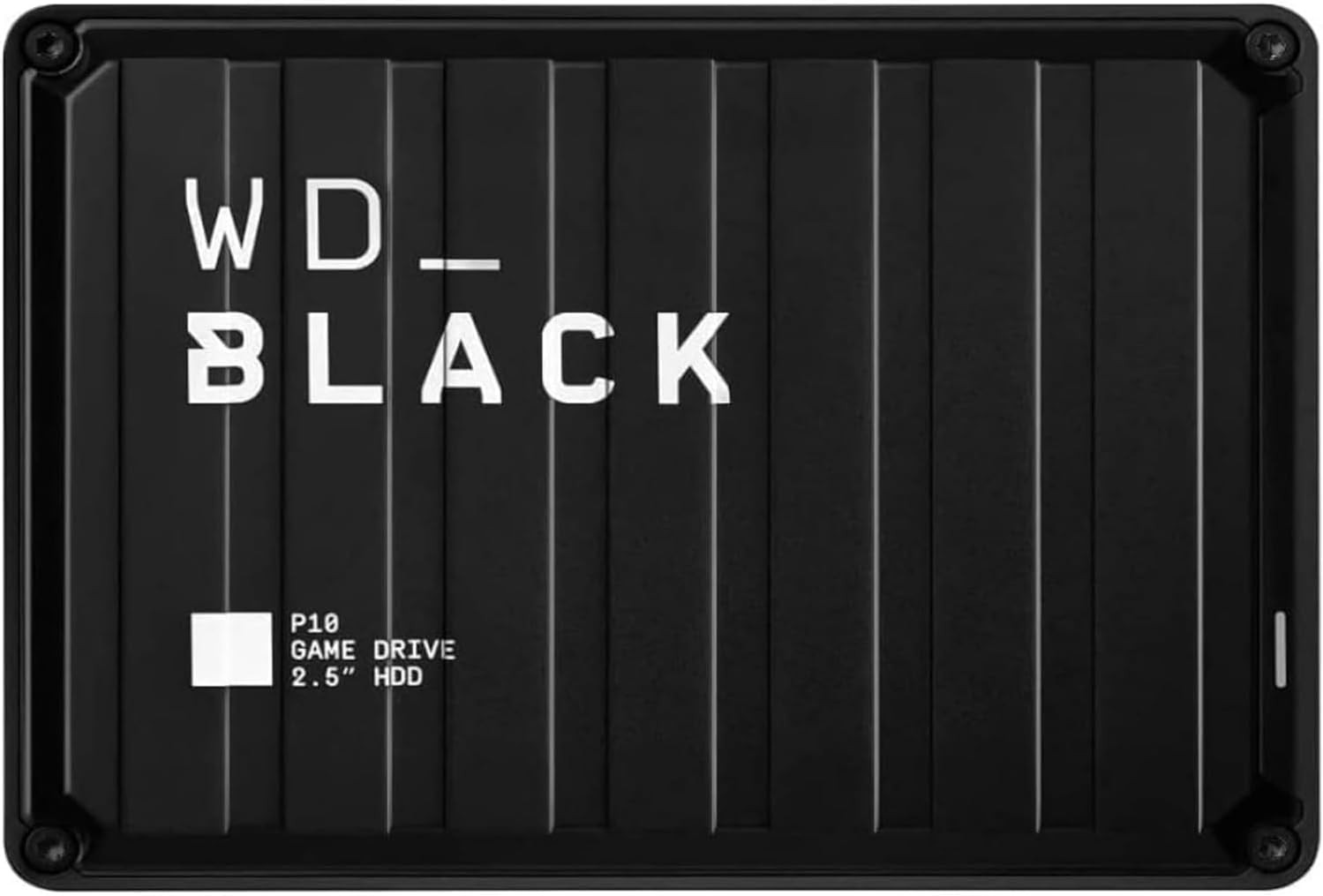
#5Best USB HDD (WD_BLACK portable gaming)
Western Digital WD_BLACK P10 Game Drive Portable External Hard Drive (USB 3.2 Gen 1), 5 TB — Best USB HDD (WD_BLACK portable gaming) editorial pick #5, product photo for shoppers comparing hard drives
  • Amazon4.7

Western Digital WD_BLACK P10 Game Drive Portable External Hard Drive (USB 3.2 Gen 1)

WD_BLACK P10 targets players who want a rugged-looking portable HDD on the desk, good capacity steps for libraries, and a no-surprises USB extended storage story next to their console.

interface
USB 3.2 Gen 1
form factor
2.5 inch
series
WD_BLACK P10
manufacturer
Western Digital

Also available at

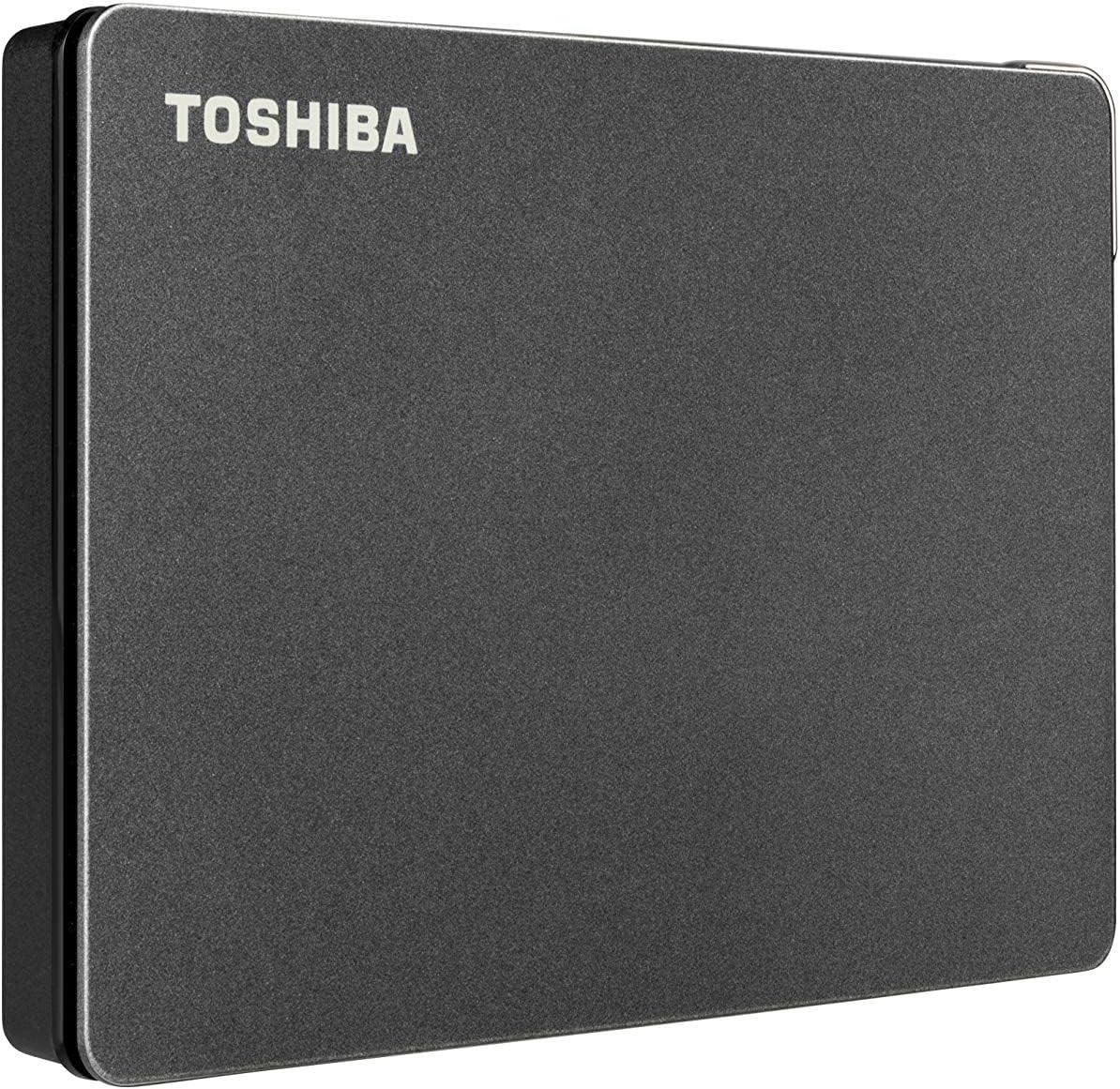
#6Best USB HDD (Toshiba gaming portable)
Toshiba Canvio Gaming Portable External Hard Drive (USB 3.2 Gen 1), 2 TB — Best USB HDD (Toshiba gaming portable) editorial pick #6, product photo for shoppers comparing hard drives
  • Amazon4.7

Toshiba Canvio Gaming Portable External Hard Drive (USB 3.2 Gen 1)

Toshiba Canvio Gaming is a compact USB-powered HDD line for buyers who want a simple archive drive with gamer-oriented casing without paying SSD prices.

interface
USB 3.2 Gen 1
form factor
2.5 inch
rpm
5400
series
Canvio Gaming

Also available at

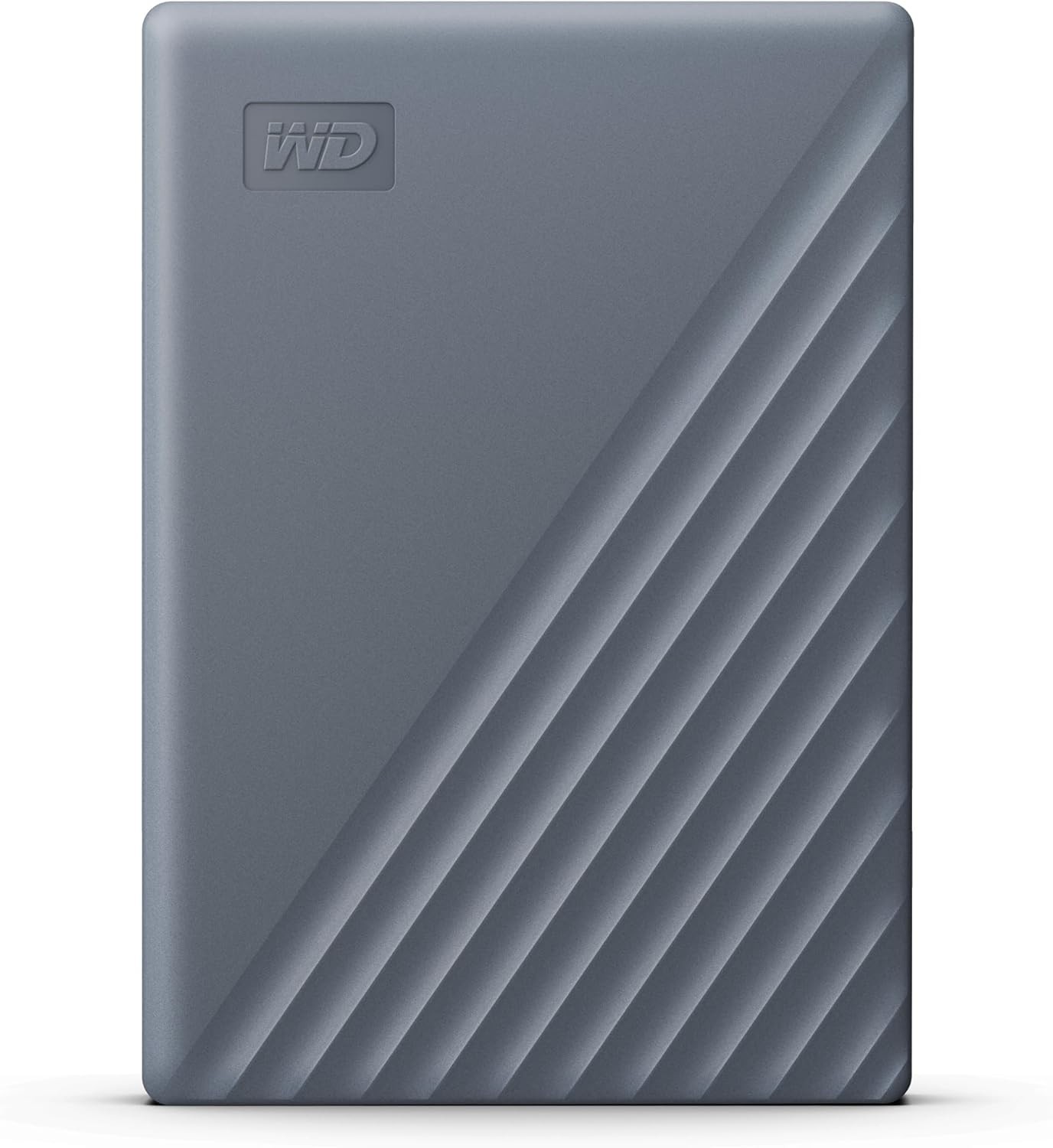
#7Best USB HDD (USB-C everyday portable)
Western Digital WD My Passport Portable Hard Drive with USB-C (2.5 inch), 2 TB — Best USB HDD (USB-C everyday portable) editorial pick #7, product photo for shoppers comparing hard drives
  • Amazon4.2

Western Digital WD My Passport Portable Hard Drive with USB-C (2.5 inch)

My Passport portable models with USB-C focus are a strong dual-use option: easy to move between a PS5 and a laptop bag, while still behaving as USB extended storage when formatted on the console.

interface
USB 3.2 Gen 1
form factor
2.5 inch
series
My Passport
encryption
256-bit AES hardware encryption with password protection via bundled software

Also available at

Bottom line

Start with where the game should launch from. If you are tired of copying PS5 titles, allocate budget to a proper Gen4 M.2 kit that respects heatsink height and Sony's PCIe Gen4 x4 rule set, then add USB capacity for everything else. If your network is slow, bulk USB HDD space still pays for itself by avoiding repeat downloads.

When you are ready to buy, open each product page above, flip capacity variants, and confirm interface wording on the SKU you add to cart. If two drives are close on paper, prefer the one with clear return policies and verified cooling photos from real installs.

For a wider market lens outside this shortlist, use the home comparison table and sort by price per TB. If you are also building a home server, our NAS drive picks explain vibration and RAID behavior that console guides usually skip.

FAQ

Can I play PS5 games from a USB external drive?

No for gameplay. Sony states that PS5 games can be stored on USB extended storage, but you need to copy them back to console storage or a supported M.2 SSD to play. USB SSDs follow the same rule as USB HDDs here.

Do I need a heatsink for my PS5 M.2 SSD?

Yes. Sony requires effective heat dissipation (such as a heatsink and heat transfer sheet) and warns not to install M.2 SSDs without it. Many retail PS5-oriented SSDs ship with a cooler attached; some slim modules need an add-on kit that still fits the 11.25 mm total thickness limit.

Will a PS4 external drive work on PS5?

Often, yes. Sony notes that USB extended storage used on PS4 or another PS5 may not need reformatting when moved. PS4 games can install to USB extended storage and play from there on PS5, while PS5 games on USB remain store-only until copied to internal-class storage.

What sequential read speed does Sony recommend for PS5 M.2 SSDs?

Sony lists 5,500 MB/s or faster sequential read as recommended for M.2 SSDs, alongside PCIe Gen4 x4 M.2 NVMe support and the published socket sizes. The console may still warn if a drive is slower, and Sony notes that even very fast drives may not match every internal SSD performance scenario for every title.

Can I connect PS5 USB extended storage through a USB hub?

Sony documents that you cannot connect USB extended storage through a USB hub. Use a direct cable path to the PS5 SuperSpeed port when you want the officially supported configuration.

Does the PS5 support USB 3.2 Gen2x2 external SSDs at full PC speeds?

Sony lists multiple SuperSpeed USB classes, but also notes that some high-marketing-number USB modes may negotiate single-lane links on the console (for example, certain Gen2x2 devices at a 10 Gbps class). Expect real-world copies to depend on the drive, cable, thermals, and the specific port you use.

How many USB extended storage drives can I use at once on PS5?

Sony states that only one USB extended storage drive can be used at a time, even though multiple USB devices may be connected for other purposes. Plan one large archive drive rather than many small ones if you want simple management.

Is a portable HDD "too slow" for PlayStation?

It is slow for moving PS5 installs compared with SSDs, but HDDs remain a strong way to store PS5 games you are not actively playing and to host PS4 libraries cheaply. Match expectations: HDDs optimise cost per terabyte, not copy speed.

What is the difference between USB extended storage and just plugging in any USB stick?

USB extended storage is a console format path with specific SuperSpeed and capacity rules. Random thumb drives may fail compatibility checks, lack sustained writes for huge installs, or run hot. Prefer known external HDD or SSD models built for large sequential transfers.

Should competitive players prioritise M.2 or USB SSD?

For PS5-native competitive titles you actually launch, prioritise free space on console storage or a supported M.2 SSD. A USB SSD mainly helps if you frequently move installs or you play PS4 titles from USB where allowed.

Does adding an M.2 SSD void my PS5 warranty?

Sony states that manufacturer warranty coverage should generally not be affected when you install a compatible M.2 SSD and follow instructions, but damage from improper install or out-of-spec parts may not be covered. Read Sony warranty terms if you need certainty.

Why do some guides only talk about external HDDs and skip M.2?

External HDD roundups are easier to film and explain, but they cannot answer the PS5-native play question. This article treats M.2 and USB as complementary: M.2 for launches, USB for archives.

Can I use the same external SSD on PS5 and my laptop?

Sometimes, but not on the same partition without reformatting. PS5 prepares USB extended storage for console use. If you need dual duty, buy separate drives or plan to wipe and reformat when you change roles.

What about Host Memory Buffer (HMB) on NVMe drives?

Sony states that PS5 consoles do not support Host Memory Buffer. Some M.2 devices that rely on HMB may show slower-than-expected performance, so treat HMB-dependent budget drives with extra caution for this workload.