Wedding and event photographers
High card counts, tight delivery windows, and a second copy before you leave the venue reward fast USB shuttles plus at least one encrypted portable when contracts mention client data.
Independent picks from Hard Drive Prices Editorial Team. We compare specs, real-world fit, and street prices so you can choose a drive without wading through spec sheets alone.
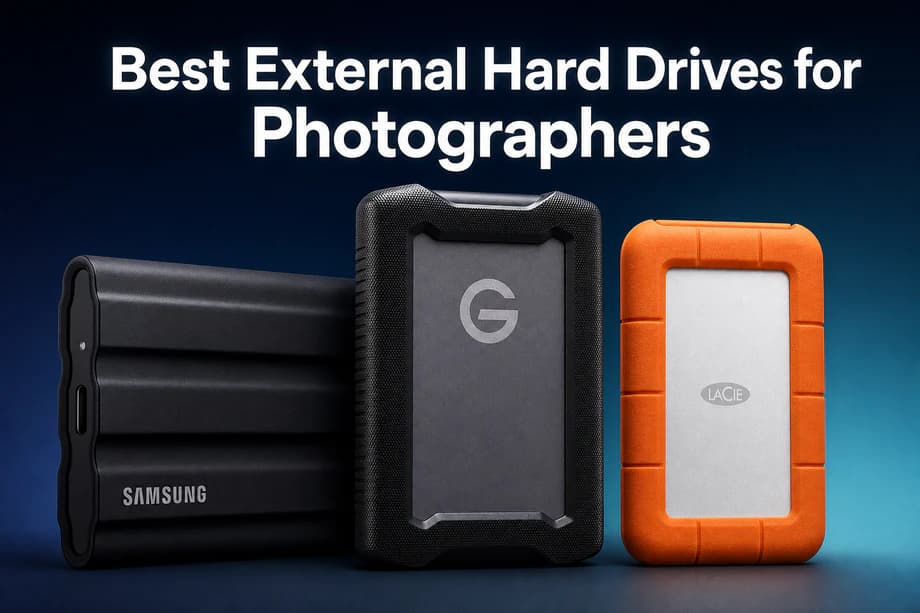
The best external hard drives for photographers in 2026 pair how you shoot with how you copy. Most working pros keep a fast portable SSD for nightly card dumps and a desktop HDD for shelf archives. Rugged HDDs still earn bag space when budgets prefer terabytes over NAND, and IP-rated SSDs make sense when dust, drizzle, or a clumsy assistant is part of the story. This page tracks ten Amazon.com (United States) listings only.
We start with drives Hard Drive Prices already tracks on Supabase so you see live Amazon.com SKUs, USD pricing, and spec fields we can cite instead of mystery gray-market listings. We then score each pick for photography workloads: ingest speed from fast cards, honest sequential writes for hybrid video, dust and water stories when marketing uses IP language, hardware encryption where contracts care, and whether a model makes more sense on a desk or in a backpack. We still read warranty footnotes because Rescue tiers, kit contents, and TBW limits change. When you need NAS depth after this guide, continue to our NAS HDD picks. When you need editor-first SSD language, see the portable SSD video guide.
Think in copies, not in brand names. Three copies of anything you cannot reshoot, on two different kinds of media, with one copy kept away from the building that holds the originals.
Cards, working laptop disk, and an external volume you trust for the week. After culling, promote the keeper set so you are not counting camera buffers as a long-term archive.
Pair internal or portable SSD speed with spinning-disk shelves, or SSD plus cloud escrow, so one failure mode cannot wipe the story.
Rotate a small drive to a trusted desk, or use encrypted cloud for the third leg. Offsite means a different address, not a different drawer in the same room.
These callouts are shortcuts, not rules. They point to the ranked picks below that best match how you move files, where you stand on a wedding timeline, and how much bag space you actually have on a hiking approach.
High card counts, tight delivery windows, and a second copy before you leave the venue reward fast USB shuttles plus at least one encrypted portable when contracts mention client data.
Bus power, small footprints, and honest ingress or bumper stories matter more than chasing the last megabyte per second when dust, rain, or a baggage toss is part of the itinerary.
Tethered sets and large deliverables still end on shelf HDDs for dollars per terabyte, while a premium portable SSD keeps the daily ingest lane wide open between sessions.
Burst-heavy days mean long sequential copies from fast cards. You want predictable writes, cool behavior between innings or hides, and a drive you can toss into a dry bag without babying it.
Log clips punish sustained writes more than stills do. Treat vendor sequential write claims as ceilings, leave free space for thermal breathing room, and mirror finished masters to HDD shelves.
This guide is for photographers who are tired of vague "fast enough" advice and want a field-ready shortlist with live USD pricing. We cover portable SSDs, rugged HDD shuttles, value portables, and desktop archive bricks in one place because real kits mix all four. Internal links below point to deeper lists when you outgrow single-drive workflows.
RAW stills (CR3, ARW, NEF, and similar) stress sequential writes during ingest and sequential reads when you browse folders or build previews. A healthy USB 3.2 Gen 2 portable SSD often clears 400 to 900 MB/s real-world copies when the laptop port, cable, and thermal headroom cooperate, even when vendor boxes print higher burst numbers.
JPEG bursts lean on the same sequential story plus filesystem overhead. If Lightroom or Capture One feels laggy, check free space first, then cable generation, then whether you are accidentally on a USB 2.0 hub.
4K and 8K log is a sustained-write problem. Hybrid shooters should read vendor write claims carefully, leave at least 15 to 20 percent free space for steady performance, and remember that thermal throttling on thin laptops is a photography problem too, not only a cinema problem.
Ballpark planning beats guessing. A 24 MP RAW file often lands near 20 to 40 MB depending on compression. A 45 to 61 MP body can push 50 to 90 MB per frame. A 1,500 frame wedding day might land between 75 GB and 220 GB before culled selects, second shooters, or video scratch audio.
4K video adds up faster than stills. A 100 Mbps Long-GOP clip is about 0.75 GB per minute. 400 Mbps modes scale linearly. Buy the next capacity tier when the price per TB still looks fair, not when the drive is already full.
SSDs cost more per terabyte but tolerate vibration and quick moves better while copying. HDDs still win shelf economics for multi-year libraries. A boring studio pattern is SSD Monday through Friday, HDD forever for finished work, which mirrors how risk splits across time.
Bus-powered drives pull from the laptop port. They matter for flights, coffee shops, and set carts without spare outlets. Wall-powered desktop units accept higher platter counts and lower cost per terabyte, which is why WD My Book and Seagate Expansion Desktop anchor the end of this list.
USB-C is the connector shape, not the speed guarantee. USB 3.2 Gen 1 behaves like older 5 Gbps USB 3.0. Gen 2 is 10 Gbps and matches many current laptops. Gen 2x2 is 20 Gbps when the host, port, cable, and drive all agree, which is less universal on Apple laptops than on premium Windows mobile workstations.
Thunderbolt docks and Thunderbolt SSDs are a different budget class. Most photographers first optimize cables and hubs, then decide if Thunderbolt is the bottleneck.
exFAT is the usual shuttle choice when Mac and Windows machines must both write without extra drivers. APFS is great for Mac-only SSDs. NTFS is common on Windows-first studios; macOS can read it natively but native write support is not the seamless default most mixed teams want on a field drive.
Keep three copies of anything you cannot reshoot, on two media types, with one offsite. Cards count as one copy until you verify copies land on two separate devices. Rotating a small encrypted drive to a trusted desk beats pretending social cloud sync is a verified backup.
Turn on hardware-backed encryption when contracts mention client privacy, when drives leave your sight on planes, or when you deliver previews on physical media. Software encryption can be fine, but hardware stories reduce the odds that a future OS update breaks your unlock path.
Sequential write throttling happens when a portable SSD heats up during long video copies or huge folder merges and the controller slows writes to protect NAND. Photographers notice it as a copy bar that starts fast then sags. Mitigations are shorter copy batches, better airflow, shorter cables, and keeping free space in the healthy range.
Single-drive hubris still tops the list. One portable disk is not a backup strategy.
Mystery cables cause more support tickets than bad NAND. Label your 10 Gbps cables and stop mixing in charging-only cords.
Ignoring filesystem mismatches between Mac and Windows still ruins delivery day.
Filling drives past roughly 80 percent invites slowdowns on both SSDs and HDDs.
Skipping verification after big copies means you might not know a folder is incomplete until a client asks.
Using FAT32 volumes meant for cameras as primary working disks caps file sizes and fragments workflows.
When this list graduates you to bigger archives, read our external hard drives for long-term storage HDD guide. Hybrid video shops can cross-check portable SSD behavior in external SSDs for video editing. If you land on a server, compare hard drives for NAS before you buy bare disks.
Ranked for photographers working in the United States: ingest speed, field durability, encryption stories, and real dollars per terabyte on Amazon.com. Open any pick for every capacity we track. Non-Amazon retailer chips are hidden on this page so pricing stays US focused.
Fast ingest, lighter bags, and fewer moving parts when you copy cards every night or edit from the shuttle drive on location.
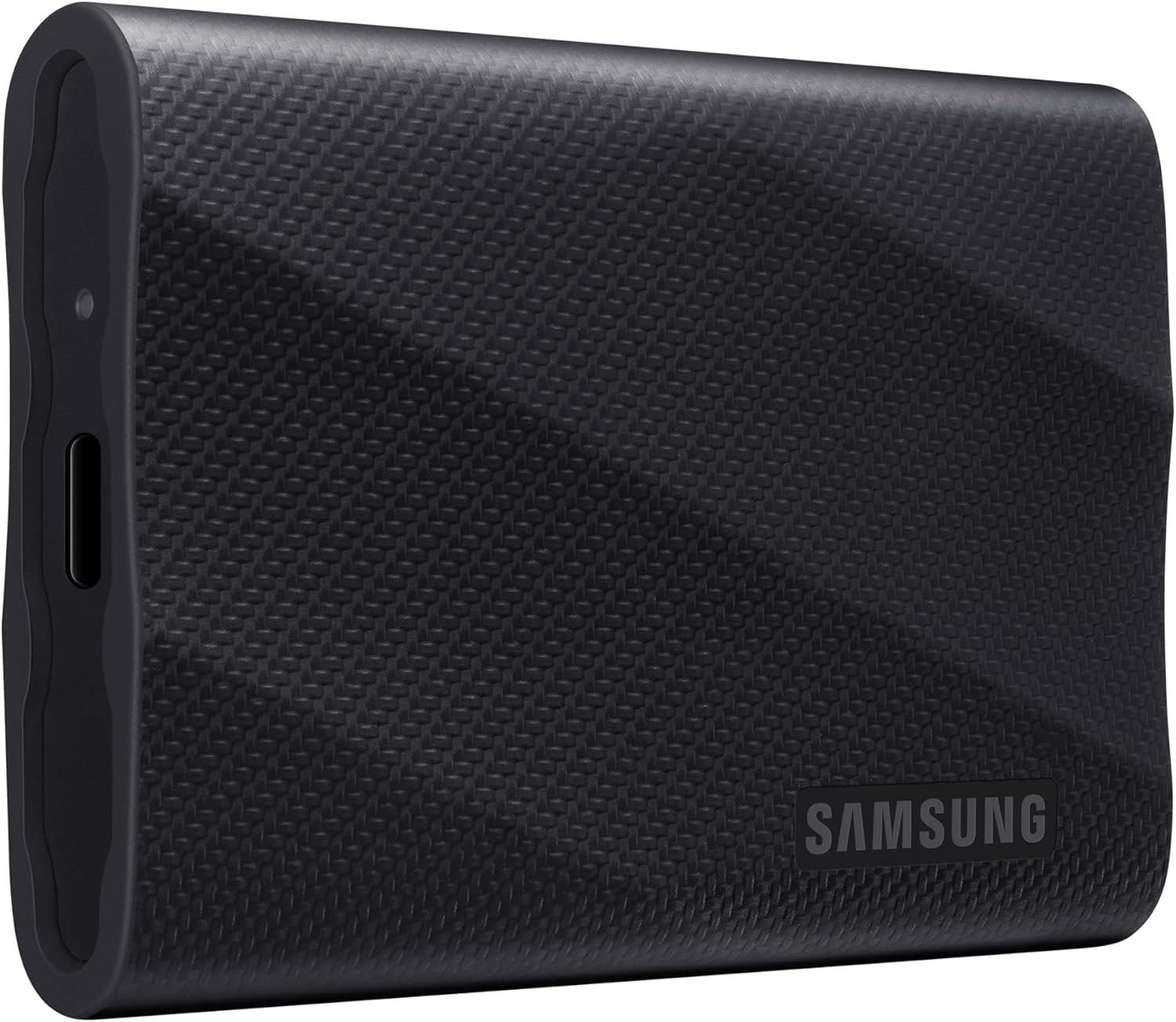
Samsung T9 is the flagship pocket SSD for photographers who can use USB 3.2 Gen 2x2 and want high sequential ceilings, a metal-forward enclosure story, and a five-year warranty class on retail listings.
Pros
Cons
1 TB
$287.97
Per TB $287.97
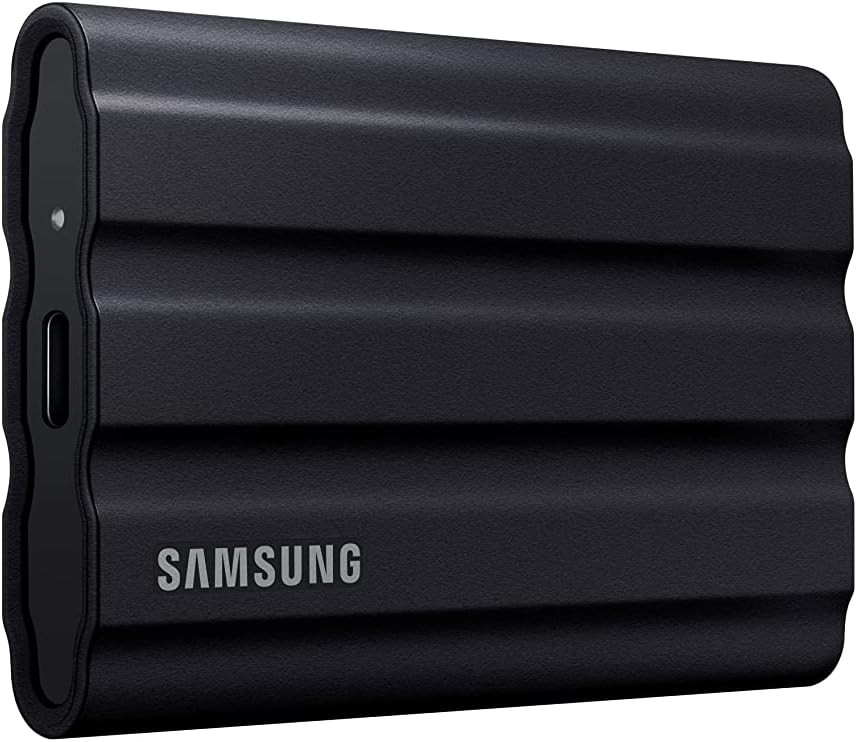
Samsung T7 Shield pairs IP65 dust and water resistance with roughly 1050 MB/s class sequential claims on USB 3.2 Gen 2, which is the realistic everyday port many US laptops already expose.
Pros
Cons
1 TB
$287.99
Per TB $287.99
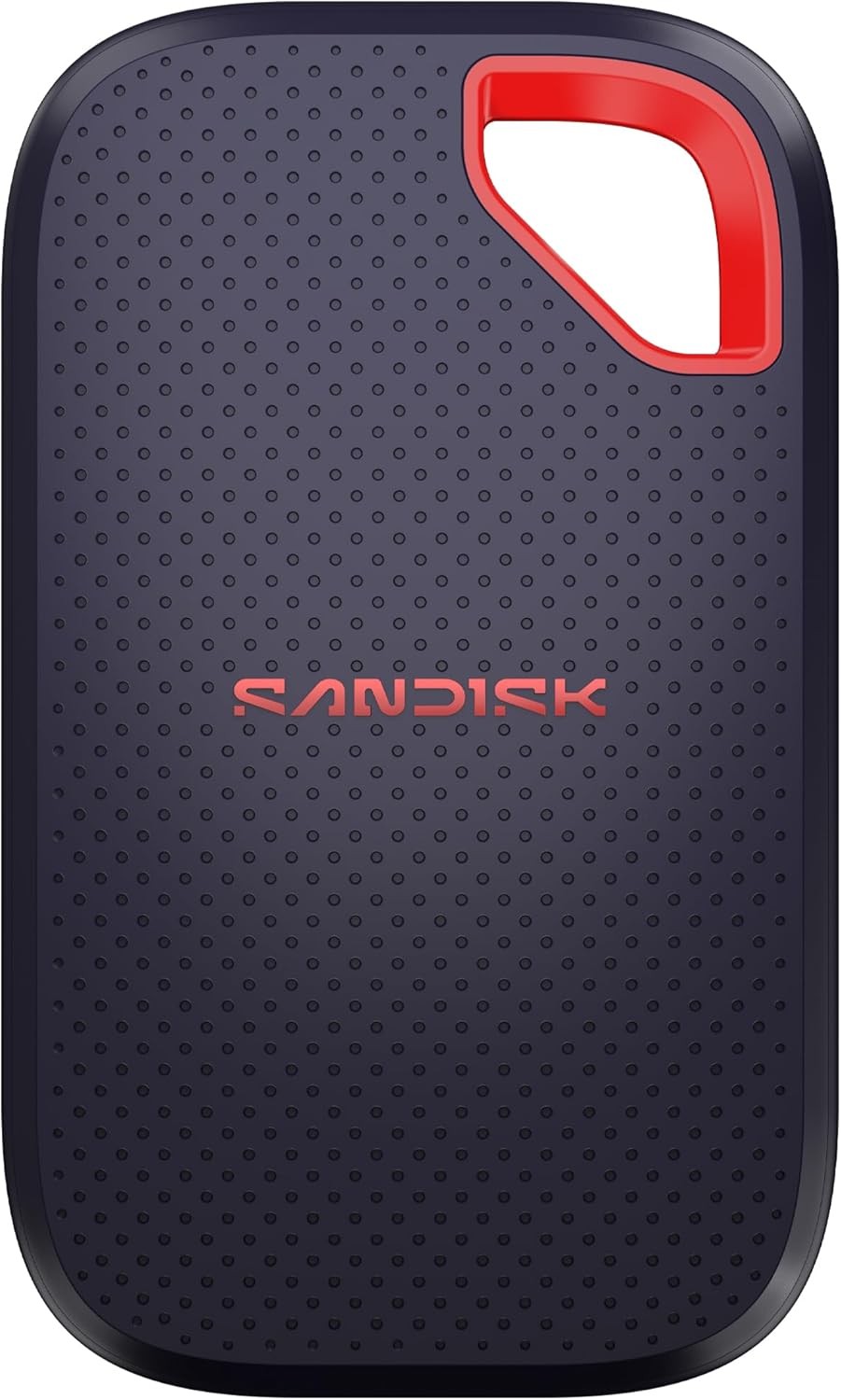
SanDisk Extreme Portable SSD V3 is the field-first pocket pick for photographers who want IP65, a light chassis, and up to 2000 MB/s read claims on larger capacities with USB 3.2 Gen 2x2 support.
Pros
Cons
1 TB
$259.99
Per TB $259.99
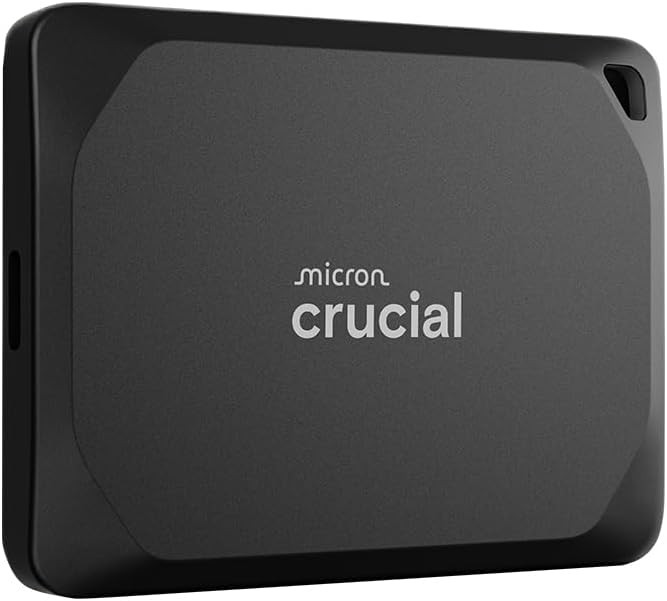
Crucial X10 Pro targets photographers who push big sequential copies and cache writes, with a USB 3.2 Gen 2x2 interface story and IP55 dust and water resistance on the spec sheet we store.
Pros
Cons
2 TB
$320.38
Per TB $160.19
Mechanical rugged lines still win on dollars per terabyte when you want bumpers, familiar rental-house shapes, and bus power on long travel days.
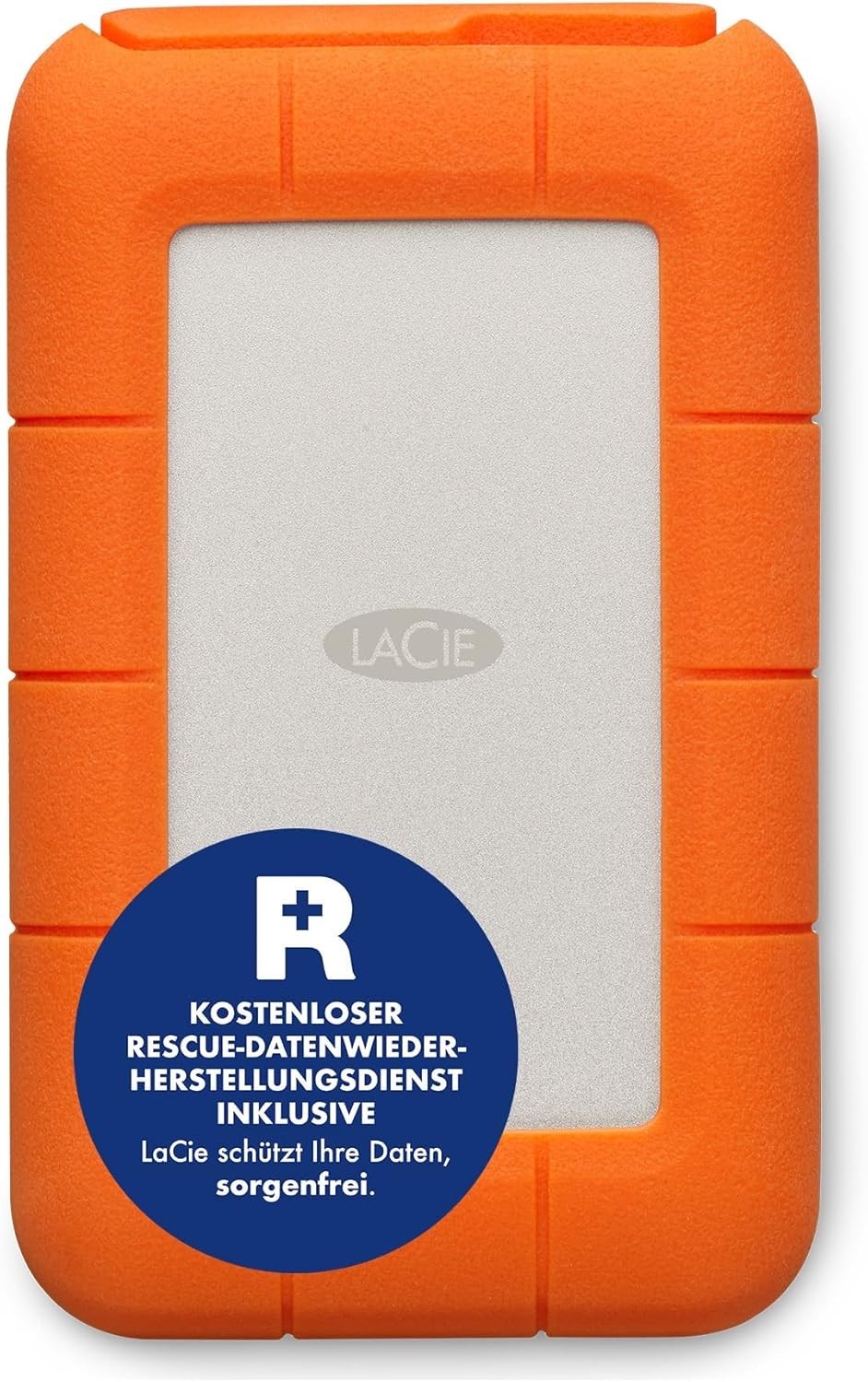
LaCie Rugged USB-C is the familiar orange bumper HDD photographers rent, loan, and toss into Pelican cases when moderate speed and strong folklore matter more than NVMe prices.
Pros
Cons
2 TB
$129.95
Per TB $64.98
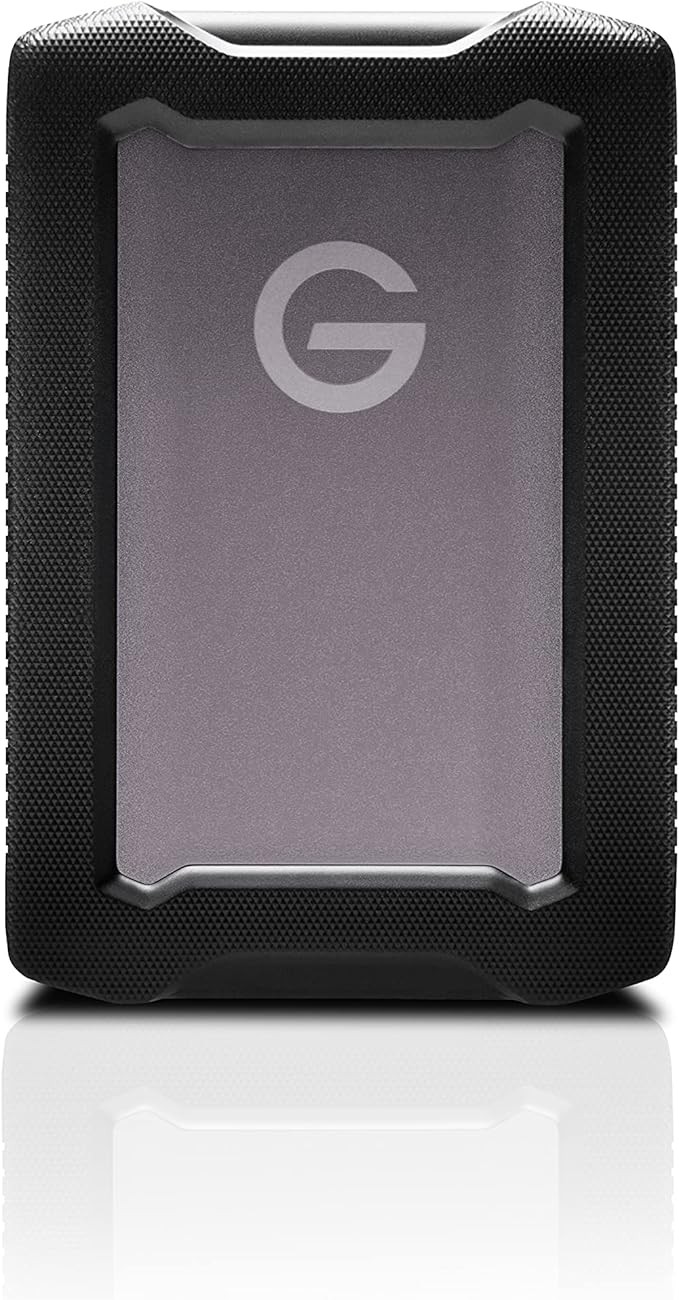
SanDisk Professional G-DRIVE ArmorATD is the armored portable HDD line for photographers who want IP54 ingress on our record, rubber bumpers, and a calmer price curve than premium SSDs.
Pros
Cons
4 TB
$229.00
Per TB $57.25
Spinning 2.5 inch kits for budget terabytes or hardware-backed locks when contracts ask for encryption without a full NAS project.
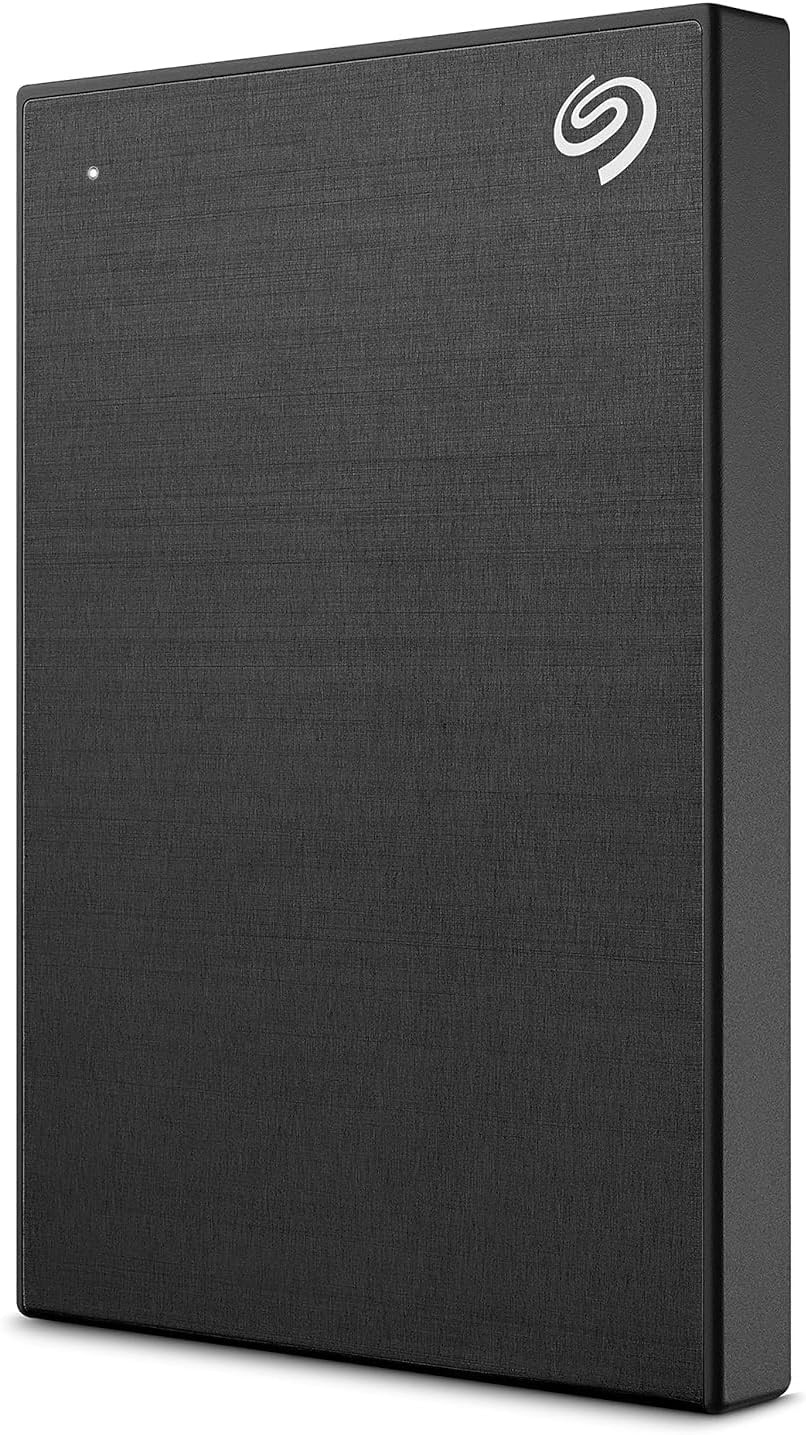
Seagate One Touch Hardware Encryption is the straightforward portable HDD pick when contracts mention encrypted handoffs and you still want mechanical terabytes.
Pros
Cons
2 TB
$140.49
Per TB $70.25
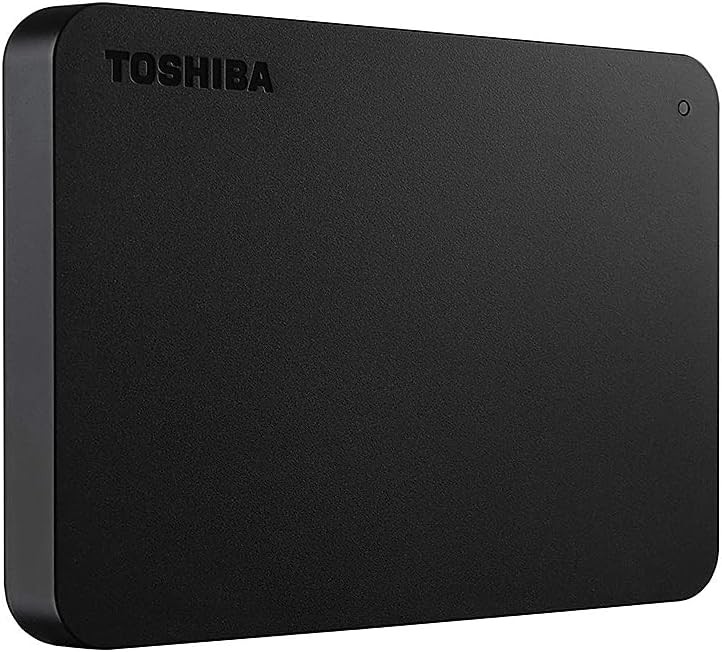
Toshiba Canvio Basics is the plastic-shell portable HDD photographers buy when they need affordable USB storage for cold copies, travel mirrors, or starter kits.
Pros
Cons
2 TB
$162.99
Per TB $81.50
Wall-powered bricks for maximum US terabytes per dollar beside a desktop, dock, or DIT bench when weight does not matter.
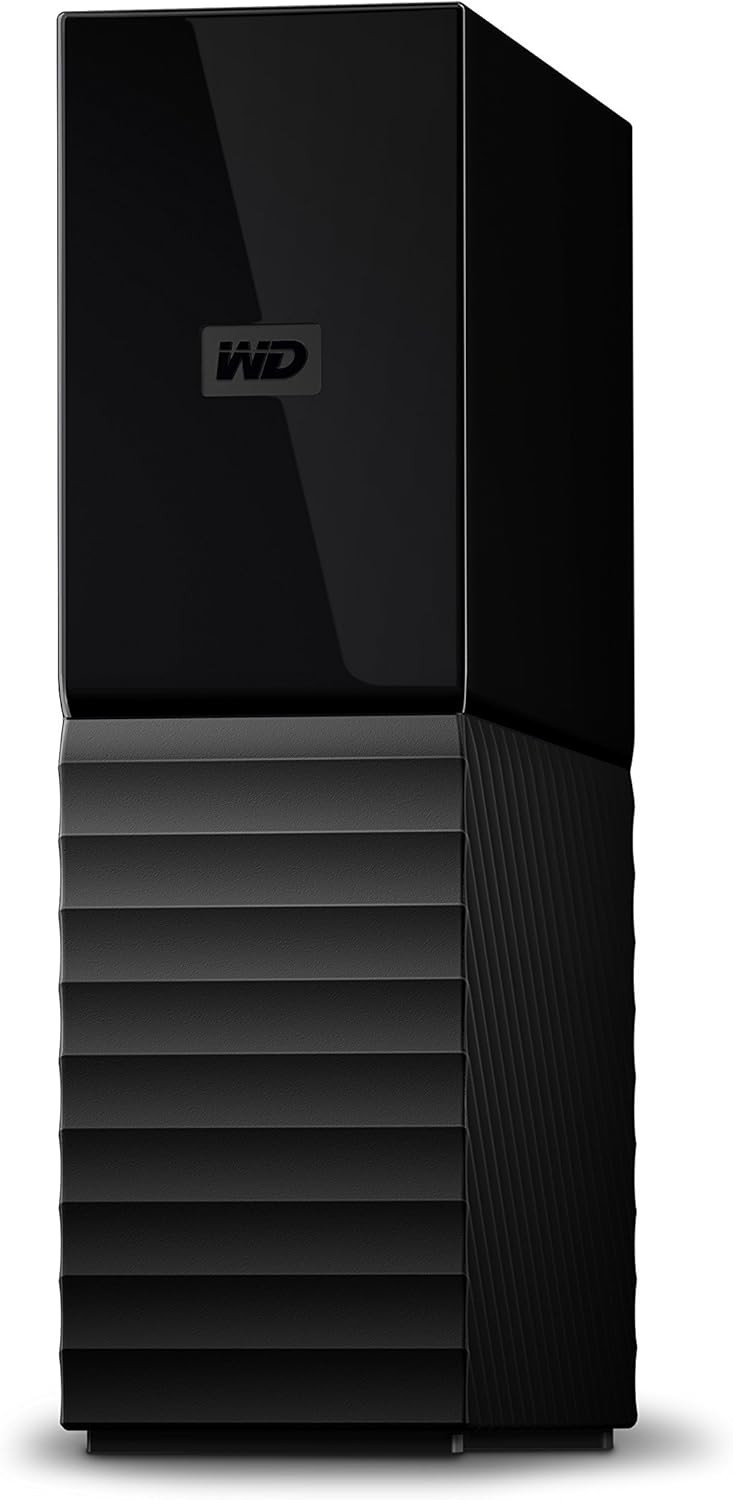
Western Digital WD My Book is the desktop archive photographers pick when they want high US terabyte ceilings beside a tower plus optional hardware-backed encryption through WD tools.
Pros
Cons
12 TB
$401.99
Per TB $33.50
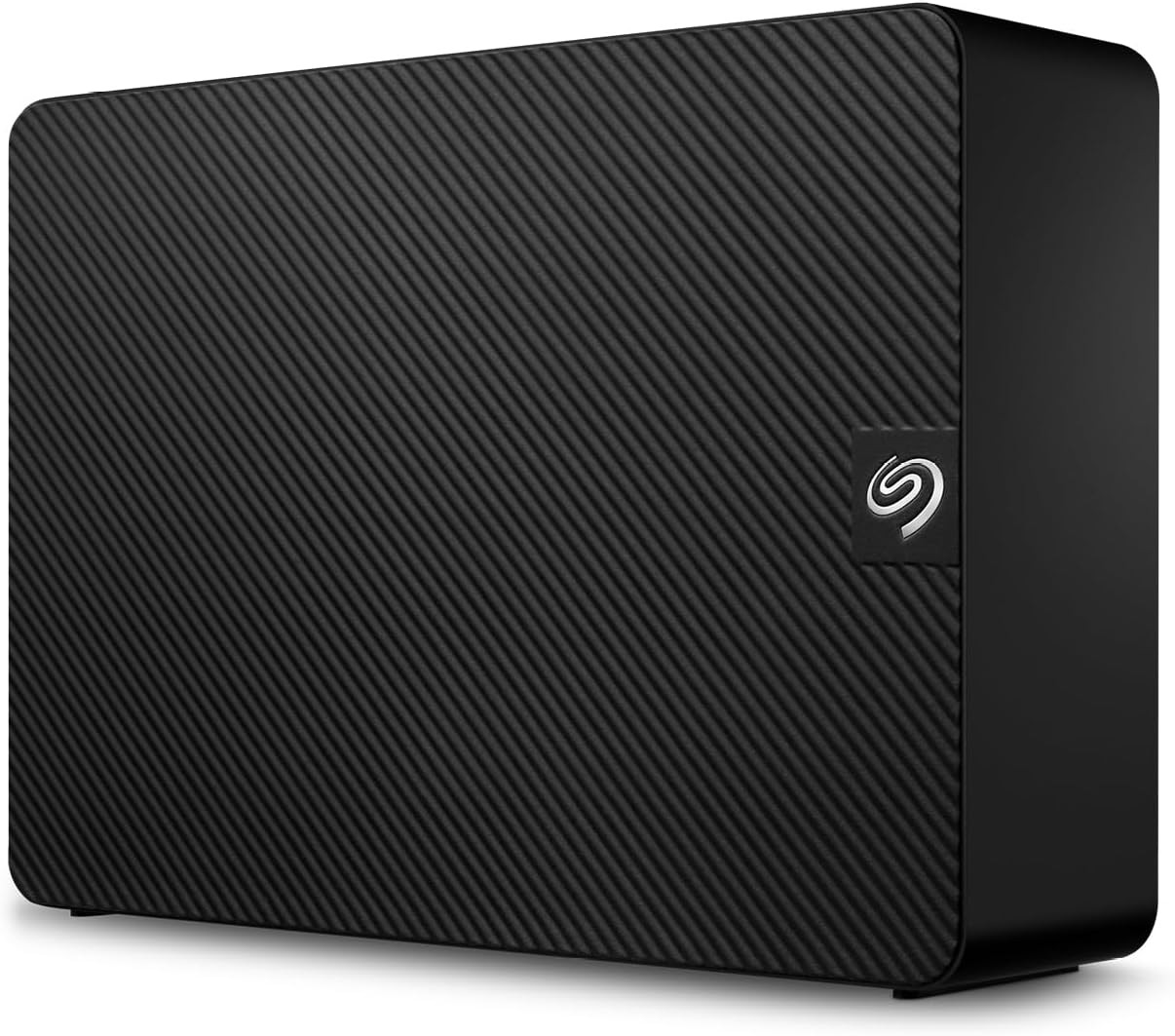
Seagate Expansion Desktop is the value desktop HDD line for photographers who want simple USB shelving, huge capacities, and straightforward pricing on Amazon.com.
Pros
Cons
20 TB
$609.99
Per TB $30.50
Figures blend vendor spec sheets mirrored on Hard Drive Prices with live Amazon.com USD listings. Tap a column to sort. Dollar per terabyte uses the best (lowest) ratio across tracked US SKUs with visible prices.
Column sort
| Samsung T9 Portable SSD (USB 3.2 Gen 2x2) | Portable SSD | 1–4 TB | USB 3.2 Gen 2x2 | Read up to 2000 MB/s (vendor), write up to 2000 MB/s (vendor) | drop: Up to 9.8 ft (per Samsung product highlights) | Yes (AES-class, vendor) | $230.00 | Speed |
| Samsung T7 Shield Portable SSD (USB 3.2 Gen 2) | Rugged portable SSD | 1–4 TB | USB 3.2 Gen 2 | Read up to 1050 MB/s (vendor), write up to 1000 MB/s (vendor) | IP65 · drop: 9.8 | Yes (AES-class, vendor) | $242.77 | Field |
| SanDisk Extreme Portable SSD V3 (USB-C) | Rugged portable SSD | 1–4 TB | USB-C (USB 3.2 Gen 2x2, 20 Gb/s) | Read up to 2000 MB/s (vendor) | IP65 · drop: 3 | Yes (AES-class, vendor) | $230.00 | Travel |
| Crucial X10 Pro Portable SSD (USB 3.2 Gen 2x2, USB-C) | Rugged portable SSD | 1–4 TB | USB 3.2 Gen 2x2 (20 Gb/s), USB-C | Read up to 2100 MB/s (vendor), write up to 2000 MB/s (vendor) | IP55 | Yes (AES-class, vendor) | $129.50 | Offload |
| LaCie Rugged USB-C Portable External Hard Drive (2.5 inch) | Rugged portable HDD | 1–5 TB | USB-C (USB 3.0 compatible) | Read up to 130 MB/s (vendor) | Drop-tested (1.2 m class, vendor) | No (or software-only; confirm listing) | $41.58 | Classic |
| SanDisk Professional G-DRIVE ArmorATD Portable External Hard Drive (USB-C, 2.5 inch HDD) | Rugged portable HDD | 1–5 TB | See product page | See product page | Not IP-rated (desktop or basic shell) | No (or software-only; confirm listing) | $36.00 | Value rugged |
| Seagate One Touch Portable External Hard Drive with Hardware Encryption (2.5 inch) | Portable HDD | 1–5 TB | USB 3.2 Gen 1 | See product page | Not IP-rated (desktop or basic shell) | Yes (AES-class, vendor) | $40.00 | Security |
| Toshiba Canvio Basics Portable External Hard Drive, USB 3.0 (2.5 inch) | Portable HDD | 1–4 TB | See product page | See product page | Not IP-rated (desktop or basic shell) | No (or software-only; confirm listing) | $62.02 | Budget |
| Western Digital WD My Book Desktop External Hard Drive (USB 3.0, 3.5 inch) | Desktop HDD | 4–26 TB | USB 3.2 Gen 1 (USB 3.0 compatible), USB 2.0 compatible | See product page | Not IP-rated (desktop or basic shell) | Yes (AES-class, vendor) | $32.50 | Studio |
| Seagate Expansion Desktop External Hard Drive (USB 3.0) | Desktop HDD | 8–28 TB | USB 3.0 | See product page | Not IP-rated (desktop or basic shell) | No (or software-only; confirm listing) | $29.58 | Archive |
If you want the fastest mainstream ingest path on many USB 3.2 Gen 2x2 Windows laptops, start with the Samsung T9 or Crucial X10 Pro and buy one capacity tier larger than your gut says. If you live on 10 Gb/s ports most of the time, the Samsung T7 Shield and SanDisk Extreme Portable SSD V3 still deliver strong field stories with meaningful ingress ratings on the records we publish.
LaCie Rugged USB-C and SanDisk Professional G-DRIVE ArmorATD stay relevant when you want familiar rental-house shapes, bumpers, and HDD economics in one bus-powered brick. Seagate One Touch with hardware encryption is the straightforward answer when contracts mention locked-down shuttles. Toshiba Canvio Basics is the honest budget portable when speed is secondary and simplicity wins.
WD My Book belongs beside a desktop for encrypted shelf archives when Western Digital software fits your IT rules. Seagate Expansion Desktop is the value play for sheer US terabytes per dollar when you already own a second copy somewhere safer.
None of these models replace verified backups or offsite rotation. Keep comparing live SKUs on each product page, re-check Amazon.com reviews for recent QC chatter, and revisit this guide when vendors refresh enclosures.
Size for one busy week of RAW plus video scratch, then multiply for how long you keep work on rotating shuttles before it moves to shelf disks. Wedding teams often plan 2 TB or more per primary shooter for a heavy weekend once backups are counted. When in doubt, buy the next tier if the dollars per TB curve still looks gentle.
SSDs are better for speed, vibration tolerance during copies, and small bags. HDDs are better for affordable multi-terabyte archives that sit on powered shelves. Most studios use both: SSD for active work, HDD for cold copies.
The best backup drive is the one you will actually rotate and verify. For many US photographers that means a desktop HDD for cost per terabyte plus a second copy on a different device or address. Pick Amazon.com listings with clear warranty paperwork and label the drive with its role and date.
Computers treat external drives as storage volumes. Cameras usually expect smaller media cards, not full USB disks. Use the external drive with your laptop or desktop after import, not as a direct substitute for a card unless the camera manual explicitly supports that workflow.
Back up the drive first. On macOS Disk Utility or Windows Disk Management, choose exFAT for a cross-platform read-write shuttle. Use APFS for Mac-only SSDs and NTFS for Windows-first archives, knowing macOS write support for NTFS often needs extra tooling.
Powered HDDs are vulnerable to head damage if they fall while spinning. SSDs tolerate shock better but connectors and solder joints still fail. IP and drop marketing helps with dust and short falls but is not a license to skip backups. If a drive makes new noises or will not mount, stop powering it and consult a recovery pro.
Use encryption when client contracts, health data, or travel loss risk matters. Hardware-backed options reduce dependence on a single app version years from now. Also plan recovery keys the boring way: written down and stored separately from the drive.
Keep three copies of irreplaceable work on two different kinds of media with one copy offsite. For photographers that often means cards plus laptop plus external shuttle during the week, then two shelf disks plus cloud escrow for long-term jobs.
Consumer external HDDs often run five to ten years when they stay cool, upright, and not packed to 100 percent forever. SSDs age with writes and time powered off. Treat any drive as temporary hardware and refresh on a calendar, not when SMART warnings surprise you.
If you ingest nightly, deliver on deadlines, or walk a trade show floor with a laptop, yes. The minutes saved per session add up. If you only monthly copy finished JPEGs to a shelf, a slower portable HDD can be rational.
Prioritize stable sequential reads for previews and exports rather than chasing synthetic burst peaks. USB 3.2 Gen 2 class drives usually feel excellent for stills-heavy catalogs when free space and cables are healthy.
Yes when libraries stretch into dozens of terabytes and cloud egress costs sting. Desktop HDDs remain the affordable shelf layer next to faster portables. Pair them with surge protection and a habit of verifying checksums after big merges.
 Buy on Amazon