
Storage buyers guide

The 14 best SSDs for gaming in 2026 (NVMe M.2 and SATA)

Independent picks from Hard Drive Prices Editorial Team. We compare specs, real-world fit, and street prices so you can choose a drive without wading through spec sheets alone.

Last updated June 5, 2026.

Introduction

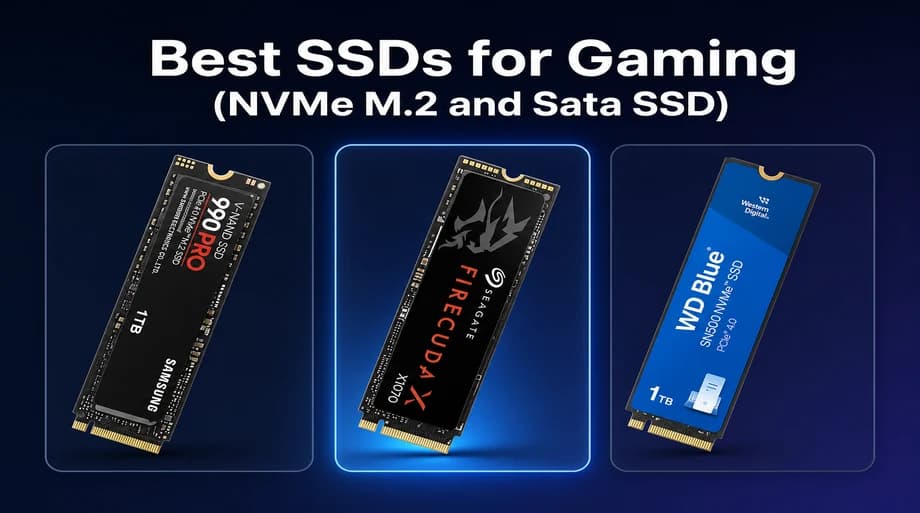
Best SSDs for Gaming (NVMe M.2 and Sata SSD): Samsung 990 PRO, Seagate FireCuda X1070, and Western Digital WD Blue SN5000

The best SSD for gaming on most US gaming PCs in 2026 is a PCIe 4.0 NVMe drive like the Samsung 990 PRO or WD_BLACK SN850X: fast enough that load screens already feel instant, widely compatible, and priced sanely at 1–2 TB. PCIe 5.0 flagships such as the WD_BLACK SN8100 make sense on new AM5 or LGA1851 boards when the premium is small. Budget NVMe and SATA picks still crush hard drives for game libraries on older rigs.

Methodology

We start with internal SSDs Hard Drive Prices already tracks on Supabase so you get live Amazon.com SKUs, USD pricing, and spec fields we can verify instead of gray-market listings. We rank for gaming workflows: boot and level-load responsiveness, room for 100 GB class installs, thermal behavior in closed cases, PS5 bay fit where relevant, and honest value when Gen 5 premiums do not buy perceptible load-time wins. We cross-check console rules against Sony published M.2 requirements when a pick targets PS5 expansion. When you need portable USB storage for consoles, see our PlayStation and Xbox storage guides.

If you are shopping from the United States, this guide keeps it simple: every buy button points to Amazon.com, prices are discussed in USD, and we do not mix in Australian or other regional storefronts.

Most competitor roundups stop at a speed chart. We added a gamer buying guide with PCIe generation reality checks, a game install size table, heatsink and PS5 thickness notes, and nine FAQs sourced from what players actually ask in forums and support threads.

Hard Drive Prices is a comparison site first. Use this article to shortlist, then open each product page for every capacity we track. Console owners juggling USB versus M.2 rules should also read our PS5 storage picks and Xbox storage picks. For catalog browsing beyond this shortlist, use the home comparison table.

Quick picks

One-line cheat sheet for US gamers comparing internal SSDs on Amazon.com. Jump to the full pick for specs, pros and cons, and a buy button.

Our picks

Fourteen ranked drives for US gamers: Gen 5 flagships, Gen 4 favorites, budget NVMe, PS5-friendly 2230 modules, and SATA upgrades. Non-Amazon retailer chips are hidden so pricing stays Amazon.com focused.

Best overall NVMe SSD for gaming

The default pick when you want a fast Gen 4 drive that already feels instant in Steam, Game Pass, and Epic without chasing PCIe 5.0 premiums.

#1Best overall NVMe for gaming
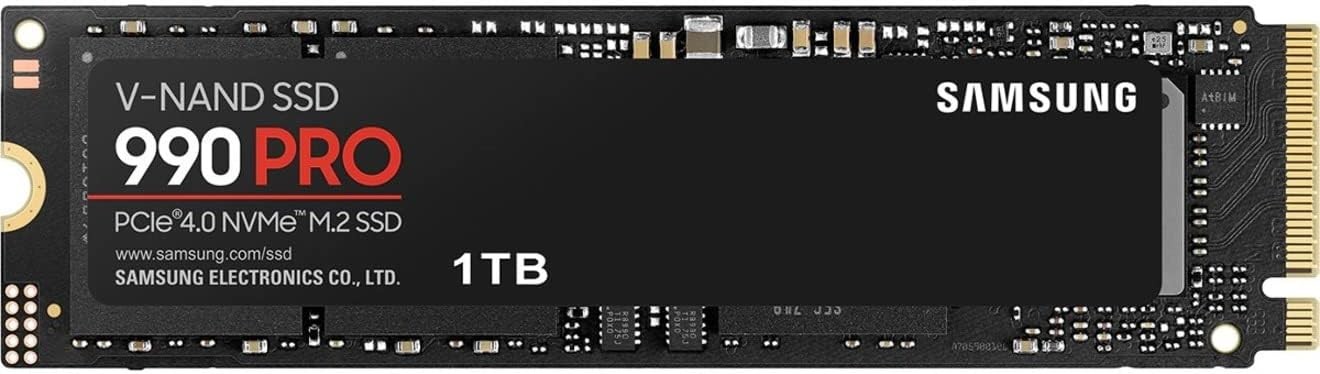
Samsung 990 PRO NVMe Internal SSD (M.2 2280), 1 TB — Best overall NVMe for gaming editorial pick #1, product photo for shoppers comparing hard drives
  • Amazon4.8

Samsung 990 PRO NVMe Internal SSD (M.2 2280)

Samsung 990 PRO is the PCIe 4.0 flagship most US gamers should compare everything else against: strong sequential and random IO, mature firmware, and wide Amazon.com availability across 1–4 TB SKUs we track.

Who it suits best PC gamers building or upgrading a primary Steam, Game Pass, or Epic drive on AM5, LGA1700, or LGA1851 boards with Gen 4 M.2 slots (still the majority of active gaming rigs).

Real-world gaming performance Vendor claims land near 7,450 MB/s read and 6,900 MB/s write on the 1 TB class. In practice that means boot, level loads, and shader cache rebuilds already feel instant compared to HDDs or SATA. Jumping to Gen 5 saves seconds, not minutes, in most titles independent testers measured in 2025–2026.

Honest limits Premium pricing versus budget Gen 4 on sale days. Not Gen 5, so brand-new boards with empty Gen 5 slots may tempt you toward SN8100 class drives instead. Confirm you have a heatsink or motherboard cover for sustained patch days.

Pros

  • Top-tier PCIe 4.0 performance class with strong random IO for game launches
  • Five-year warranty with TBW ratings we publish per capacity
  • Excellent default pick when Gen 5 premium does not fit the budget

Cons

  • Costs more per terabyte than budget NVMe like WD Blue SN5000
  • Does not unlock PCIe 5.0 bandwidth on new flagship boards
  • Heatsink recommended for heavy sustained writes outside gaming
endurance tbw
600

Best PCIe 5.0 SSD for gaming

Flagship Gen 5 modules for new AM5 and LGA1851 builds where the motherboard slot and pricing make the extra bandwidth worthwhile.

#2Best PCIe 5.0 overall for gaming
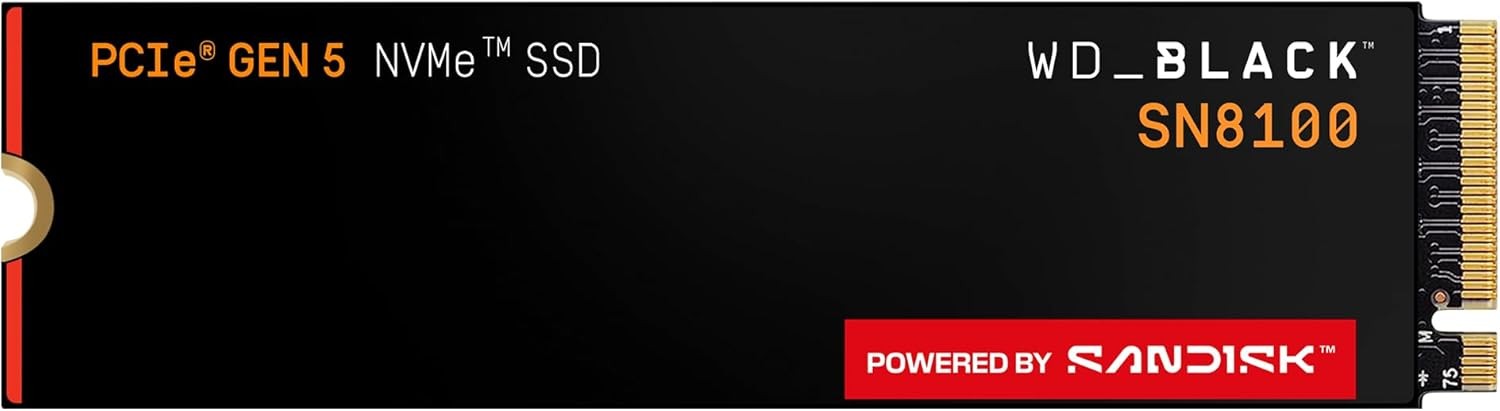
Western Digital WD_BLACK SN8100 NVMe Internal SSD (M.2 2280), 2 TB — Best PCIe 5.0 overall for gaming editorial pick #2, product photo for shoppers comparing hard drives
  • Amazon4.8

Western Digital WD_BLACK SN8100 NVMe Internal SSD (M.2 2280)

WD_BLACK SN8100 targets gamers and builders who want current-generation PCIe 5.0 bandwidth with WD_BLACK tuning, five-year warranty class, and sequential claims near 14,900 MB/s read on larger capacities.

Who it suits best Fresh AM5 or LGA1851 gaming PCs where the primary M.2 slot is Gen 5 and you want one drive to stay relevant through several GPU upgrades.

Real-world gaming performance Synthetic storage tests and 3DMark Storage show Gen 5 wins over Gen 4, but many AAA load screens shrink by only a couple seconds versus the 990 PRO class. The SN8100 still makes sense as a install-once primary drive when pricing is close to older Gen 5 launch premiums.

Honest limits Needs a Gen 5 M.2 slot and a sensible heatsink path. Older Gen 4-only boards will downshift the drive. Not mandatory if you already own a fast Gen 4 SSD.

Pros

  • PCIe 5.0 x4 NVMe 2.0 interface for maximum headline throughput
  • WD_BLACK gaming brand with five-year warranty on retail listings we track
  • Strong pick for large libraries at 2 TB and 4 TB capacities on Amazon.com

Cons

  • Real-world gaming gains over Gen 4 are often subtle today
  • Runs warmer than Gen 4; use motherboard heatsinks in tight cases
  • Price premium versus SN850X may be better spent on GPU or RAM
interface
PCIe 5.0 x4 (NVMe 2.0)
warranty years
5
interface
PCIe 5.0 x4 (NVMe 2.0)
form factor
M.2 2280
#3Best PCIe 5.0 efficiency
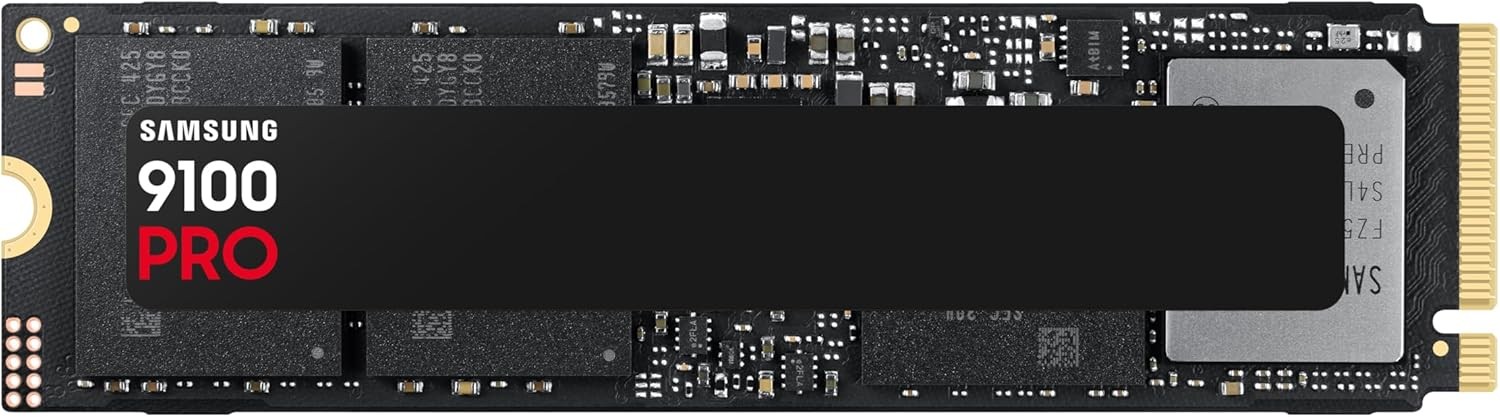
Samsung SSD 9100 PRO NVMe Internal SSD (M.2 2280), 2 TB — Best PCIe 5.0 efficiency editorial pick #3, product photo for shoppers comparing hard drives
  • Best Buy5.0
  • Amazon4.8

Samsung SSD 9100 PRO NVMe Internal SSD (M.2 2280)

Samsung 9100 PRO is the efficiency-focused Gen 5 option for gamers who want Samsung Magician tooling, V-NAND TLC, and vendor sequential claims up to 14,800 MB/s read on multi-terabyte SKUs we list.

Who it suits best Samsung loyalists on Gen 5 platforms who liked the 990 PRO workflow and want the next interface generation without jumping to the hottest-running early Gen 5 controllers.

Real-world gaming performance Excellent for fast copies of Game Pass installs and mod folders, but identical advice applies: most in-game FPS stays GPU-bound. Load-time wins show up most when moving between huge open-world zones in storage-aware engines.

Honest limits Still priced above Gen 4 flagships. Verify your case airflow when stacking multiple high-speed drives.

Pros

  • PCIe 5.0 with Samsung firmware and Magician support ecosystem
  • Strong sequential claims on 2 TB and 4 TB variants in our database
  • Five-year warranty class on US retail documentation

Cons

  • Premium over 990 PRO may not feel dramatic in everyday gaming
  • Requires Gen 5 motherboard slot for full speed
  • 8 TB tier is expensive overkill for most gamers
sequential read mbps
14700
sequential write mbps
13400
cache mb
2048
endurance tbw
1200
#4Best peak Gen 5 benchmarks
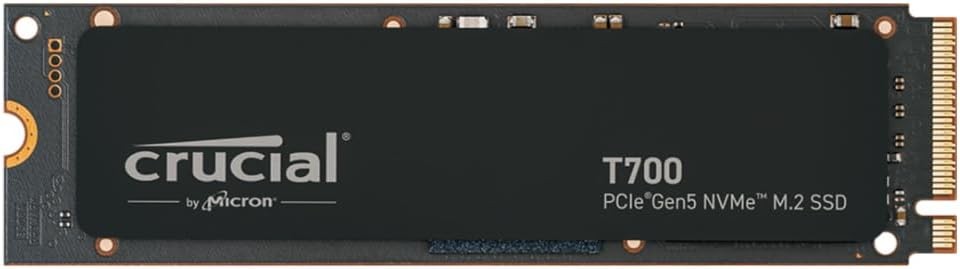
Crucial T700 PCIe Gen5 NVMe Internal SSD (M.2 2280), 1 TB — Best peak Gen 5 benchmarks editorial pick #4, product photo for shoppers comparing hard drives
  • Amazon4.7

Crucial T700 PCIe Gen5 NVMe Internal SSD (M.2 2280)

Crucial T700 is the Micron-class Gen 5 pick when you want peak sequential numbers, a DRAM cache on the spec sheet, and five-year warranty coverage on Amazon.com listings we track.

Who it suits best Enthusiasts who bench storage, run heavy modded installs, or want maximum DirectStorage headroom on supported titles.

Real-world gaming performance Can lead synthetic gaming storage tests, but runs hot under sustained loads. Plan for a robust heatsink, especially in ITX builds.

Honest limits Higher power draw than SN8100 class rivals in some reviews. Overkill if you only play a rotating set of esports titles.

Pros

  • PCIe 5.0 x4 with DRAM cache on published specs
  • Strong sequential read and write targets for asset streaming
  • Available up to 4 TB for massive libraries

Cons

  • Thermals demand serious cooling; not a bare-board console install
  • Price premium versus Gen 4 for marginal load-time gains today
  • Best value often at 2 TB; 1 TB pricing can feel steep
endurance tbw
600

Best PCIe 4.0 SSD for gaming

High-performance Gen 4 NVMe drives that cover most gaming PCs sold today, including PS5-compatible options with heatsinks.

#5Best PCIe 4.0 WD_BLACK gaming drive
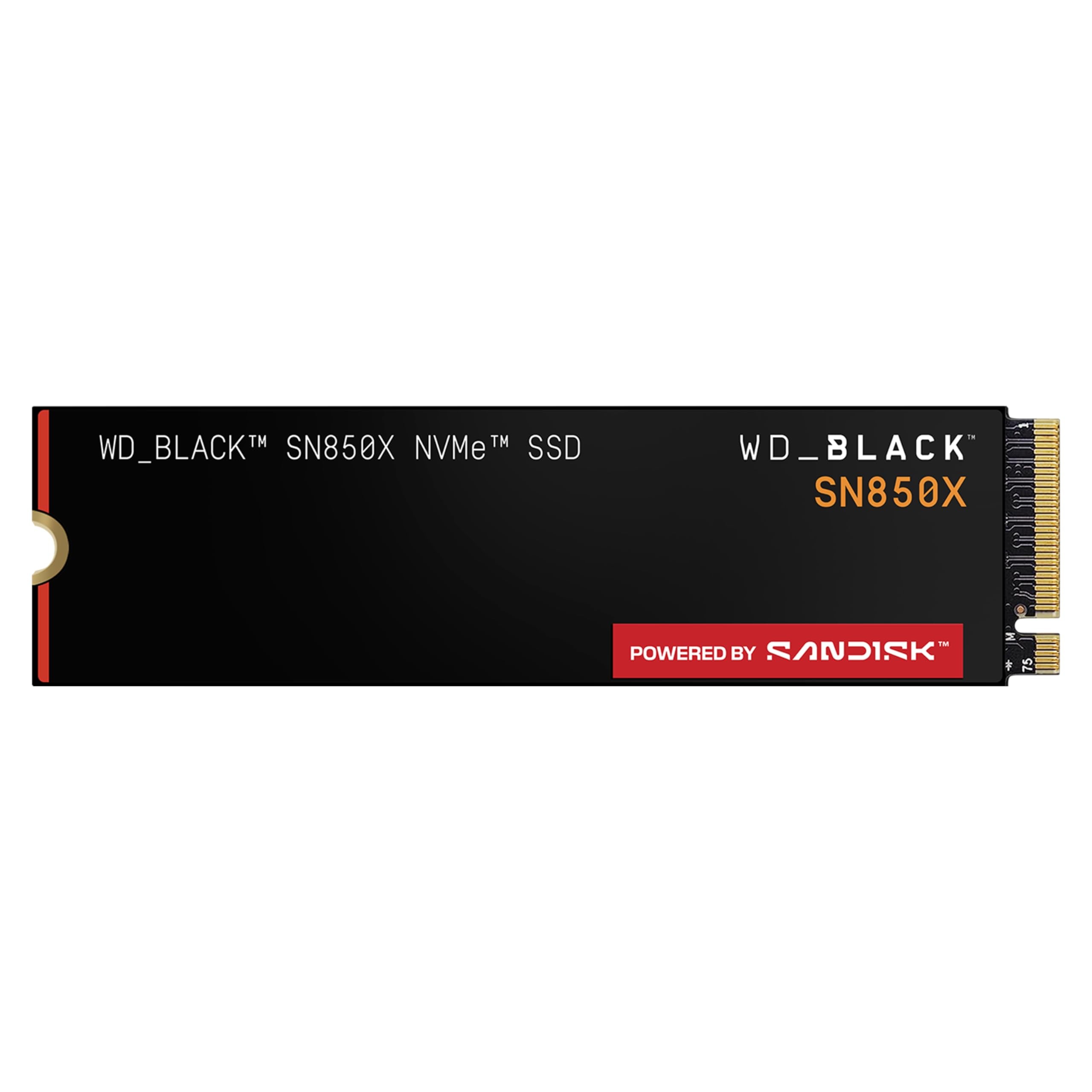
Western Digital WD_BLACK SN850X NVMe SSD (M.2 2280), 2 TB — Best PCIe 4.0 WD_BLACK gaming drive editorial pick #5, product photo for shoppers comparing hard drives
  • Best Buy4.9
  • Amazon4.8

Western Digital WD_BLACK SN850X NVMe SSD (M.2 2280)

WD_BLACK SN850X remains one of the most recommended Gen 4 gaming SSDs in US retail: competitive sequential speed, WD Dashboard support, and capacities up to 8 TB for players who never delete.

Who it suits best Gamers who want WD_BLACK branding, solid firmware, and a step down in price from Gen 5 without giving up snappy load times.

Real-world gaming performance Loads modern AAA titles quickly and handles shader caches well. Often within a second or two of Gen 5 drives in independent game-load testing.

Honest limits Some SKUs ship without heatsink; confirm listing photos if your board lacks a cover. 990 PRO and SN850X trade blows; buy whichever is cheaper on sale.

Pros

  • PCIe 4.0 x4 with strong gaming-oriented firmware tuning
  • Up to 8 TB tracked for extreme libraries
  • Five-year warranty with published TBW per capacity

Cons

  • Not PCIe 5.0 for brand-new Gen 5 primary slots
  • Heatsink version may cost extra versus bare module
  • Random IO slightly behind latest Samsung flagships in some benches
endurance tbw
1200
#6Best Gen 4 with factory heatsink
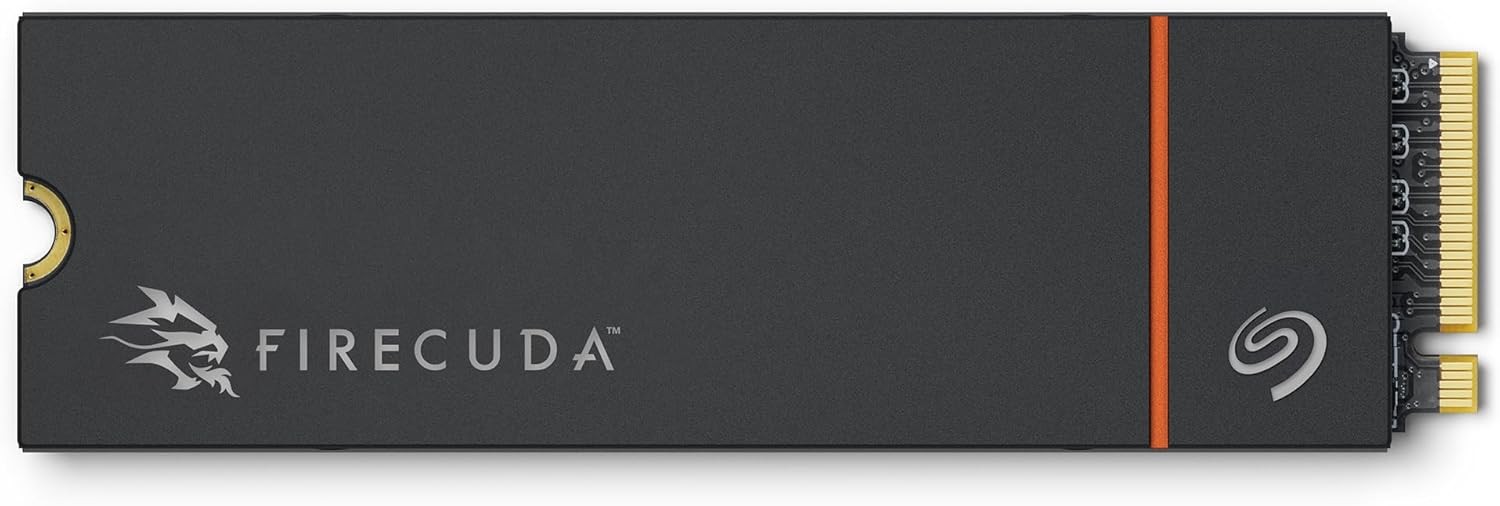
Seagate FireCuda 530R NVMe Internal Solid-State Drive with Heatsink (M.2 2280), 2 TB — Best Gen 4 with factory heatsink editorial pick #6, product photo for shoppers comparing hard drives
  • Amazon4.7

Seagate FireCuda 530R NVMe Internal Solid-State Drive with Heatsink (M.2 2280)

Seagate FireCuda 530R ships with a heatsink on the SKUs we track, targets up to 7,400 MB/s read, and bundles Seagate Rescue Data Recovery Services language on retail documentation.

Who it suits best PS5 expanders who want a cooled module out of the box and PC gamers who do not trust their motherboard M.2 cover.

Real-world gaming performance Gen 4 speeds that already saturate what most games request. The factory heatsink helps in the PS5 bay and in airflow-weak ITX cases.

Honest limits QLC versus TLC debates do not apply here (TLC on spec sheet), but pricing can exceed bare SN850X modules. Measure clearance before you buy for PS5.

Pros

  • Heatsink included on tracked Amazon.com SKUs
  • Sequential read up to 7,400 MB/s on product specs we store
  • Five-year warranty plus Rescue services story on Seagate docs

Cons

  • Thicker module may conflict with some laptop or slim heatsink layouts
  • Premium over bare drives without cooler
  • Random IO not class-leading versus 990 PRO
endurance tbw
2400
sequential write mb s
6900
#7Best value Gen 4 for big libraries
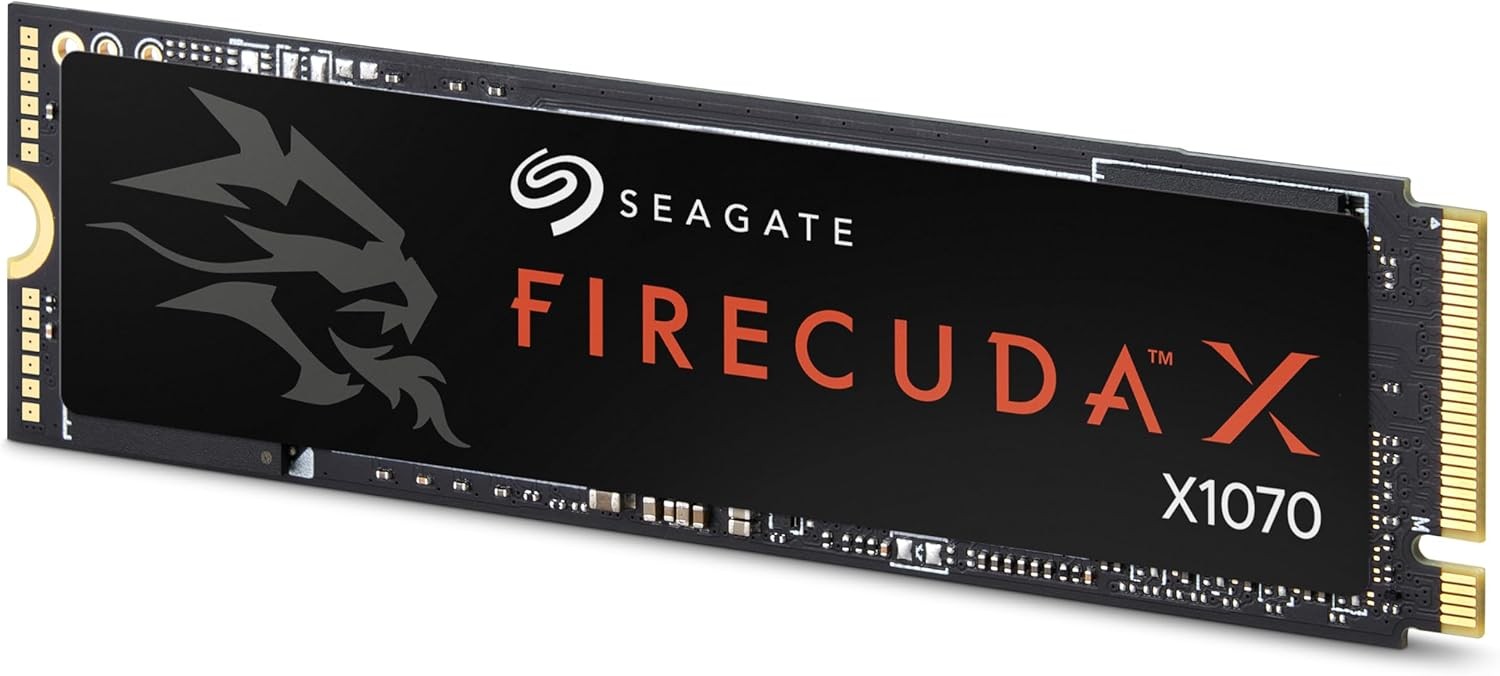
Seagate FireCuda X1070 Internal Solid-State Drive (M.2 2280), 2 TB — Best value Gen 4 for big libraries editorial pick #7, product photo for shoppers comparing hard drives

Seagate FireCuda X1070 Internal Solid-State Drive (M.2 2280)

Seagate FireCuda X1070 is the value Gen 4 play for gamers who store many titles at once: QLC NAND, DRAM-less architecture on our spec sheet, and sequential claims up to 7,200 MB/s read.

Who it suits best Steam backlog collectors and Game Pass subscribers who want 2–4 TB without Gen 5 pricing.

Real-world gaming performance Sequential performance is still NVMe-class and fine for loading levels. Heavy sustained writes (recording, churning mods) are the workloads to watch on QLC.

Honest limits Not the pick for professional capture to the same volume. Prefer TLC flagships for a scratch plus games combo drive.

Pros

  • Strong sequential claims for a value-oriented QLC drive
  • Rescue Data Recovery Services story on Seagate retail docs
  • Multiple terabyte SKUs tracked on Amazon.com

Cons

  • QLC endurance and write slowdowns under heavy sustained writes
  • DRAM-less architecture versus flagship TLC drives
  • Peak random IO below 990 PRO class
interface
PCIe Gen4 x4 NVMe 1.4
warranty years
5
interface
PCIe Gen4 x4 NVMe 1.4
form factor
M.2 2280
#8Best mainstream Gen 4 value
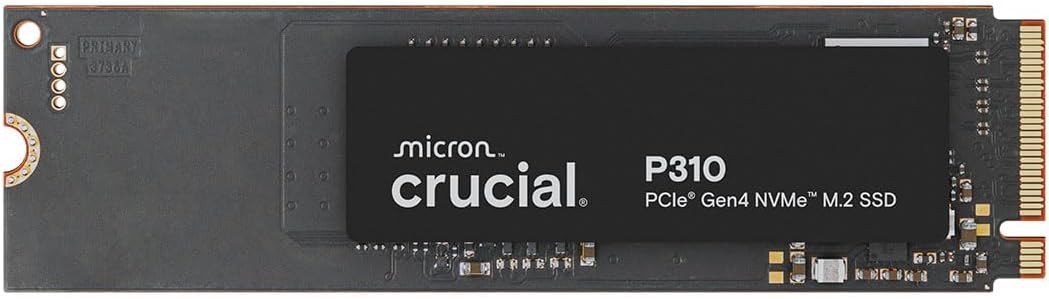
Crucial P310 PCIe Gen4 NVMe Internal SSD (M.2 2280), 1 TB — Best mainstream Gen 4 value editorial pick #8, product photo for shoppers comparing hard drives
  • Amazon4.8

Crucial P310 PCIe Gen4 NVMe Internal SSD (M.2 2280)

Crucial P310 bridges budget and performance: PCIe 4.0, sequential claims up to 7,100 MB/s read on larger capacities, and five-year warranty class on listings we mirror.

Who it suits best Mid-range gaming PCs where you want real Gen 4 speed without flagship dollars.

Real-world gaming performance Noticeably faster than SATA and PCIe 3.0 drives for boot and loads. A smart primary drive when paired with a larger HDD archive.

Honest limits 500 GB tier is write-speed limited on spec sheet. Most gamers should start at 1 TB.

Pros

  • PCIe 4.0 x4 at competitive US pricing on tracked SKUs
  • Strong read claims on 1 TB and 2 TB variants
  • Five-year Crucial warranty language on support docs

Cons

  • Not PCIe 5.0 for future-proofing primary Gen 5 slots
  • Write speeds on 500 GB tier lag larger capacities
  • Less brand cachet than Samsung or WD_BLACK for resale
sequential read mbps
7100
sequential write mbps
6000
endurance tbw
220

Best budget SSD for gaming

Lower-cost NVMe picks when capacity per dollar matters more than winning synthetic leaderboard charts.

#9Best budget NVMe for gaming
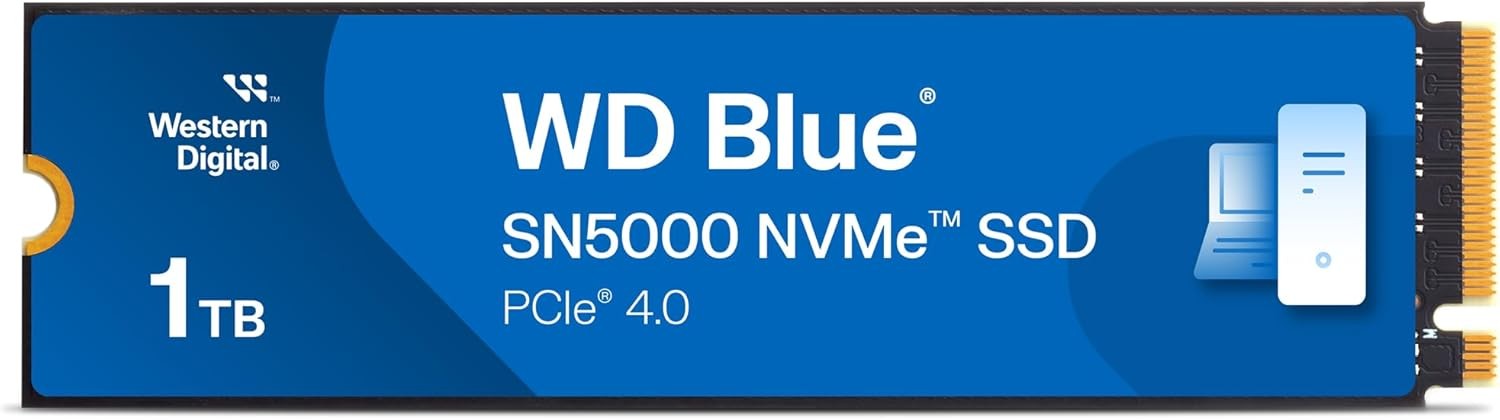
Western Digital WD Blue SN5000 NVMe Internal SSD (M.2 2280), 1 TB — Best budget NVMe for gaming editorial pick #9, product photo for shoppers comparing hard drives
  • Best Buy4.9
  • Amazon4.7

Western Digital WD Blue SN5000 NVMe Internal SSD (M.2 2280)

WD Blue SN5000 is the budget NVMe answer for gamers upgrading from hard drives: PCIe 4.0, nCache architecture on our spec sheet, and 1 TB SKUs often near entry-level pricing on Amazon.com.

Who it suits best First NVMe upgrades, secondary game drives, and kids PCs where every dollar counts.

Real-world gaming performance Loads games far faster than HDDs. Random IO is fine for typical play sessions; heavy mod and capture workloads prefer DRAM flagships.

Honest limits Not a show-off benchmark drive. Pair with cloud saves and uninstall discipline on 500 GB–1 TB tiers.

Pros

  • PCIe 4.0 at some of the lowest NVMe prices we track
  • Five-year warranty with published TBW on variants
  • Good step-up from SATA without Gen 5 cost

Cons

  • DRAM-less design versus SN850X or 990 PRO
  • Sequential ceiling below gaming flagships
  • 500 GB tier fills quickly with modern AAA installs
endurance tbw
600
#10Best budget Gen 4 capacity
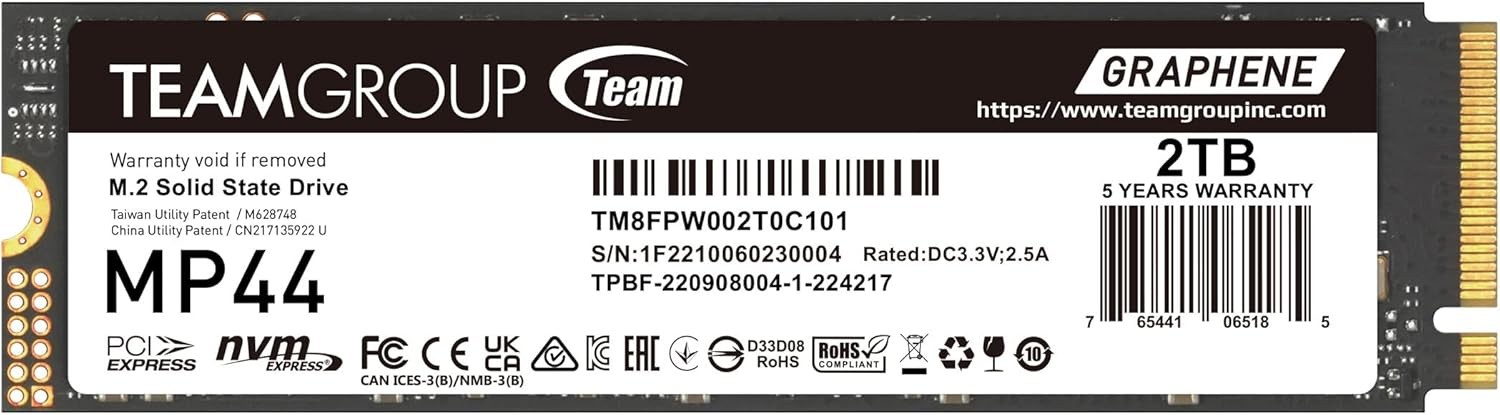
TEAMGROUP MP44 M.2 PCIe 4.0 NVMe Internal SSD (M.2 2280), 2 TB — Best budget Gen 4 capacity editorial pick #10, product photo for shoppers comparing hard drives
  • Amazon4.7

TEAMGROUP MP44 M.2 PCIe 4.0 NVMe Internal SSD (M.2 2280)

TEAMGROUP MP44 is the value capacity play: PCIe 4.0 M.2 2280 drives up to 8 TB on Amazon.com with five-year warranty language and sequential claims up to 7,400 MB/s read on product materials.

Who it suits best Gamers who prioritize gigabytes per dollar and can tolerate lesser-known firmware support compared to Samsung or WD.

Real-world gaming performance NVMe loads feel modern. Use for game libraries, not irreplaceable data without backups.

Honest limits Verify return policies. Firmware and support are not Samsung-class.

Pros

  • Large capacities including 4 TB and 8 TB on US listings
  • PCIe 4.0 interface for modern boards
  • Five-year warranty on TEAMGROUP support docs

Cons

  • Less proven long-term firmware support than tier-one brands
  • Random IO and endurance below flagship TLC drives
  • May run warm without motherboard heatsink
interface
PCIe 4.0 x4 (NVMe)
warranty years
5
interface
PCIe 4.0 x4 (NVMe)
form factor
M.2 2280

Best SSD for PS5 expansion

Compact M.2 2230 modules that fit Sony thickness rules for internal expansion, also useful in Steam Deck and thin laptops.

#11Best SSD for PS5 expansion (2230)
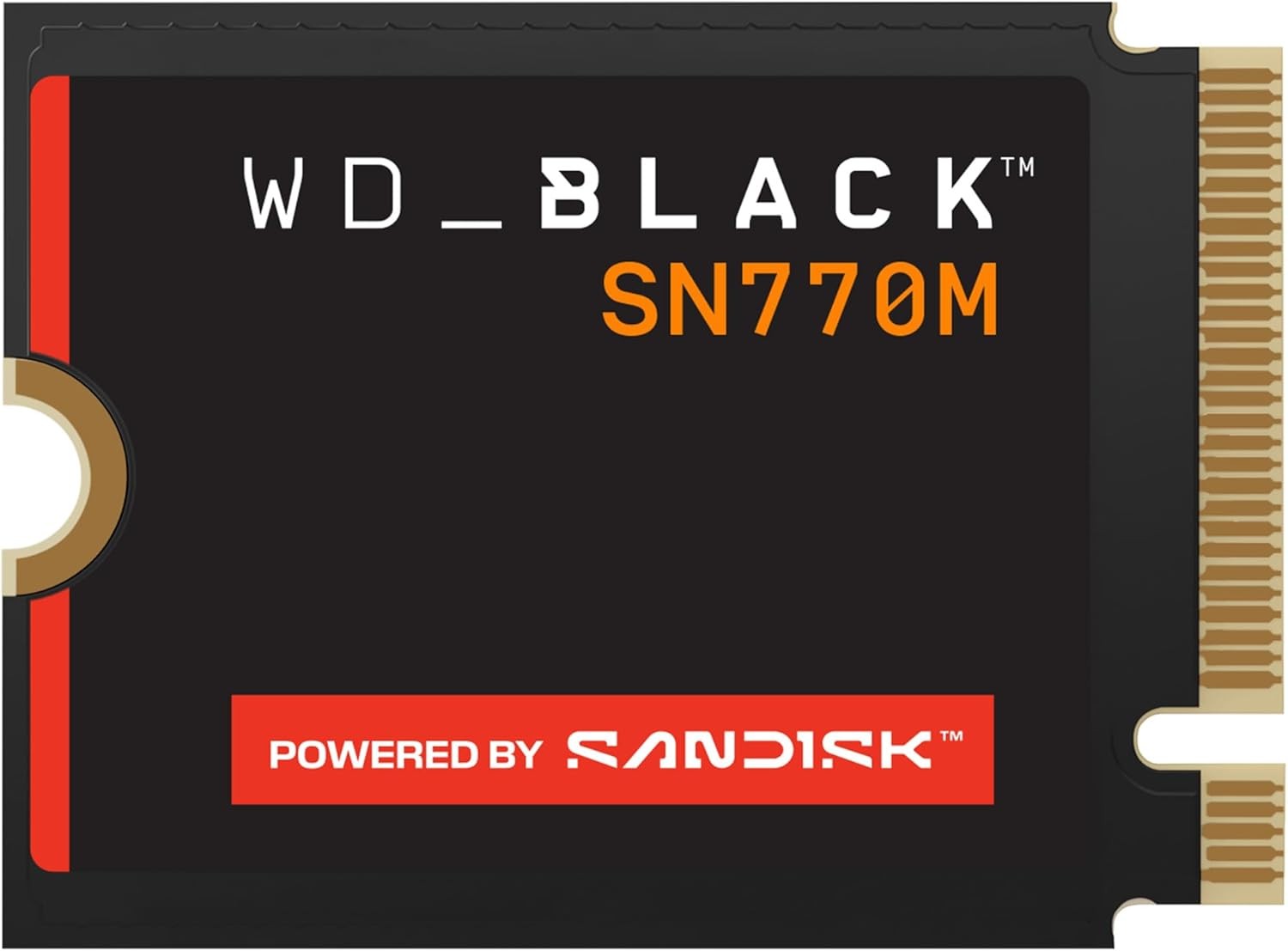
Western Digital WD Black SN770M NVMe Internal SSD (M.2 2230), 1 TB — Best SSD for PS5 expansion (2230) editorial pick #11, product photo for shoppers comparing hard drives
  • Best Buy4.8
  • Amazon4.7

Western Digital WD Black SN770M NVMe Internal SSD (M.2 2230)

WD_BLACK SN770M is the short M.2 2230 pick for PS5 internal expansion and handheld PCs: PCIe 4.0, sequential claims up to 5,150 MB/s read on our 1 TB SKU, and sizing that respects Sony length options.

Who it suits best PS5 owners adding internal storage, Steam Deck upgraders, and ultrabook gamers who only have 2230 slots.

Real-world gaming performance Meets Sony recommended 5,500 MB/s guidance closely on paper; real PS5 performance depends on title and cooling. Still far faster than USB extended storage for installed PS5 games.

Honest limits You must add or verify a heatsink that fits Sony 11.25 mm total thickness rule. Read our PlayStation storage guide before you open the console shell.

Pros

  • M.2 2230 form factor for PS5 and compact devices
  • PCIe 4.0 x4 NVMe suitable for Sony Gen4 requirement
  • 1 TB and 2 TB SKUs on Amazon.com with published TBW

Cons

  • Requires compatible heatsink for PS5 (not always bundled)
  • Sequential spec slightly below Sony 5,500 MB/s recommendation on paper
  • Not ideal for standard 2280 desktop slots without adapter
sequential read mbps
5150
sequential write mbps
4900
endurance tbw
600

Best SATA SSD for gaming on older systems

2.5 inch SATA upgrades when your board has no free M.2 slot or you are refreshing a secondary game library drive.

#12Best SATA SSD for gaming
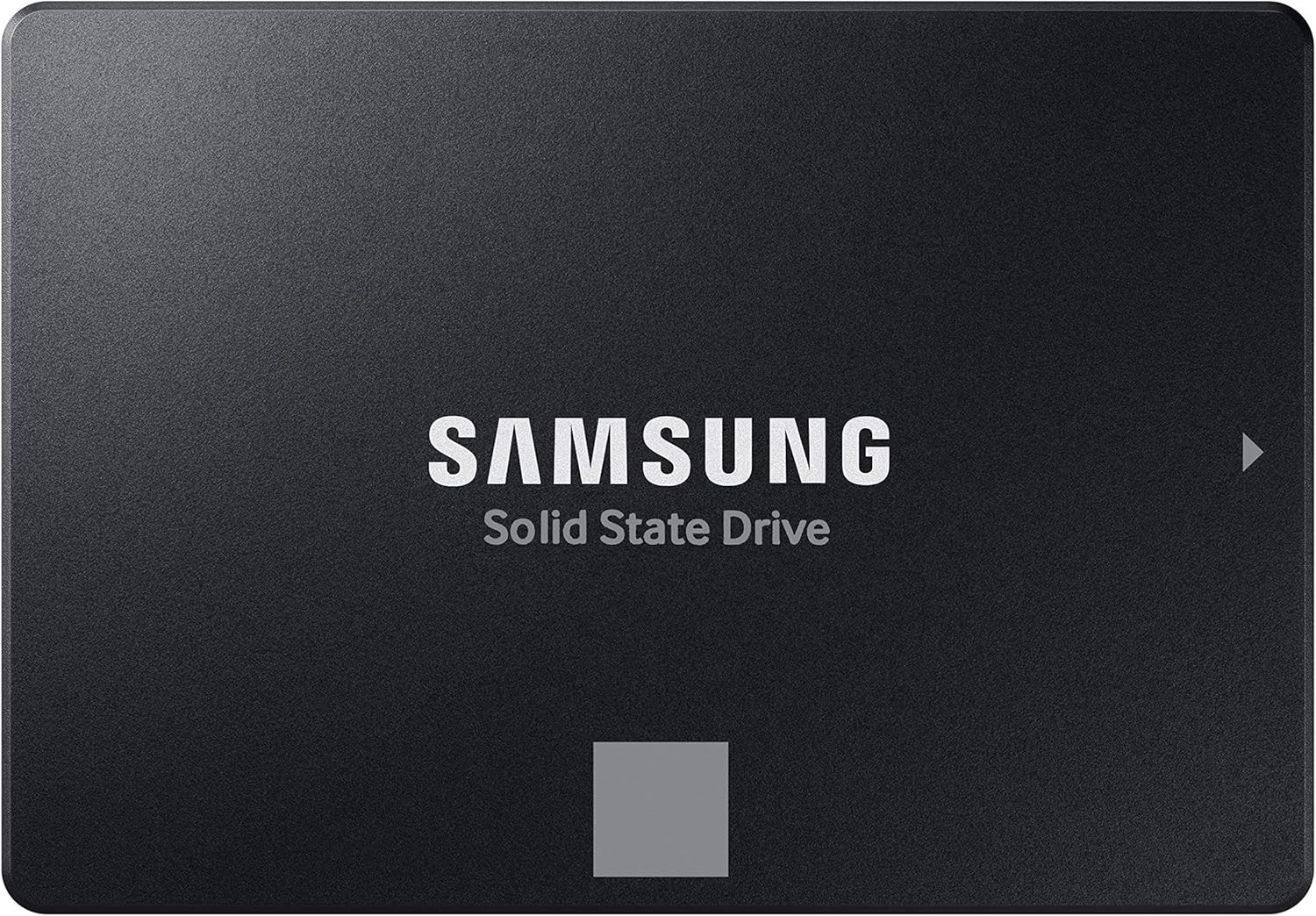
Samsung 870 EVO SATA Internal SSD (2.5 inch), 1 TB — Best SATA SSD for gaming editorial pick #12, product photo for shoppers comparing hard drives
  • Amazon4.8

Samsung 870 EVO SATA Internal SSD (2.5 inch)

Samsung 870 EVO is the safe SATA upgrade for older gaming PCs: up to 560 MB/s sequential read on our spec sheet, capacities through 8 TB, and Samsung Magician support.

Who it suits best Legacy desktops, prebuilt upgrades, and secondary drives when M.2 slots are full.

Real-world gaming performance Huge improvement over HDDs for load times, but slower than any NVMe pick on this list. Perfect for cold-storage games you launch occasionally.

Honest limits SATA bandwidth caps around 560 MB/s. Do not buy for a primary slot if M.2 NVMe is available.

Pros

  • Proven Samsung SATA firmware and Magician tools
  • Wide capacity range through 8 TB for archives
  • Five-year warranty with TBW on variants we track

Cons

  • SATA speed ceiling versus NVMe picks
  • Requires SATA power and data cables in desktops
  • Not compatible with PS5 M.2 bay
endurance tbw
600
#13Best SATA with hardware encryption
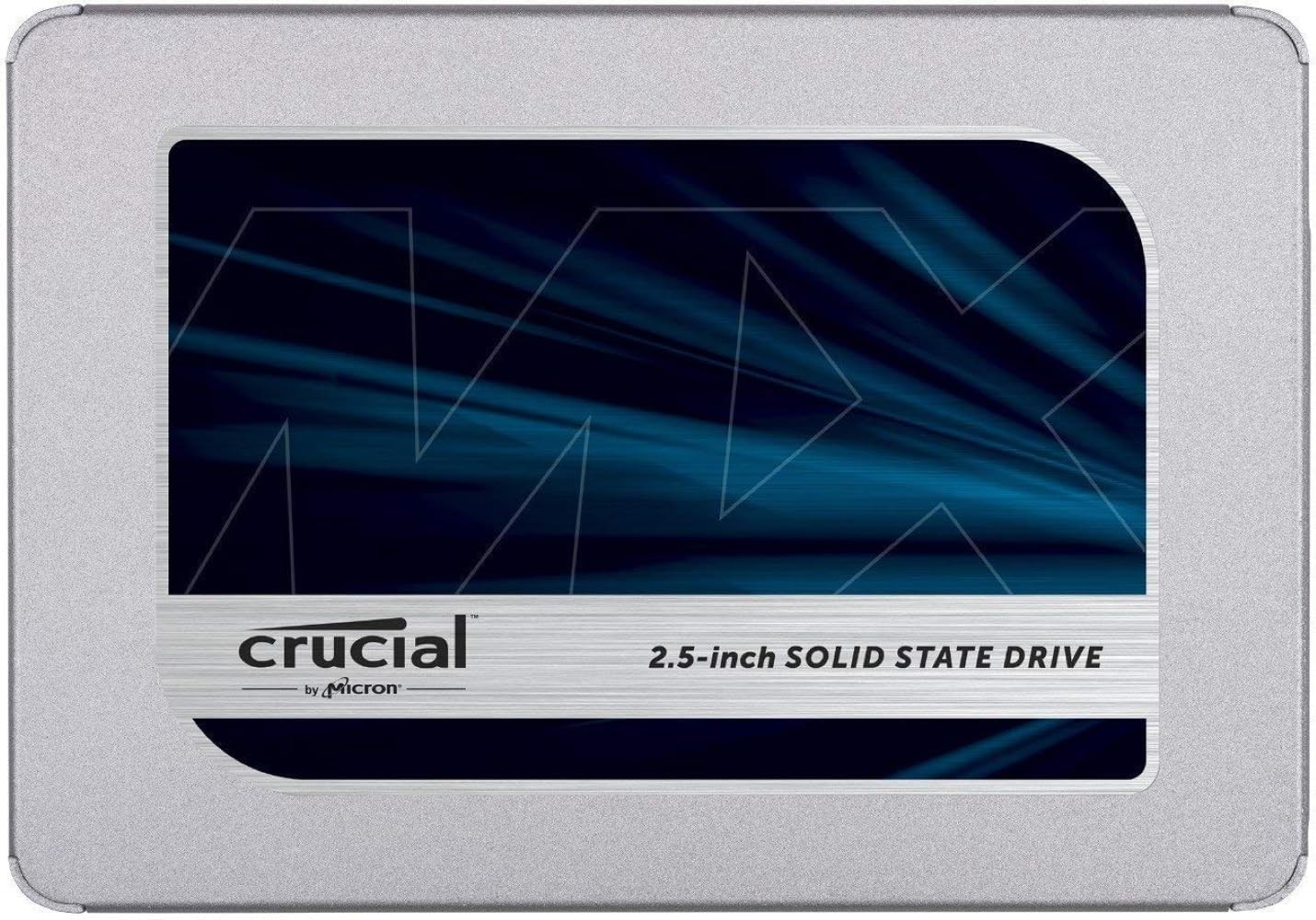
Crucial MX500 SATA 2.5 Inch Internal SSD, 1 TB — Best SATA with hardware encryption editorial pick #13, product photo for shoppers comparing hard drives
  • Amazon4.8
  • Best Buy4.8

Crucial MX500 SATA 2.5 Inch Internal SSD

Crucial MX500 combines SATA 560 MB/s class performance with hardware encryption on our spec sheet, making it a strong secondary game drive for dorm PCs and family desktops.

Who it suits best Budget SATA upgrades where security features matter and M.2 is unavailable.

Real-world gaming performance Same SATA limits as 870 EVO: fine for older titles and backups, not for your main AAA rotation if NVMe is an option.

Honest limits MX500 1 TB pricing on Amazon.com can spike; watch sales versus WD Blue SATA alternatives.

Pros

  • AES-256 hardware encryption on published specs
  • Five-year warranty with TBW ratings per capacity
  • Reliable SATA upgrade path from HDDs

Cons

  • SATA bandwidth limit versus NVMe
  • Not for PS5 internal expansion
  • Random IO below modern NVMe budget drives
endurance tbw
360
#14Best budget SATA upgrade
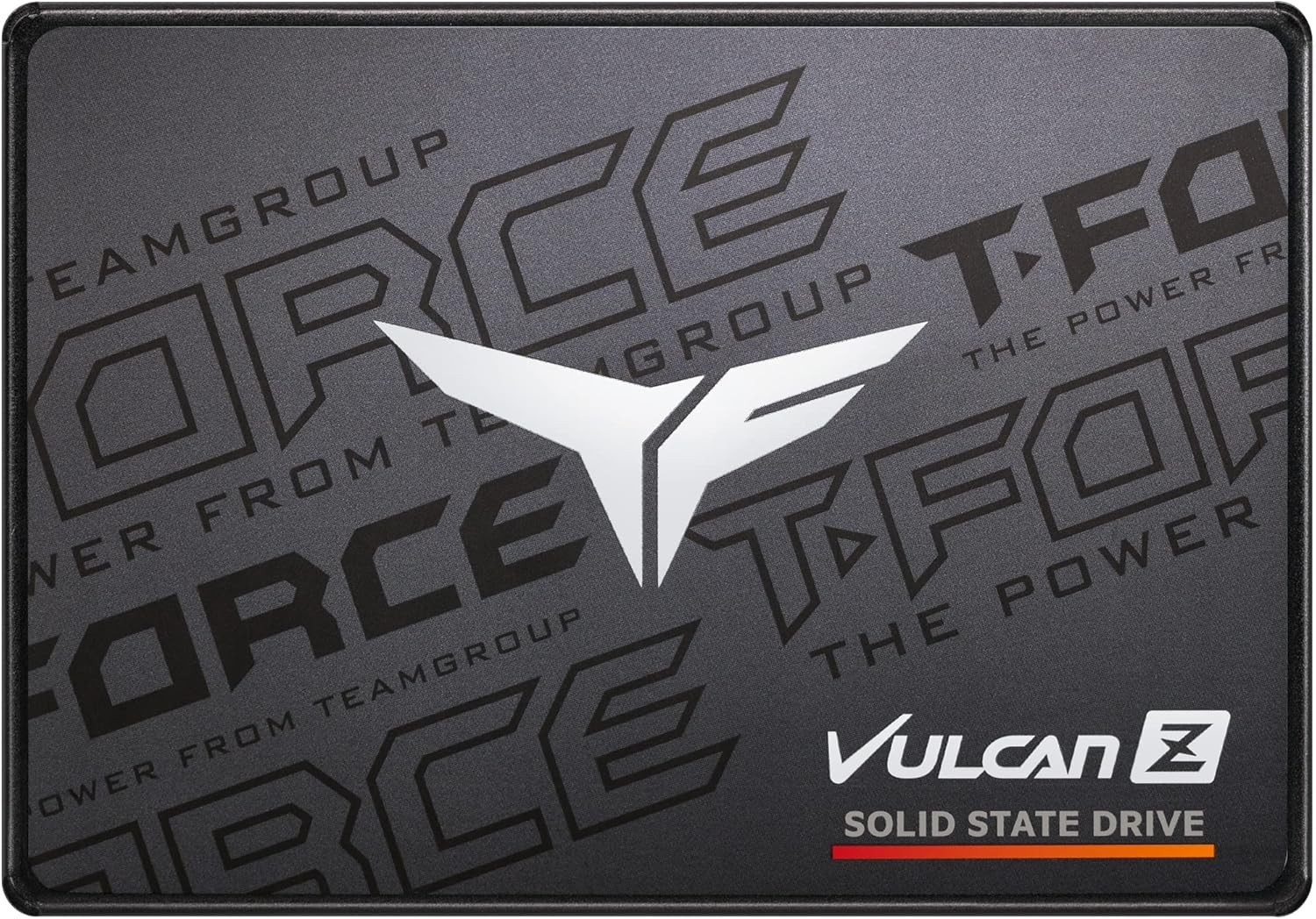
TEAMGROUP T-Force Vulcan Z SATA Internal SSD (2.5 inch), 1 TB — Best budget SATA upgrade editorial pick #14, product photo for shoppers comparing hard drives
  • Amazon4.6

TEAMGROUP T-Force Vulcan Z SATA Internal SSD (2.5 inch)

TEAMGROUP T-Force Vulcan Z is the lowest-cost SATA SSD we track for gaming: 550 MB/s class reads, 2.5 inch form factor, and capacities from 256 GB to 2 TB on Amazon.com.

Who it suits best Hand-me-down PCs, office machines turned light gaming rigs, and temporary drives while you save for NVMe.

Real-world gaming performance Still eliminates HDD stutter on boot and loads. Pair with uninstall discipline on 256–512 GB tiers.

Honest limits Three-year warranty versus five on many rivals. DRAM-less architecture on spec sheet.

Pros

  • Among the lowest SATA SSD entry prices we track
  • Simple 2.5 inch upgrade from hard drives
  • Adequate for esports and older Steam libraries

Cons

  • Three-year warranty shorter than Samsung or Crucial SATA
  • DRAM-less; not for heavy write workloads
  • 256 GB tier is too small for modern AAA rotation
sequential read mbps
550
sequential write mbps
500
endurance tbw
200

Buying guide: SSDs for gamers who actually install games

This section answers the questions competitor roundups often skip: whether faster PCIe really changes load screens, how much space modern titles consume, when a heatsink is mandatory, and what PS5 owners need before they open the expansion bay. Numbers are planning anchors from vendor specs and public game install data, not guarantees for every rig.

PCIe Gen 3 vs Gen 4 vs Gen 5: real-world gaming differences

PCIe bandwidth is the highway width between your SSD and CPU. Each generation doubles the theoretical ceiling per lane. M.2 gaming drives use four lanes, so Gen 3 tops out near 3,500 MB/s, Gen 4 near 7,000 MB/s, and Gen 5 near 14,000 MB/s on paper (PCI-SIG lane rates, rounded for marketing).

PCIe generation bandwidth and typical gaming impact
Generationx4 ceiling (approx.)Gaming takeaway
PCIe 3.0 NVMe~3,500 MB/s classFine for older AM4 or 9th/10th Gen Intel builds. Still crushes HDD boot and patch times.
PCIe 4.0 NVMe~7,000 MB/s classThe sweet spot for most gaming PCs in 2026. Flagships like the Samsung 990 PRO and WD_BLACK SN850X already feel instant in most titles.
PCIe 5.0 NVMe~14,000 MB/s classWorth it on new AM5 or LGA1851 boards when the premium is modest. Load-time gains over Gen 4 are usually seconds, not minutes, unless a title leans on DirectStorage asset streaming.

Independent storage testing in 2025–2026 (including Tom's Hardware synthetic game loads and 3DMark Storage) generally shows single-digit percent improvements from Gen 5 over fast Gen 4 in mainstream AAA titles. Upgrade from HDD or SATA first; chase Gen 5 second.

NVMe vs SATA: when each still makes sense

SATA SSDs cap near 560 MB/s and plug into legacy 2.5 inch bays or older laptops without M.2 slots. NVMe drives sit on the motherboard M.2 connector and scale with PCIe generation. For gaming, the jump from HDD to any SSD is massive. The jump from SATA SSD to NVMe is noticeable on boot, patch, and level loads, but smaller than marketing charts suggest once you are already on NVMe.

Keep SATA for secondary libraries on older rigs, hand-me-down consoles-as-PCs, or budget builds where the M.2 slot is already occupied. Put your active Steam, Game Pass, and launcher installs on NVMe when the board supports it.

Does SSD speed affect load times and FPS?

Faster SSDs shorten level loads, shader compilation waits, and big patch unpack steps. They do not raise average frame rates in most games because rendering stays on the GPU and CPU. Microsoft DirectStorage lets supported games stream compressed assets from NVMe straight to the GPU, which can reduce traversal hitches in titles built for it. Adoption is still limited compared to the hype cycle, so treat DirectStorage as a nice bonus, not the reason to overspend on Gen 5 today.

How much SSD storage do gamers actually need?

Modern AAA installs commonly land between 80 GB and 150 GB before DLC and high-resolution texture packs. Live-service games with seasonal updates can grow over time. Leave 15–20 percent free on your primary SSD so patches and shader caches do not fight a full disk.

Approximate game counts by SSD capacity tier for US PC gamers
Capacity tierTypical install size assumedRough game count (after OS headroom)Best for
500 GBIndie and older AAA (~40–60 GB each)About 4–6 titles plus WindowsEsports-only or secondary drive
1 TBMixed library (~80–100 GB AAA average)About 6–8 big gamesSingle-drive budget builds
2 TBSeveral AAA + Game Pass rotationAbout 12–15 large titlesMost enthusiast gaming PCs
4 TB+Call of Duty / Starfield class 100 GB+ installs20+ games without weekly deletesGame Pass hoarders and content creators

Install sizes vary by platform and optional packs. Examples cited in public store listings: Starfield often lists near 125 GB on PC; Call of Duty bundles can exceed 200 GB with all modes installed. Always check the launcher before you buy a capacity tier.

M.2 form factor: 2280, 2230, and PS5 thickness rules

M.2 length is coded in the name: 2280 means 22 mm wide by 80 mm long. Most desktop gaming boards use 2280. Ultrabooks, Steam Deck, and PS5 expansion sometimes need 2230 or 2242 modules. Single-sided drives stack chips on one PCB face, which helps fit Sony's 11.25 mm total thickness limit including a heatsink. Double-sided 2280 drives can be too tall for some console bays even when they work fine in ATX towers.

Heatsinks: when you need one and when you do not

Gen 4 and Gen 5 drives can throttle under sustained writes or in closed console shells. PS5 M.2 expansion requires a heatsink per Sony support documentation. Desktop users should use the motherboard M.2 heatsink when provided, especially for Gen 5 flagships and cramped ITX cases. Many retail gaming SSDs ship with a factory cooler (for example Seagate FireCuda 530R). If your board cover already contacts the drive, skip stacking a second thick heatsink that prevents the clip from closing.

TBW and endurance: enough for gaming workloads?

TBW (terabytes written) is the vendor endurance rating before warranty limits apply. Gaming is mostly reads with occasional large patches and reinstalls. A 600 TB TBW rating on a 1 TB drive means you would need to write 600 TB cumulatively over the warranty period to hit the limit, far beyond typical gamer behavior. Content creators who record to the same SSD daily should read TBW more carefully; pure gamers rarely do.

DRAM vs DRAM-less cache: does it matter for games?

Drives with a DRAM cache map translation tables in fast memory, which helps random IO and sustained mixed workloads. DRAM-less drives use host memory buffer (HMB) or SLC caching tricks that still perform well for sequential game loads. For a Steam library, a good DRAM-less budget NVMe like WD Blue SN5000 is fine. For heavy mod installs, frequent shader cache churn, or a scratch drive you also use for captures, prefer DRAM or mature HMB designs with strong firmware.

How to install an M.2 SSD (PC and PS5 overview)

Desktop installs: power off, open the side panel, locate the M.2 slot (often between PCIe slots), remove the screw and standoff spacer, insert the drive at a shallow angle, secure the screw without overtightening, then boot into BIOS to confirm the drive is detected. Clone your old boot drive with vendor software if you are migrating Windows; fresh installs can format in the Windows installer.

PS5 M.2 installation: what to expect (high level)

Sony publishes full steps with diagrams. This is the short version so you know what you are signing up for before you buy tools and a drive in one weekend.

  1. Power down and unplug, work on a stable surface, and discharge static on a grounded metal part before touching the M.2 module.
  2. Remove the correct outer cover for your PS5 model group (disc, digital, and slim revisions differ). Keep screws organized.
  3. Open the expansion bay cover, move the spacer to the length that matches your 2230, 2242, 2260, 2280, or 22110 module, then seat the M.2 at roughly a 30 degree angle until it clicks home.
  4. Fasten the hold-down screw without crushing the drive or letting a tall heatsink foul the bay cover. If the cover will not sit flush, your cooler is too thick.
  5. First boot formats the SSD, which wipes anything that was on the module. Plan backups before you start. After formatting, pick install targets under Settings → Storage so new downloads land where you want them.

Official reference: Sony Interactive Entertainment, "How to add an M.2 SSD to a PS5 console" and "USB extended storage on PS5 consoles" support articles (interface classes, capacity limits, hub rules, and cooling requirements).

Console owners should also read our PlayStation storage guide and Xbox storage guide for Expansion Card versus USB rules that differ from internal PC NVMe.

Head-to-head comparison

Figures come from vendor claims and spec fields stored on Hard Drive Prices. Approx. price uses the 1 TB SKU when we track one; otherwise the default variant. Open each product page for every capacity, live USD pricing, and full specs.

Compare fourteen Amazon.com US internal SSD picks for gaming
CriteriaSamsung 990 PRO NVMe Internal SSD (M.2 2280)Western Digital WD_BLACK SN8100 NVMe Internal SSD (M.2 2280)Samsung SSD 9100 PRO NVMe Internal SSD (M.2 2280)Crucial T700 PCIe Gen5 NVMe Internal SSD (M.2 2280)Western Digital WD_BLACK SN850X NVMe SSD (M.2 2280)Seagate FireCuda 530R NVMe Internal Solid-State Drive with Heatsink (M.2 2280)Seagate FireCuda X1070 Internal Solid-State Drive (M.2 2280)Crucial P310 PCIe Gen4 NVMe Internal SSD (M.2 2280)Western Digital WD Blue SN5000 NVMe Internal SSD (M.2 2280)TEAMGROUP MP44 M.2 PCIe 4.0 NVMe Internal SSD (M.2 2280)Western Digital WD Black SN770M NVMe Internal SSD (M.2 2230)Samsung 870 EVO SATA Internal SSD (2.5 inch)Crucial MX500 SATA 2.5 Inch Internal SSDTEAMGROUP T-Force Vulcan Z SATA Internal SSD (2.5 inch)
Interface / generationSee product pagePCIe 5.0 x4 (NVMe 2.0)See product pageSee product pageSee product pageSee product pagePCIe Gen4 x4 NVMe 1.4See product pageSee product pagePCIe 4.0 x4 (NVMe)See product pageSee product pageSee product pageSee product page
Sequential read (vendor claim)7450 MB/s (vendor claim)14900 MB/s (vendor claim)14700 MB/s (vendor claim)14500 MB/s (vendor claim)7300 MB/s (vendor claim)See product page7200 MB/s (vendor claim)7100 MB/s (vendor claim)5150 MB/s (vendor claim)7400 MB/s (vendor claim)5150 MB/s (vendor claim)560 MB/s (vendor claim)See product page550 MB/s (vendor claim)
Sequential write (vendor claim)6900 MB/s (vendor claim)14000 MB/s (vendor claim)13400 MB/s (vendor claim)12700 MB/s (vendor claim)6600 MB/s (vendor claim)6900 MB/s (vendor claim)6500 MB/s (vendor claim)6000 MB/s (vendor claim)4900 MB/s (vendor claim)6500 MB/s (vendor claim)4900 MB/s (vendor claim)530 MB/s (vendor claim)See product page500 MB/s (vendor claim)
Capacities tracked1–4 TB1–8 TB1–8 TB1–4 TB1–8 TB1–4 TB1–4 TB0.5–4 TB0.5–4 TB1–8 TB1–2 TB0.2–8 TB0.5–4 TB0.3–2 TB
TBW at ~1 TB tier600 TBSee product page600 TB600 TB600 TB1100 TB600 TB220 TB600 TBSee product page600 TB600 TB360 TB200 TB
Approx. price (USD on Amazon.com)$329.95$259.99$249.99$278.50$226.85$289.99$239.99$179.99$189.00$186.99$248.75$495.09$340.63$136.99
Best for (editorial)Best overall Gen 4 NVMe for gaming PCsBest PCIe 5.0 balance of speed and thermalsBest PCIe 5.0 efficiency and mature Samsung firmwareBest peak Gen 5 benchmarks and DirectStorage headroomBest PCIe 4.0 WD_BLACK gaming lineBest Gen 4 with factory heatsink for PS5 and PCsBest value Gen 4 QLC for large Steam librariesBest mainstream Gen 4 price-to-performanceBest budget NVMe for everyday gamingBest low-cost Gen 4 when capacity matters mostBest M.2 2230 for PS5, Steam Deck, and laptopsBest SATA SSD for older PCs and secondary game drivesBest SATA with hardware encryption for mixed useBest budget SATA upgrade from a hard drive

Bottom line

Start with how you play. Rotating three or four big AAA titles at a time? A 1 TB Gen 4 NVMe like the Samsung 990 PRO or WD_BLACK SN850X is the calm default. Game Pass or Steam hoarders should jump to 2 TB when the dollars per terabyte still make sense. New AM5 or LGA1851 builds can justify PCIe 5.0 if the price gap over Gen 4 is modest; otherwise bank the difference toward a better GPU.

PS5 expansion buyers should prioritize heatsink fit and 2230 length where the bay demands it: the WD_BLACK SN770M is our compact pick, while Seagate FireCuda 530R ships with cooling for console-minded installs. Older PCs without M.2 slots still benefit from SATA SSDs like the Samsung 870 EVO for secondary libraries.

None of these drives raise FPS. They buy back minutes every week on installs, patches, and level loads. Keep 15–20 percent free space on your primary SSD, compare live SKUs on each product page, and revisit this list when sale season moves pricing.

FAQ

Does a faster SSD improve FPS or in-game performance?

Usually no. Frame rates depend on the GPU, CPU, and game settings. Faster SSDs shorten boot times, level loads, shader cache builds, and patch unpack steps. Once you are on a good NVMe drive, upgrading from Gen 4 to Gen 5 rarely changes average FPS in mainstream titles.

What is the best SSD for a gaming PC in 2025?

For most US gaming PCs, a fast PCIe 4.0 NVMe drive like the Samsung 990 PRO or WD_BLACK SN850X at 1–2 TB is the best balance of speed, compatibility, and price. Choose PCIe 5.0 flagships such as the WD_BLACK SN8100 or Samsung 9100 PRO only when your motherboard supports Gen 5 and the price premium is small.

Is PCIe 5.0 worth it for gaming right now?

It can be on new platforms, but the real-world load-time gap versus strong Gen 4 drives is often only one to three seconds in synthetic and storage-benchmark testing. PCIe 5.0 is a reasonable future-proof pick when you are building fresh and the cost delta is modest; it is not a must-have upgrade if you already own a fast Gen 4 SSD.

How much SSD storage do I need for gaming?

Plan for 80–150 GB per modern AAA title before DLC, plus 15–20 percent free space for patches. A 1 TB drive fits roughly six to eight large games after Windows. Game Pass rotators and Call of Duty sized installs usually want 2 TB or more.

What SSD works with PS5?

PS5 internal expansion requires a PCIe Gen4 x4 M.2 NVMe SSD with a heatsink that meets Sony thickness limits. M.2 SATA drives are not supported. Our PS5 pick here is the WD_BLACK SN770M 2230 module; Seagate FireCuda 530R also ships with a factory heatsink suitable for many console installs. See Sony support for full length and speed guidance.

Do I need a heatsink on my M.2 SSD?

PS5 M.2 expansion requires a heatsink per Sony documentation. On gaming PCs, use the motherboard M.2 heatsink when provided, especially for Gen 5 drives and small ITX cases. Factory-cooled models like Seagate FireCuda 530R simplify console installs.

What is DirectStorage and which SSDs support it?

DirectStorage is a Microsoft API that lets supported games stream compressed assets from NVMe storage toward the GPU with fewer CPU copies. Any modern NVMe SSD can participate at a baseline level; faster drives help most in titles explicitly built for DirectStorage IO. Check each game PC feature list rather than assuming a Gen 5 label alone unlocks benefits.

Is a 1TB SSD enough for gaming in 2025?

A 1 TB SSD is enough if you keep a small rotation of big games and uninstall finished titles. It gets tight quickly with 100 GB class installs, Game Pass queues, and capture folders. If you hate uninstall prompts, 2 TB is the comfort tier many US buyers pick on Amazon.com sales.

What is the difference between PCIe 4.0 and PCIe 5.0 for gaming?

PCIe 5.0 doubles the theoretical bandwidth per lane versus Gen 4, enabling sequential reads above 14,000 MB/s on flagship drives versus roughly 7,000 MB/s on Gen 4. In most current games the practical load-time difference is small because storage is no longer the main bottleneck once you leave HDDs behind. Gen 5 matters most on new boards when prices align and for future DirectStorage-heavy titles.